This thread has been locked.

If you have a related question, please click the "Ask a related question" button in the top right corner. The newly created question will be automatically linked to this question.

CCS/CCSTUDIO-C2000: How to add LaunchXL F28069M to Resource Explorer

Part Number: CCSTUDIO-C2000
Other Parts Discussed in Thread: C2000WARE

Tool/software: Code Composer Studio

Many LaunchPad products are available in my Resource Explorer install, but LaunchXL F28069M is not one of them.

How do I go about adding it?

I'd like access to SPI implementation examples that I can run on the LaunchXL F28069M.

Thanks,

robin

  • Hi Robin,

    Robin Vice said:

    Many LaunchPad products are available in my Resource Explorer install, but LaunchXL F28069M is not one of them.

    How do I go about adding it?

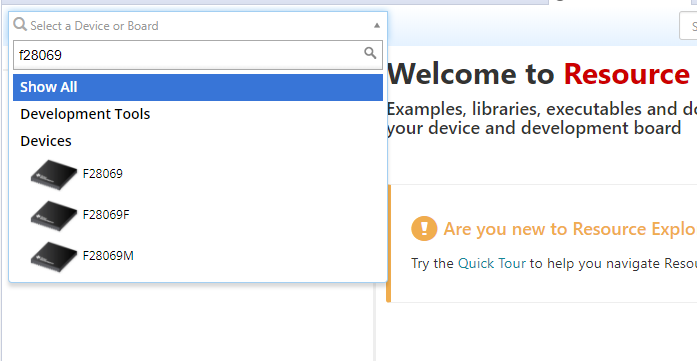
    Are you referring to the Board filter field:

    If so, this information would need to be added to the C2000Ware package by the C2000 team.

    However, that filter field is simply to filter the Resource Explorer content for a particular device or board. You can use the F28069 device option since that filter applies to you

    Robin Vice said:
    I'd like access to SPI implementation examples that I can run on the LaunchXL F28069M.

    There are some SPI examples for F28069 in C2000Ware:

    http://dev.ti.com/tirex/explore/node?node=ADcrc3lX7aXNh.ptT.55bw__gYkahfz__LATEST

    Thanks

    ki