A related question is a question created from another question. When the related question is created, it will be automatically linked to the original question.
If you have a related question, please click the "Ask a related question" button in the top right corner. The newly created question will be automatically linked to this question.
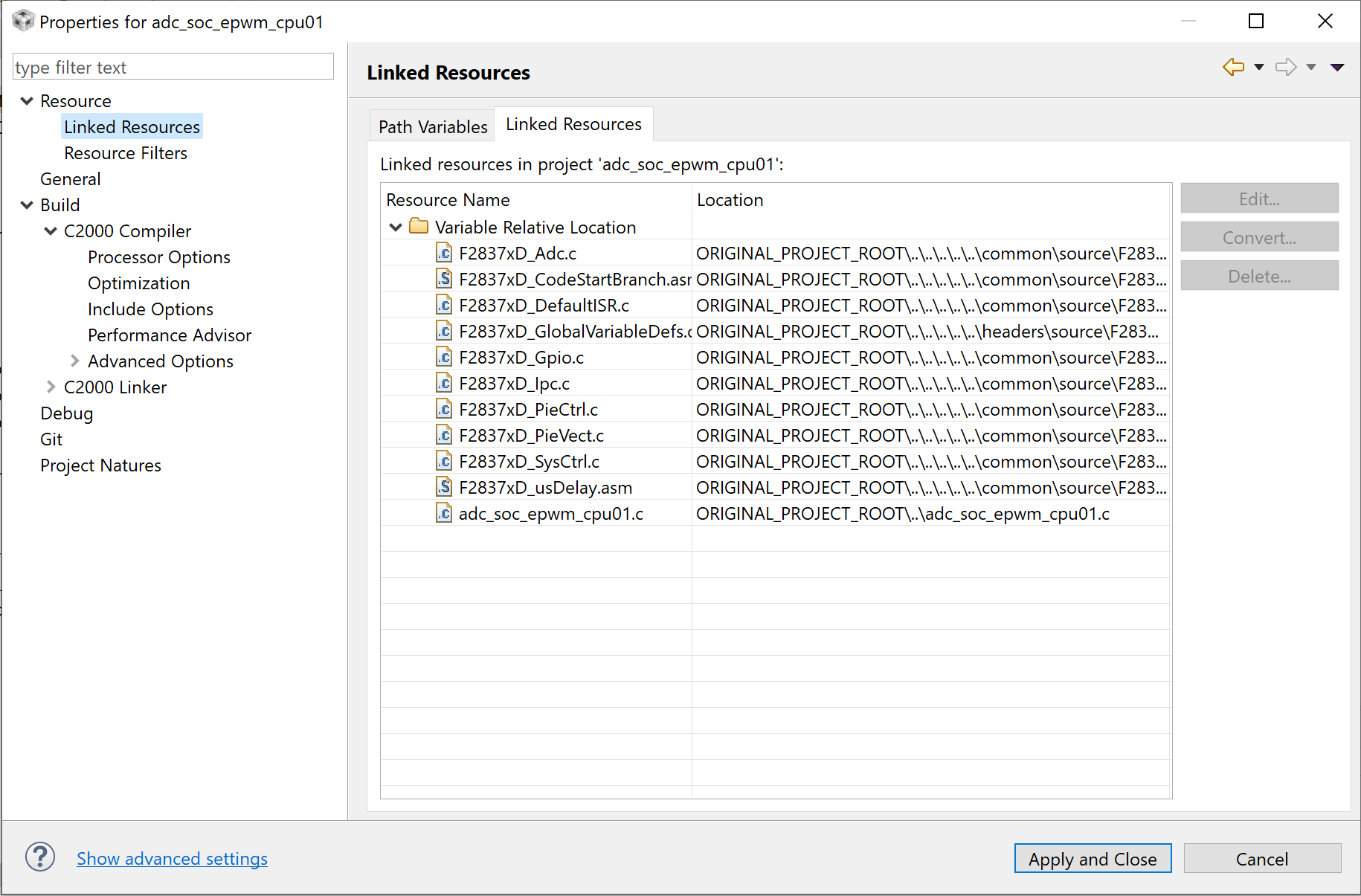
CCS: How to add linked resources in to CCS 9.1 project
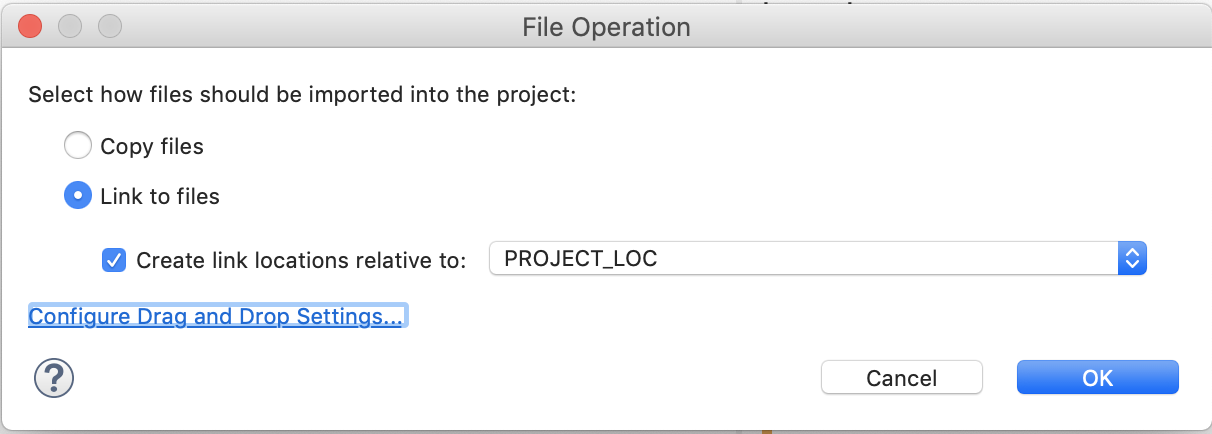
When adding files to a project you can choose to Add or Link the files. When a file is "linked" it is left in its original location and a reference to it is added to the project. Typically when you link a resource you do it relative to a variable so that the project can be more portable.
The linked resources tab you are showing is a summary of all the linked resources in the project and what they are linked relative to.
To link a file simply right click on the project and select Add files. Then select the file to add. There will be a prompt to choose if you wish to add or link the file.