Part Number: CC3220SF-LAUNCHXL
Tool/software: Code Composer Studio
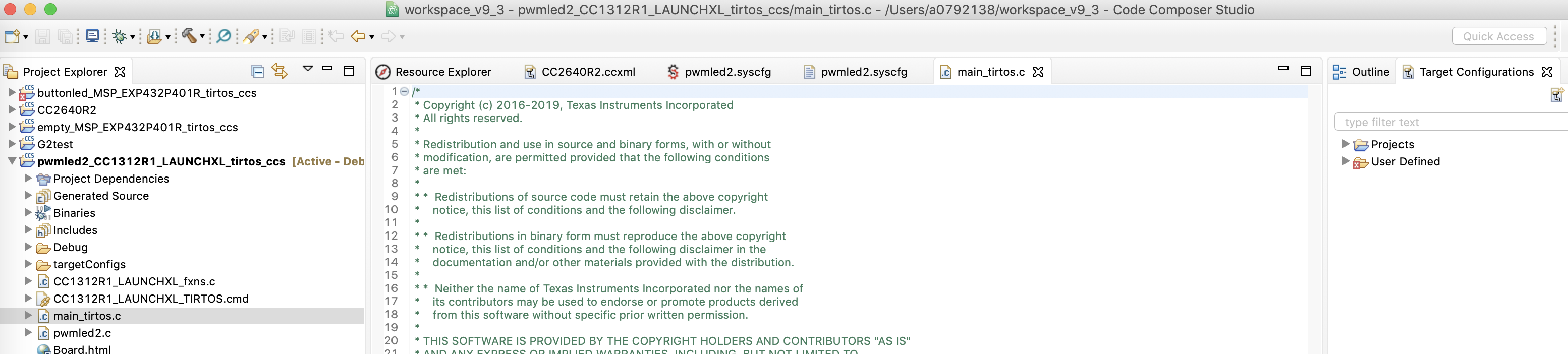
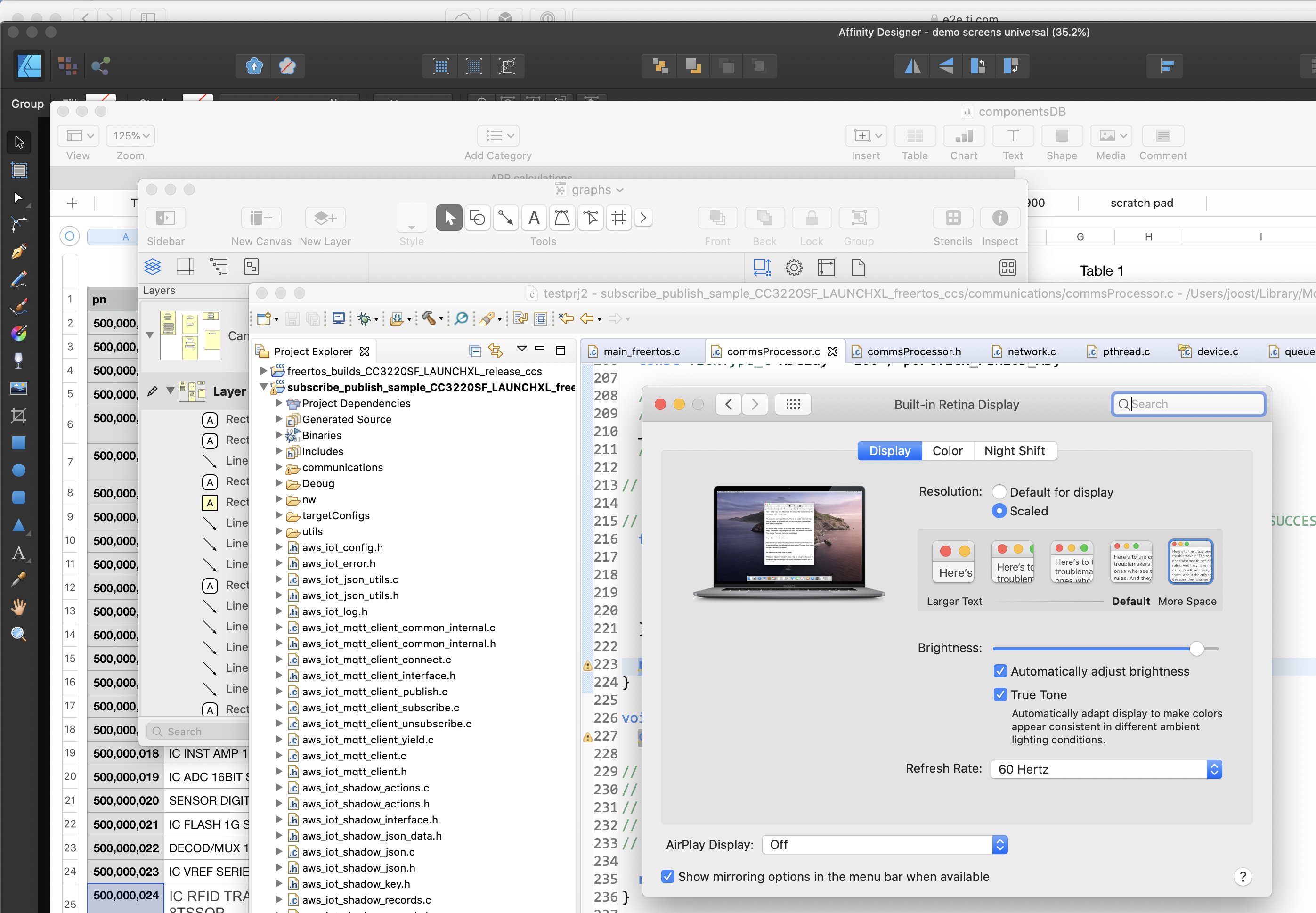
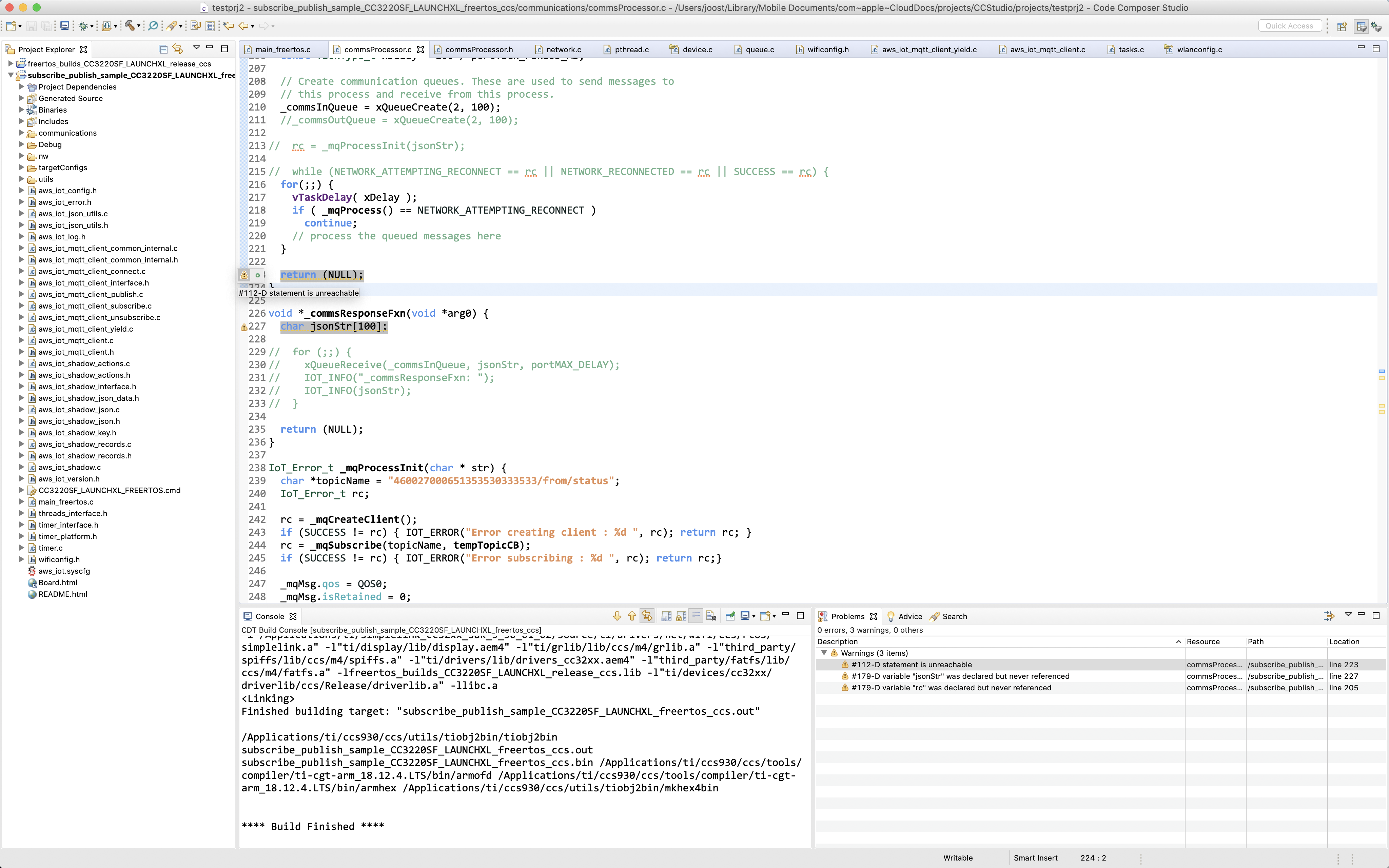
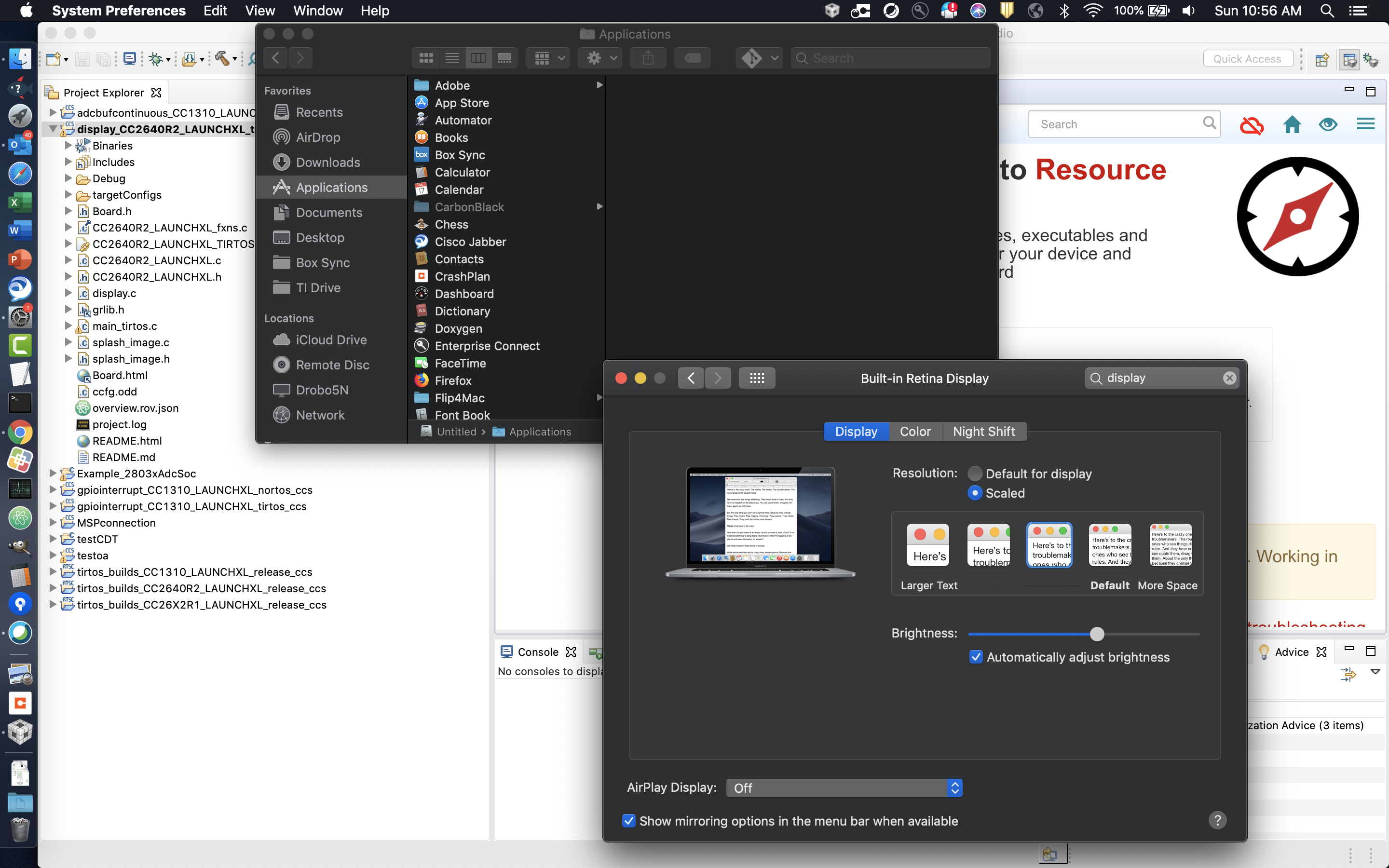
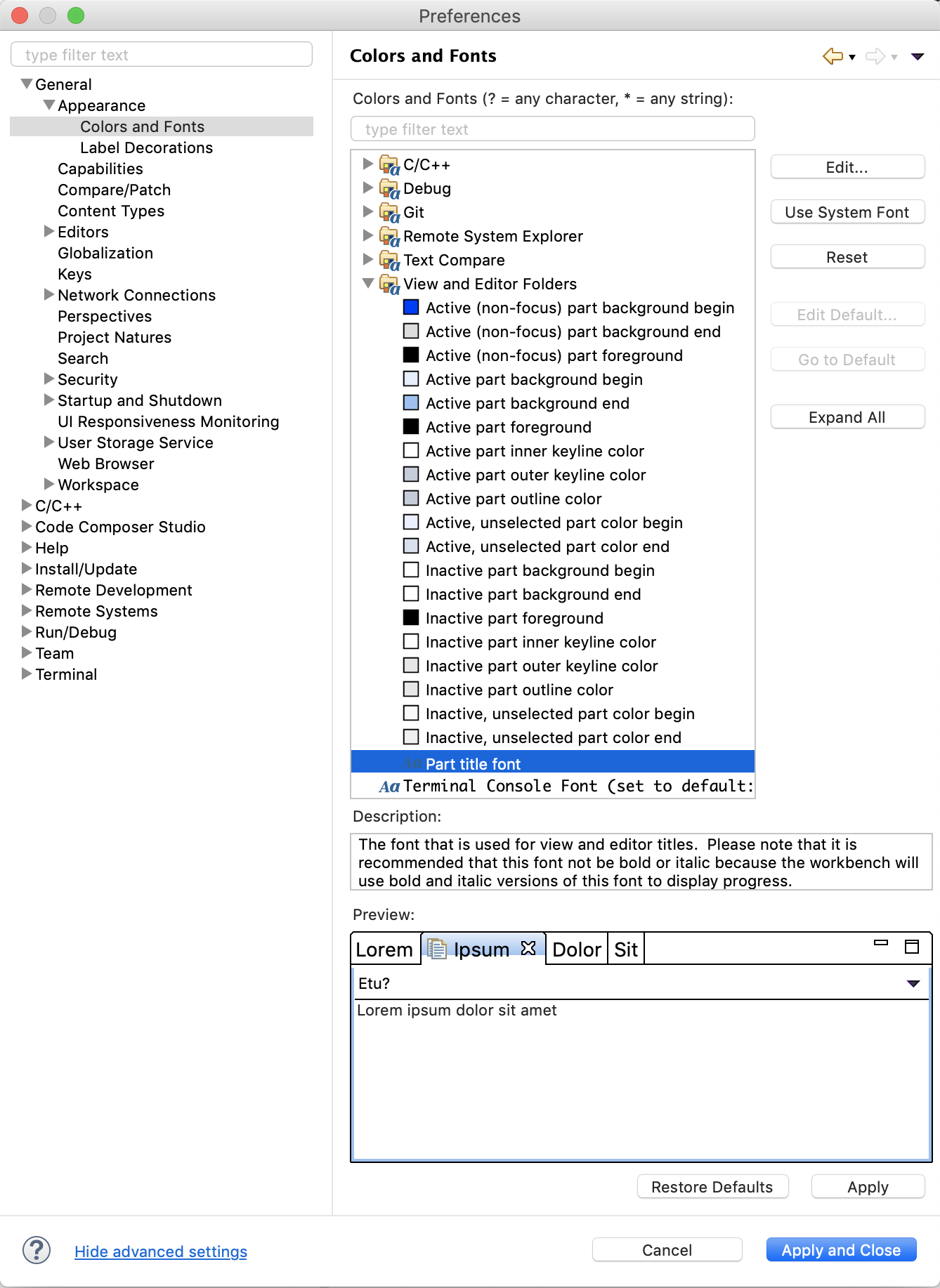
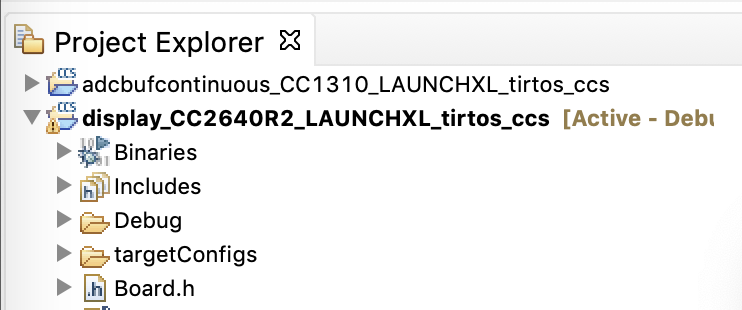
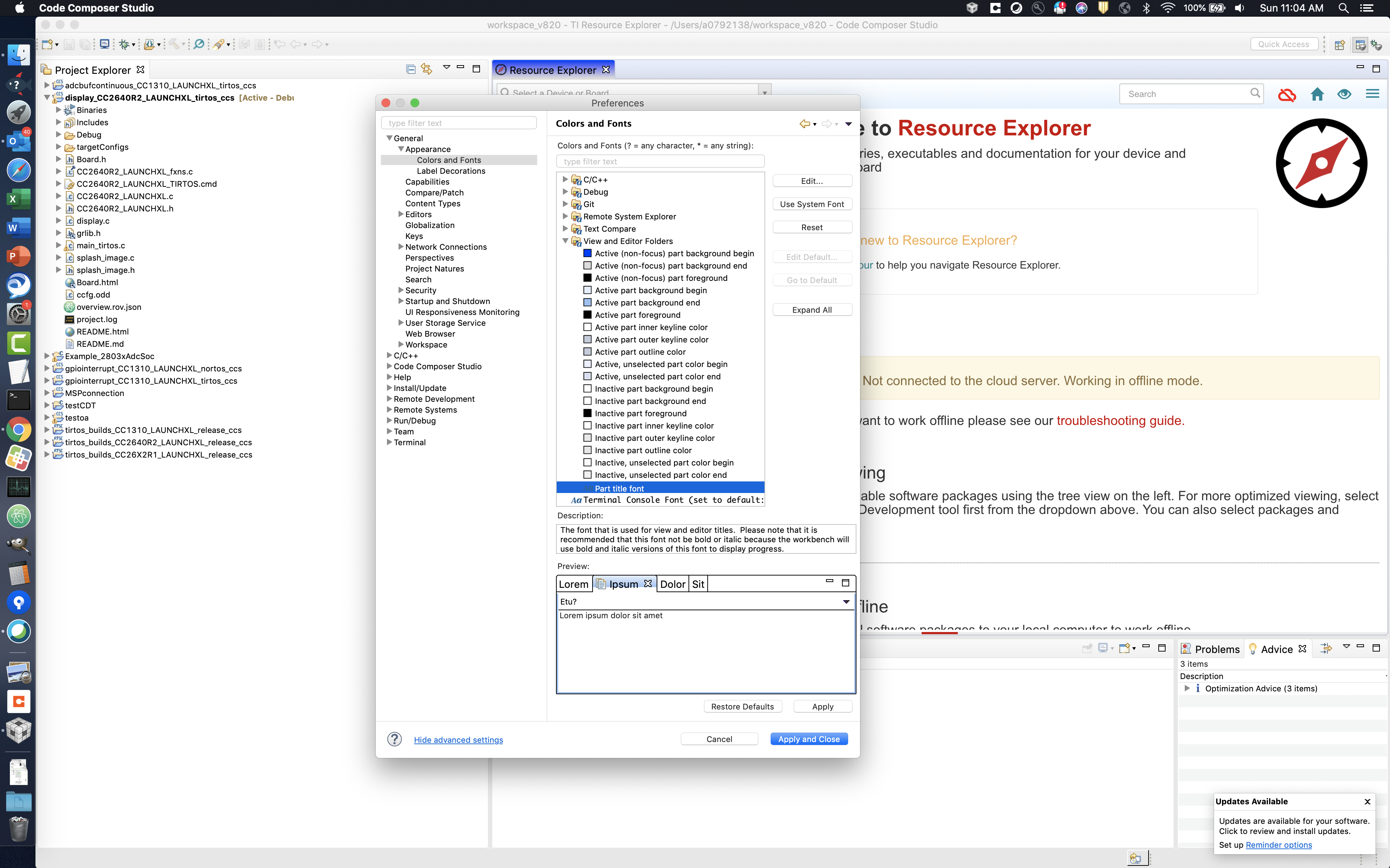
On high resolution displays, the font CCS uses for its own app as well as icon sizes is awfully small - I can read it, but it is not fun staring at it all day. Is there a way to change it? I see the text editor text itself can be changed just fine but the CCS app font/icon sizes cannot it seems.
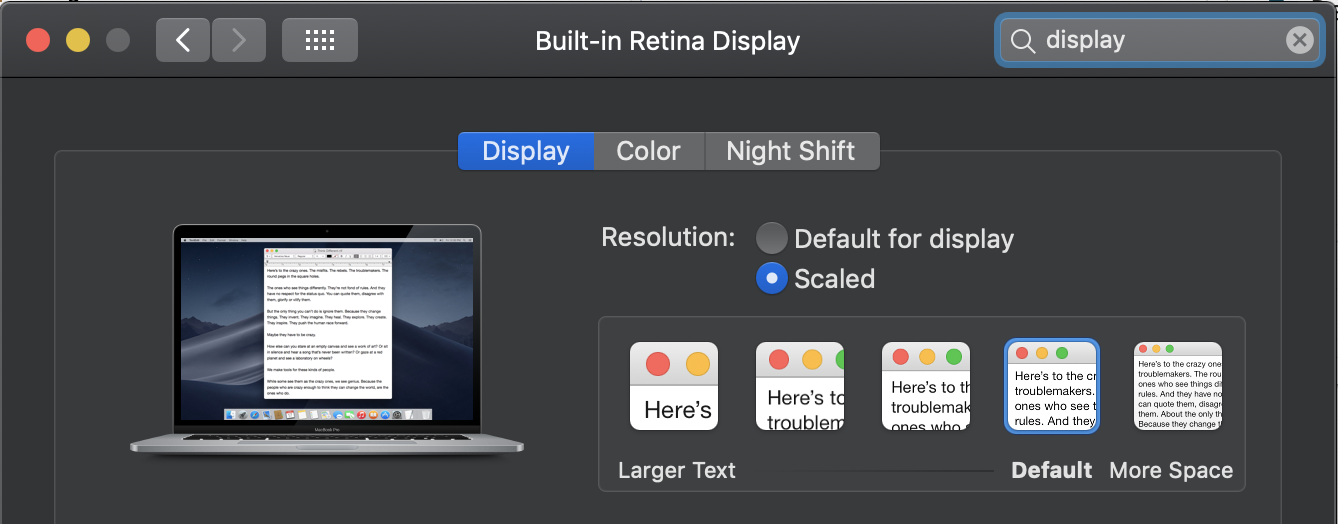
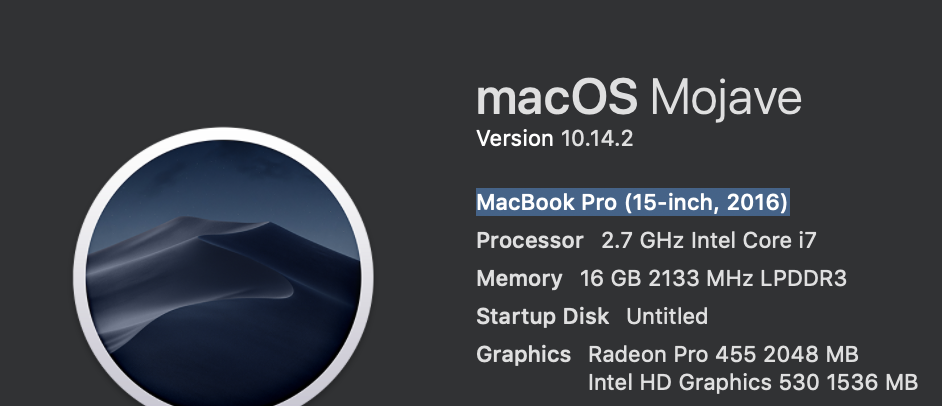
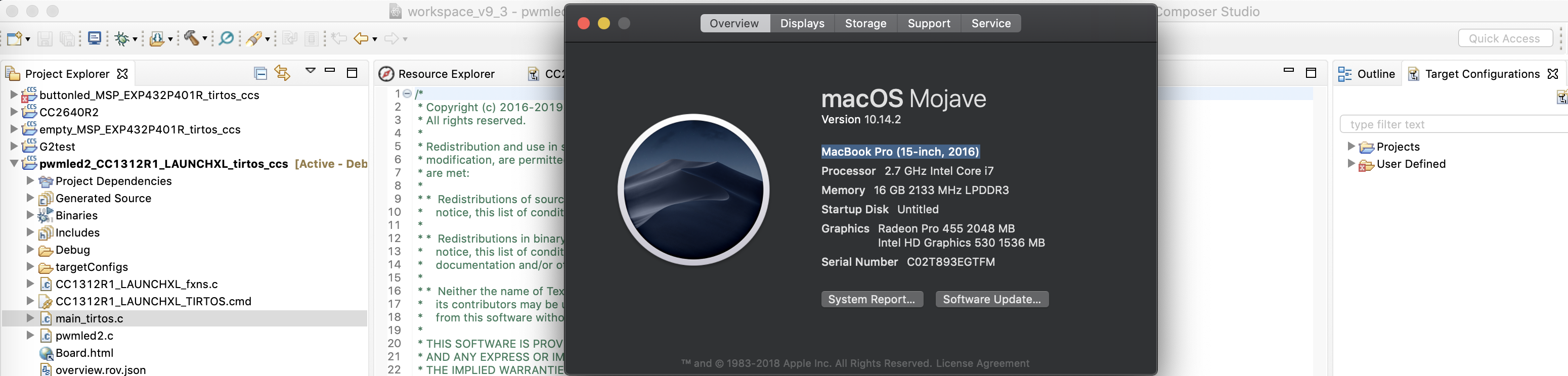
I am on a 16" MacBook Pro, as well as iMac 27". Both are not comfortable to use CCS on for hours on end. Yes I can change the screen resolution to something stupidly course but then all other apps I am using at the same time are unusable.