Part Number: AWR1642BOOST
Tool/software: Code Composer Studio
Hello Code composer Studio team,
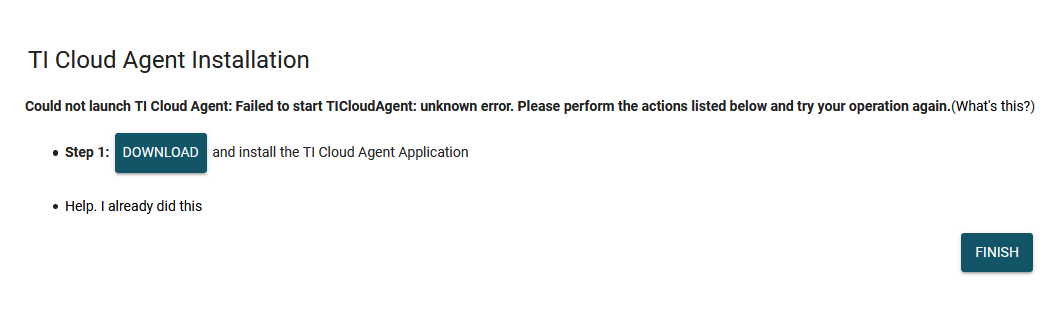
I have a issue with detecting the cloud agent. I am using firefox, and tried chrome and Im always having the same problem.
This is my log file:
2020-03-04T16:19:18.043Z: Staring directory : C:\Users\reda.elhail\win32\TICloudAgentHostApp\src
2020-03-04T16:19:18.043Z: Starting Agent!
2020-03-04T16:19:18.059Z: Module( Agent )->Web socket server started!
2020-03-04T16:19:19.178Z: Overridden Proxy = DIRECT
2020-03-04T16:19:19.231Z: Discovered Module : DeviceDetector
2020-03-04T16:19:19.247Z: Discovered Module : DS
2020-03-04T16:19:19.262Z: Discovered Module : EventBroker
2020-03-04T16:19:19.278Z: Discovered Module : File
2020-03-04T16:19:19.294Z: Discovered Module : Flash
2020-03-04T16:19:19.294Z: rov_server_redirect: looking in: C:\Users\reda.elhail\eclipse\dropins
2020-03-04T16:19:19.309Z: rov_server_redirect: looking in: C:\Users\reda.elhail\eclipse\plugins
2020-03-04T16:19:19.309Z: rov_server_redirect: looking in: C:\Users\reda.elhail\eclipse\Eclipse.app\Contents\Eclipse\dropins
2020-03-04T16:19:19.316Z: rov_server_redirect: looking in: C:\Users\reda.elhail\eclipse\Eclipse.app\Contents\Eclipse\plugins
2020-03-04T16:19:19.316Z: Failed to load module : rov_server_redirect.js : TypeError: Arguments to path.join must be strings
at f (path.js:204:15)
at Object.filter (native)
at Object.exports.join (path.js:209:40)
at Object.<anonymous> (C:\Users\reda.elhail\win32\TICloudAgentHostApp\src\modules\rov_server_redirect.js:65:22)
at Module._compile (module.js:456:26)
at Object.Module._extensions..js (module.js:474:10)
at Module.load (module.js:356:32)
at Function.Module._load (module.js:312:12)
at Module.require (module.js:364:17)
at require (module.js:380:17)
2020-03-04T16:19:19.563Z: Discovered Module : Serial
2020-03-04T16:19:19.579Z: Discovered Module : TargetSupport
2020-03-04T16:19:19.682Z: Discovered Module : USB-HID
2020-03-04T16:19:19.682Z: Agent main module running on port 63303
2020-03-04T16:19:19.697Z: len=
2020-03-04T16:19:19.713Z:
2020-03-04T16:19:19.716Z: buf=
2020-03-04T16:19:19.716Z: {"port":63303,"version":"4.3"}
So what can I do?
Reda