Part Number: TMS320F28379D
Other Parts Discussed in Thread: C2000WARE
Tool/software: Code Composer Studio
Hi, there
I am trying to use function IPCBootCPU2(uint32_t ulBootMode) to boot CPU2 by CPU1.
Background: I am still using CCS7.3, I have not updated to the latest CCS worried about the update might break something.
I have a project working already using single CPU1, but I need to upgrade it to use both CPU1 and CPU2. Here's what I do:
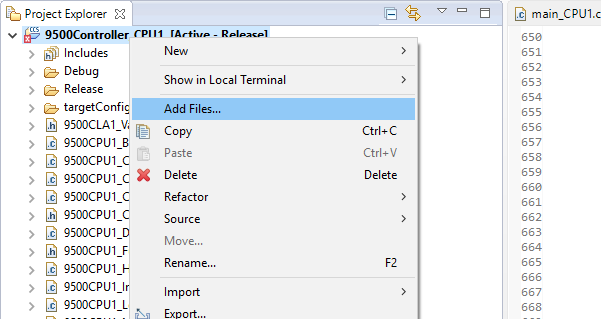
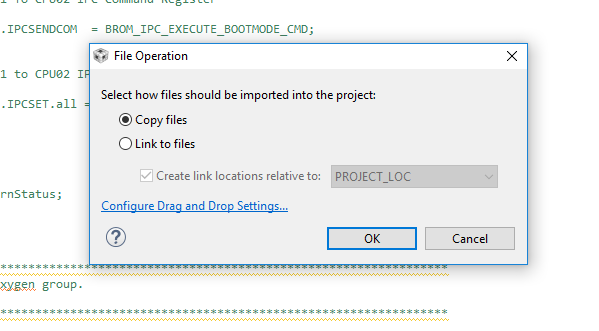
1st. I copied "F2837xD_Ipc_Driver_Util.c" file from C:\ti\C2000Ware_1_00_04_00_Software\device_support\f2837xd\common\source to my local project directory. And I can see the file in project explorer as shown in the following pics:
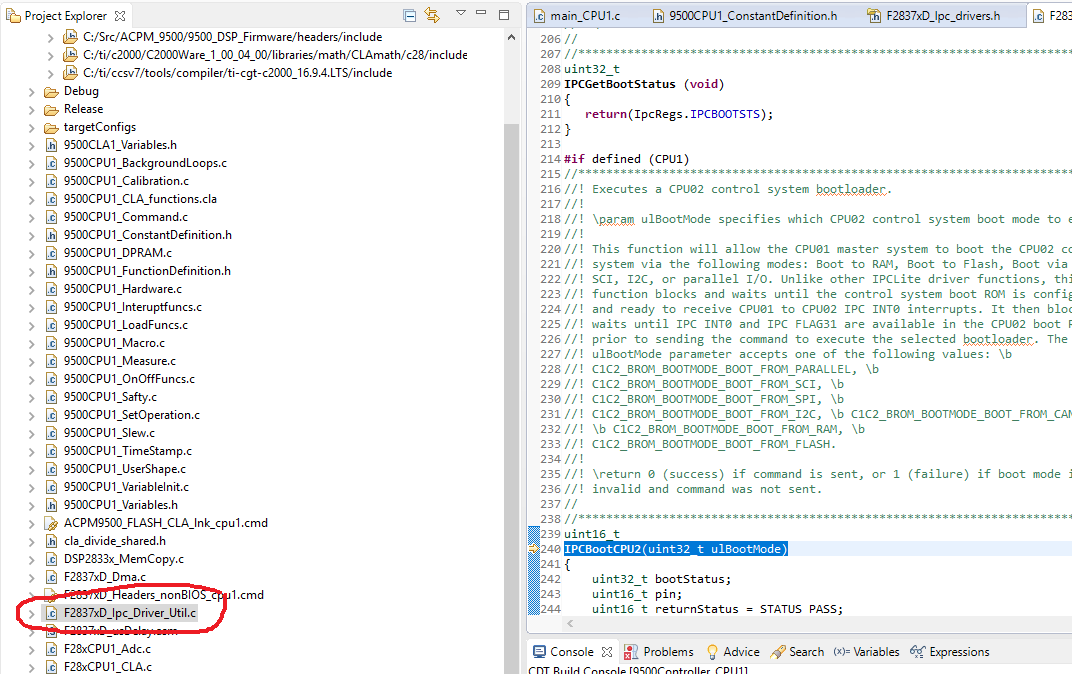
2nd. I included the header file: #include "F2837xD_Ipc_drivers.h" in my main.c
3rd. I called function IPCBootCPU2(C1C2_BROM_BOOTMODE_BOOT_FROM_FLASH); in my main.c
Here's what I see when I try to build it:
<Linking>
"C:\\Users\\ericw\\AppData\\Local\\Temp\\{07306EAD-4D37-4035-A492-7D39E67CDD8E}", line 44: error #10008-D: cannot find file "./F2837xD_Ipc_Driver_Util.obj"
undefined first referenced
symbol in file
--------- ----------------
_IPCBootCPU2 ./main_CPU1.obj
error #10234-D: unresolved symbols remain
error #10010: errors encountered during linking; "Controller_CPU1.out" not built
>> Compilation failure
Here's my confusion:
the directory the linking is trying to find the obj file is not my project directory. why it is trying to find the obj file under some system temperary directory? I can see all my other .obj files under my project directory\Release. Where is the obj file go?
What is the correct way to do this?
Thanks
Eric