This thread has been locked.

If you have a related question, please click the "Ask a related question" button in the top right corner. The newly created question will be automatically linked to this question.

CCS/LAUNCHCC3235MOD: UniFlash fails to program network terminal demonstration program

Part Number: LAUNCHCC3235MOD
Other Parts Discussed in Thread: CC3235SF, UNIFLASH, LAUNCHXL-CC3235SF

Tool/software: Code Composer Studio

I am using the LAUNCH CC3235SF demonstration board.

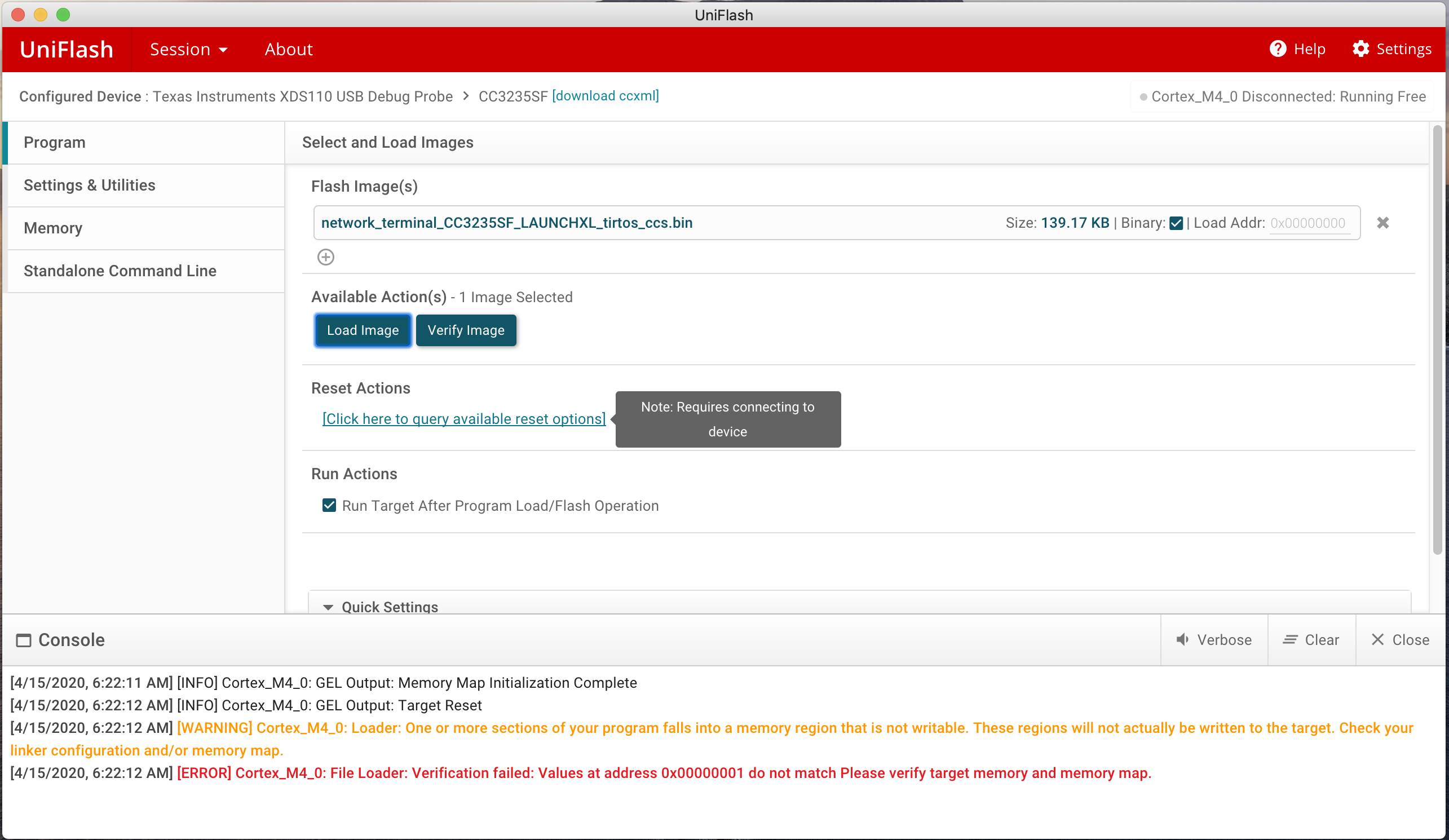
I am able to load and debug the network terminal demonstration program from code composer studio but I am not able to load the program using UniFlash. UniFlash gives the following errors:

Cortex_M4_0: Loader: one or more sections of your program falls into a memory region that is not writable. These regions will not actually be written to the target. Check your linker configuration and/or memory map.

Cortex_M4_0: File Loader: Verification failed: Values at address 0x00000001 do not match Please verify target memory and memory map.

The same errors occur when trying to load the service pack file (sp_4.6.0.1_3.1.0.5_3.1.0.25.bin)

I've tried it on a Mac running Catalina and Windows 10. UniFlash correctly detects the board.
  • Hello,

    Lawrence Wood said:
    I am able to load and debug the network terminal demonstration program from code composer studio but I am not able to load the program using UniFlash.

    In your screenshot, I see you are loading a binary file at load address 0x0. Is that correct? How are you loading the file in CCS? Are you loading a *.out file or a *.bin file in CCS?

    Thanks

    ki

  • Ki,

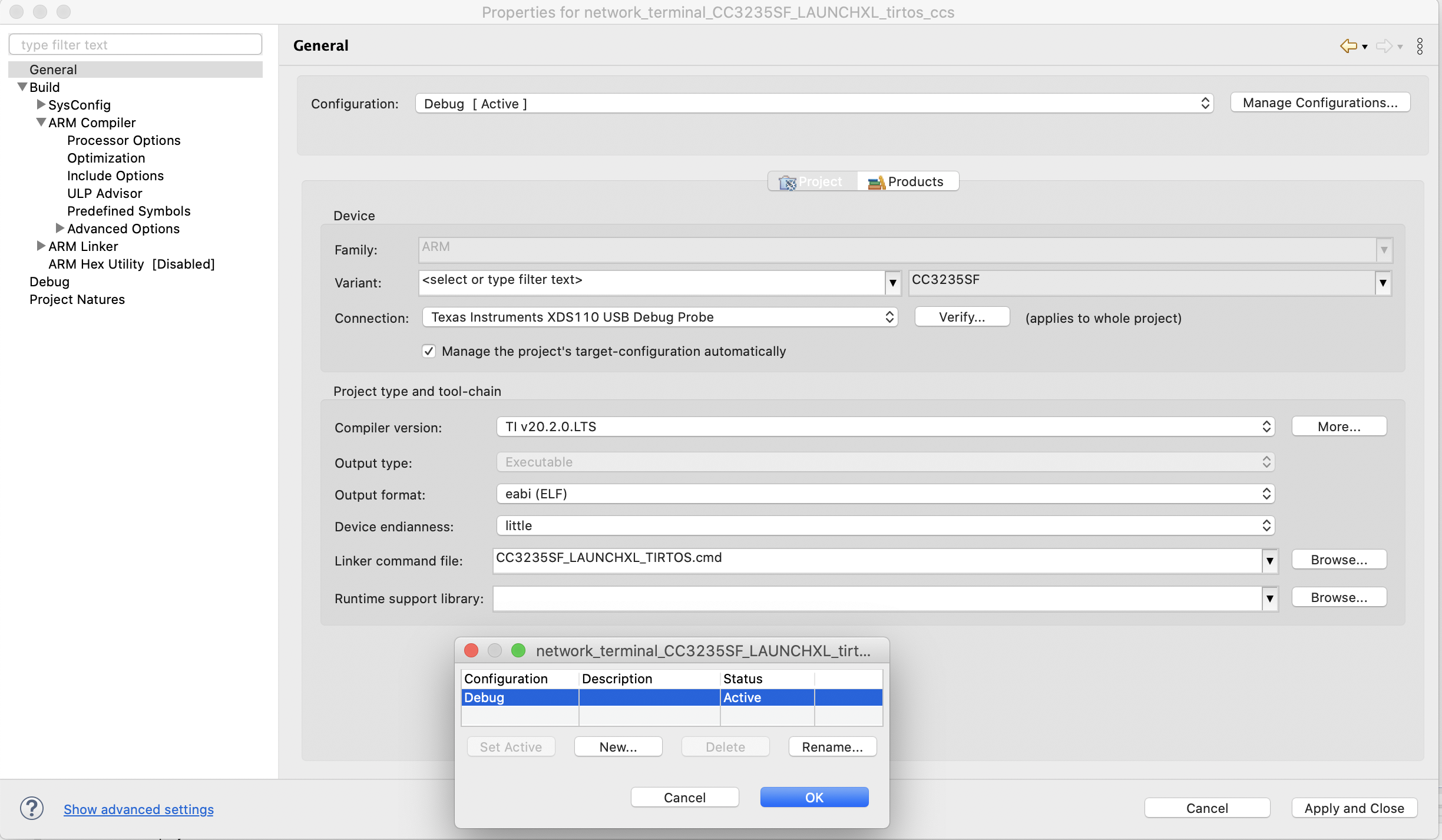
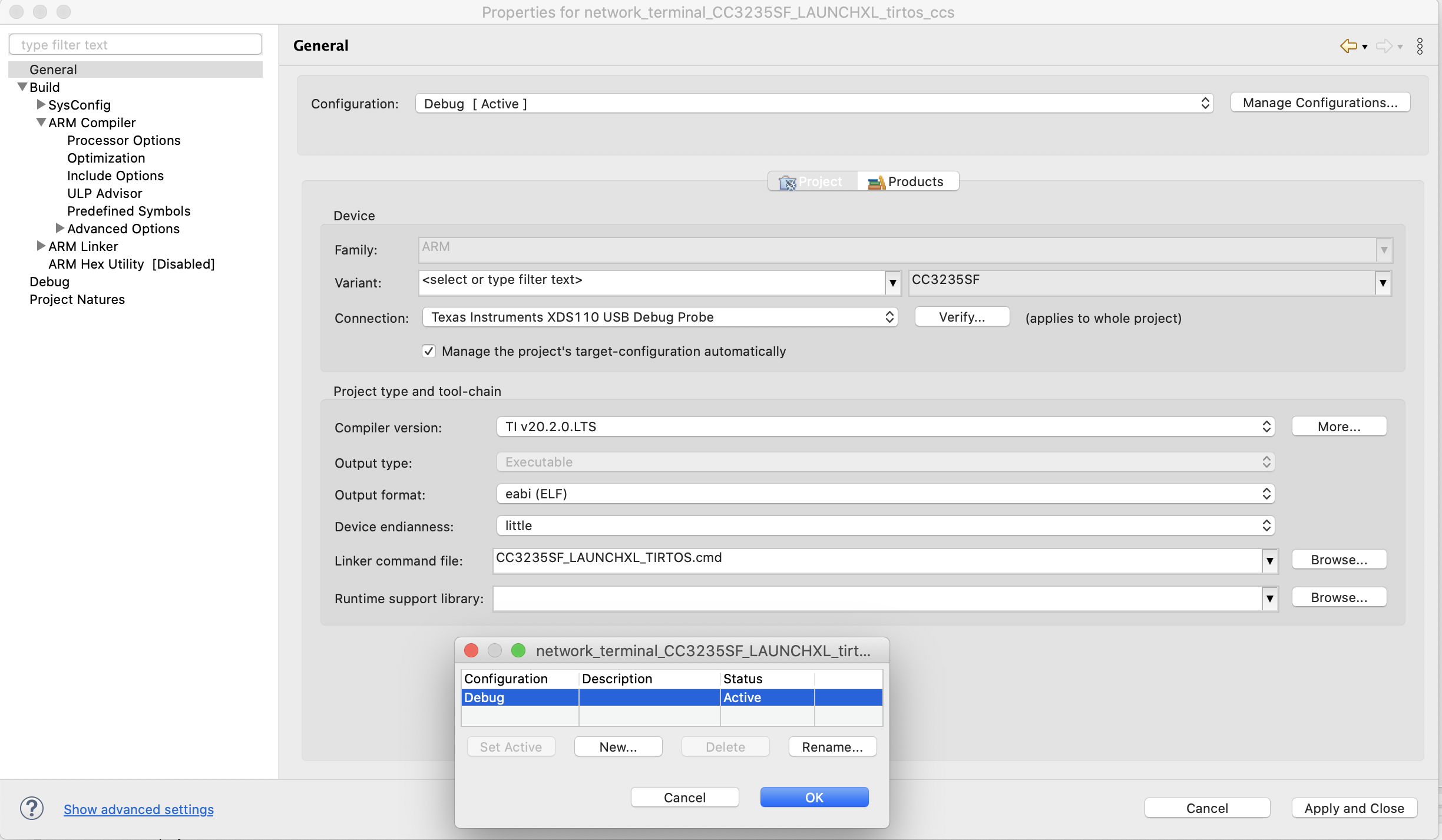
    I followed the "Quick Start Guide for SimpleLink CC32XX SDK" document. Section 5.2 outlines the steps used to load the demo, compile and debug. To summarize; the demo project is loaded, then I clicked on the bug icon on the menu bar and CCS started the program. If I press the run icon (the green arrow) I can use my terminal to execute the commands as described in the readme doc. I used the .bin file in the /Debug directory of the project, I tried the .out file but it gave the same error. The project only has the debug configuration (see attached screen shot).

    Thanks

  • Ki,

    I followed the "Quick Start Guide for SimpleLink CC32XX SDK" document. Section 5.2 outlines the steps used to load the demo, compile and debug. To summarize; the demo project is loaded, then I clicked on the bug icon on the menu bar and CCS started the program. If I press the run icon (the green arrow) I can use my terminal to execute the commands as described in the readme doc. I used the .bin file in the /Debug directory of the project, I tried the .out file but it gave the same error. The project only has the debug configuration (see attached screen shot).

  • Hi,

    You are using Uniflash (image creator) by a wrong way. Please see this SimpleLink academy article.

    Jan

  • Thanks for pointing me in the right direction, this fixed the issue. Initially I selected the LAUNCHXL-CC3235SF in "Detected Devices" which lead me to the original screen shot I sent in this thread, creating the confusion. Everything worked by using "New Configuration".