This thread has been locked.

If you have a related question, please click the "Ask a related question" button in the top right corner. The newly created question will be automatically linked to this question.

CCS/CCSTUDIO: fail to import SIMPLINK SDK 4.10 example to CCS10

Part Number: CCSTUDIO

Tool/software: Code Composer Studio

Hi Champs,

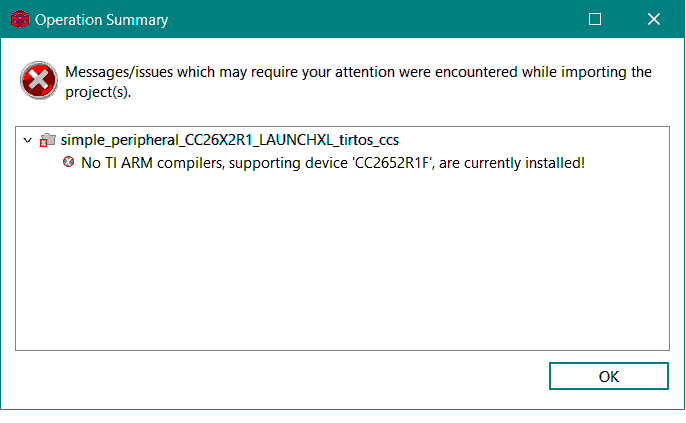
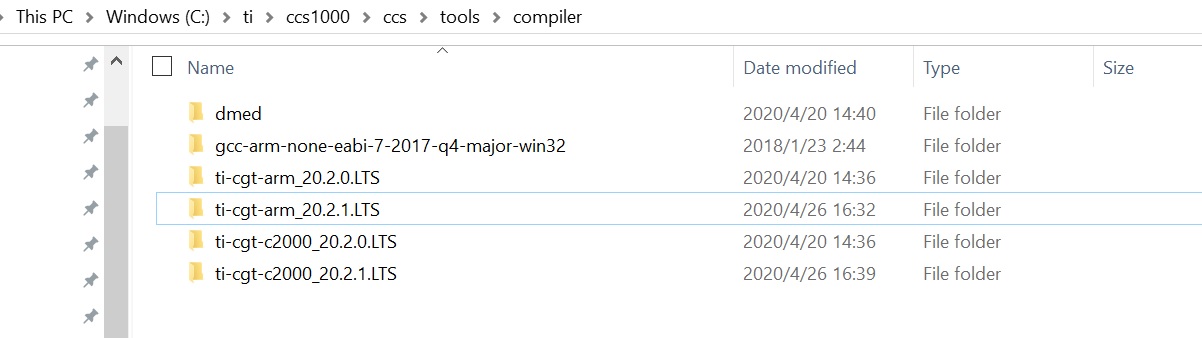
            I failed to import SimplLink latest SDK4.10 example to CCS and the error info is showed as below. Actually the ARM compile tools are installed on C:\ti\ccs1000\ccs\tools\compiler already.

            Please kindly suggest how to solve it, thanks a lot!

             Jane

  • re-attach the failure snapshot

  • Hi Jane,

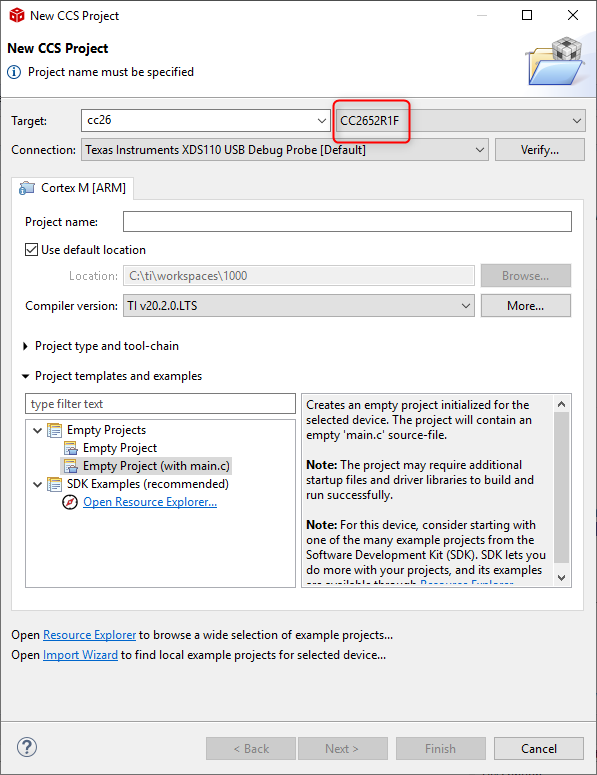
    How are you importing the example? I see in another thread, that you had issues with Resource Explorer detecting the SDK. Did you resolve that issue? If not, please try resolving it first using the workaround I suggested in the thread and then import the example from Resource Explorer. If you you are already trying from Resource Explorer, then it sounds like you are missing the device support required for the project. Did you select the option for SimpleLink CC13xx/CC26xx when installing CCS? Are you able to select the option for CC2652 when creating a new project?

    Thanks

    ki

  • Ki,

              I've solved the offline resource explore issue.  I could select the CC2652 device when start a new project.

             When I installed CCS10, I did not select all the product while I did select simplelink related parts and C2K.

              Actually I found this issue also apply for C2K projects as well. 

              I also use "project"->"import CCS projects" menu, the same failure occurs.

  • Can you browse to the following folder:

    <CCS 10 INSTALL DIR>\ccs\tools\compiler

    and see if the folder 'ti-cgt-arm_20.2.0.LTS' exists?

    Thanks

    ki

  • Ki,

            I did check and it exists

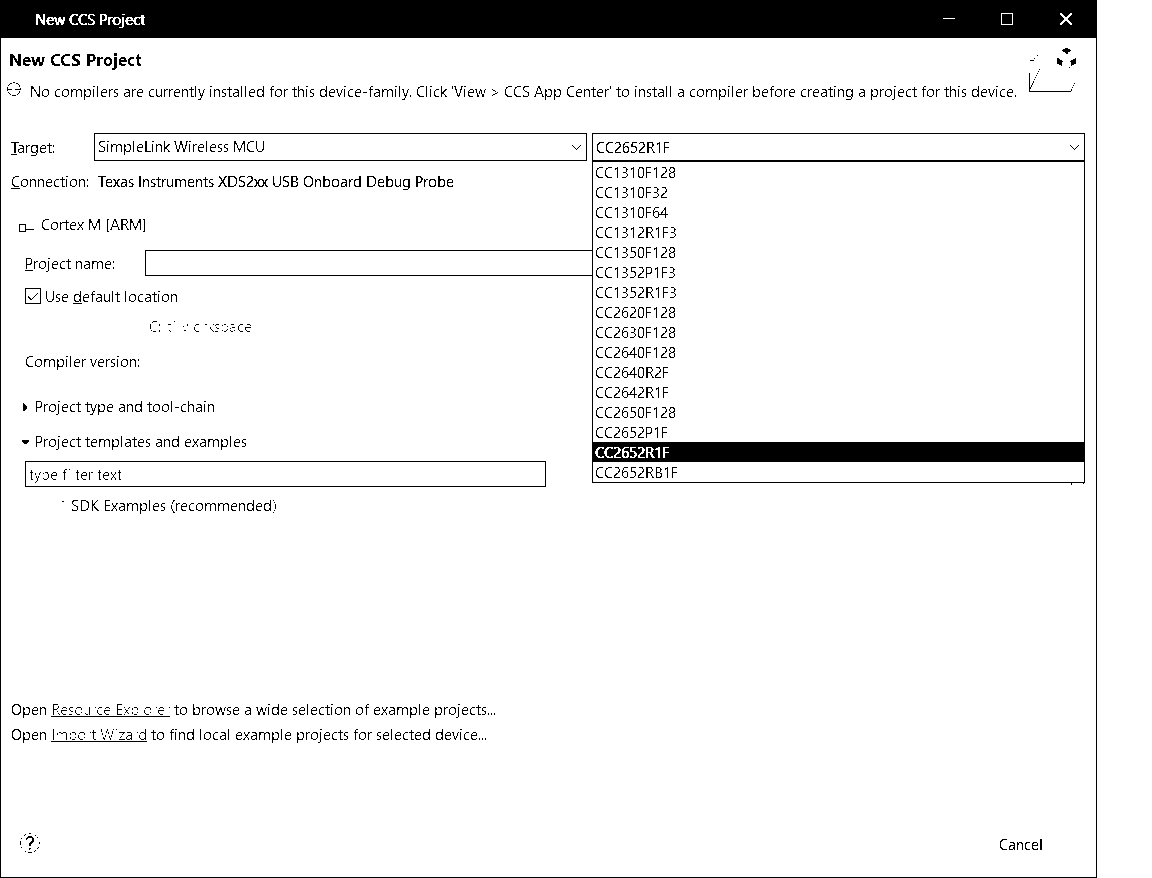
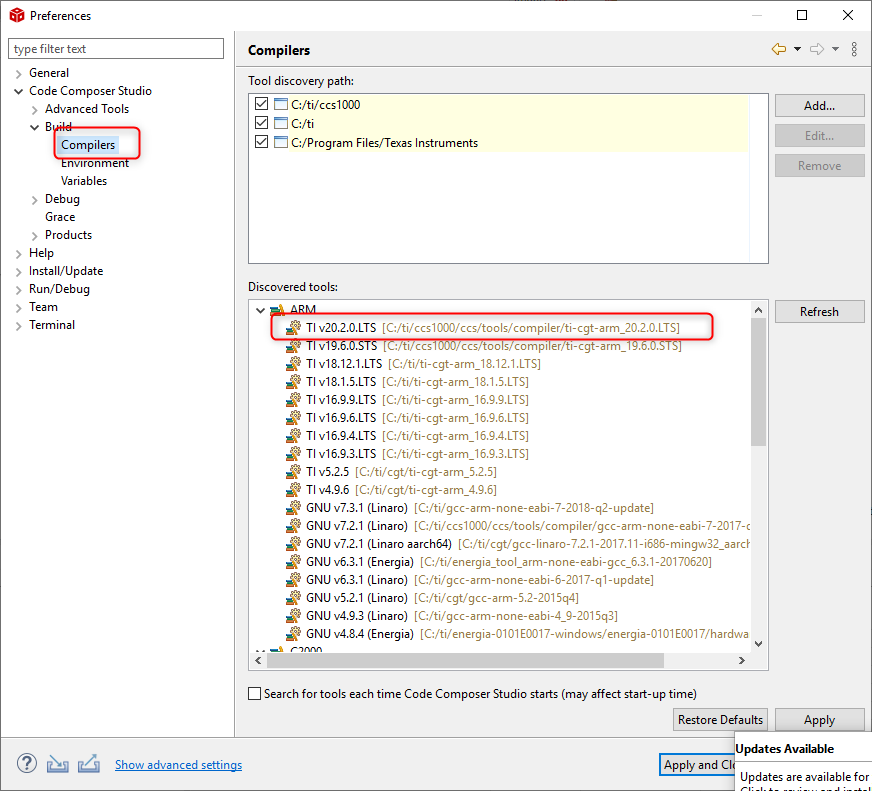
  • Can you check to see if CCS correctly "discovered" it? It should appear in the below dialog

    If it does not appear, please press the "Refresh" button.

    Thanks

    ki

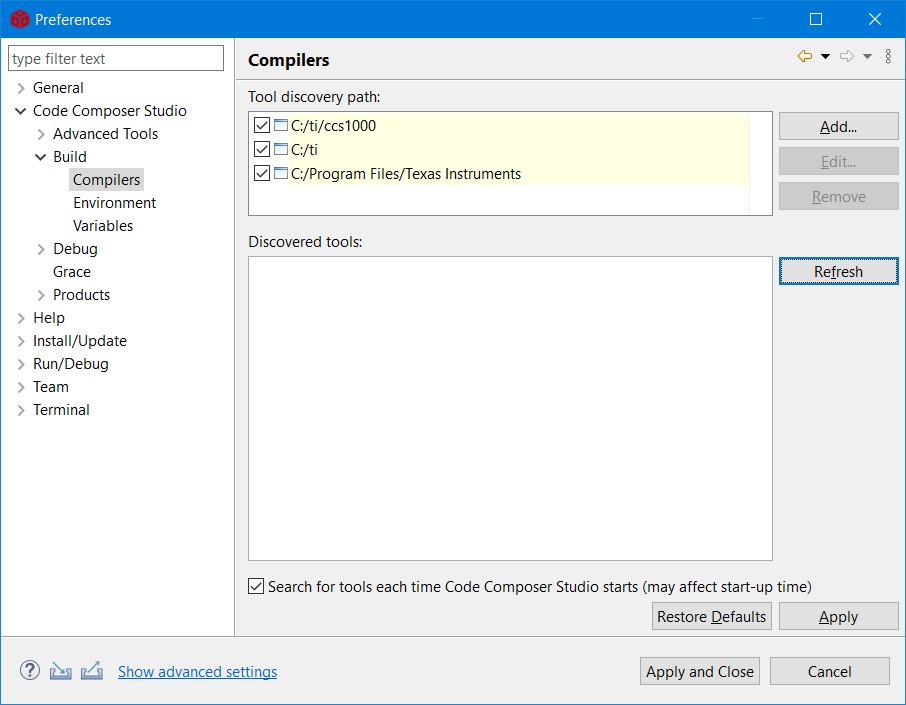
  •  Ki,

              looks like the fresh does not work, CCS could not detect the compile tools.

  • Jane said:
              looks like the fresh does not work, CCS could not detect the compile tools.

    That is very confusing. Your earlier screenshot showed that there were various compiler folders in the C:\ti\ccs1000\ccs\tools\compiler directory. Can you actually look inside those folder to see if there is any content in there? If so, can you explicitly add the direct path to one of the compilers (like C:\ti\ccs1000\ccs\tools\compiler\ti-cgt-arm_20.2.0.LTS) and refresh/restart?

  •  Ki,

              it works after I add the direct compiler tools.

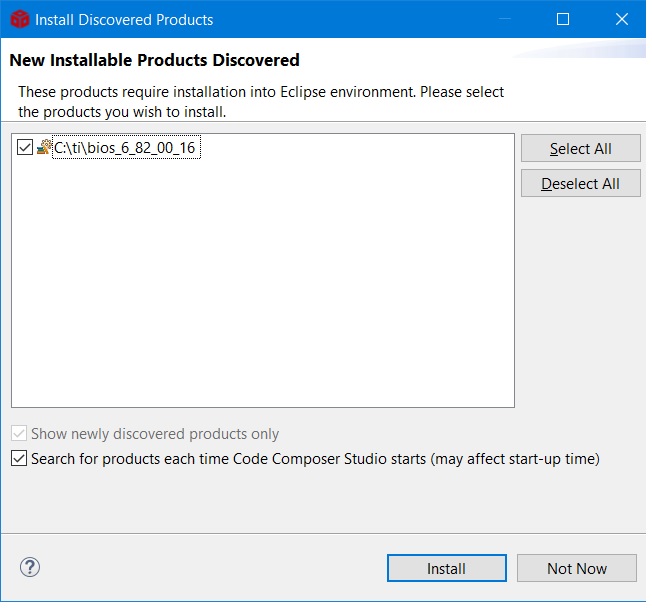
             While I encountered another issue when port the project. CCS indicates I need install BOIS while this tools also exists already.  Looks like CCS could not detect all the software installed.  Could you help check how to solve this issue?  I don't expect to manually add all the software:)

  • Jane said:
    . CCS indicates I need install BOIS while this tools also exists already.  Looks like CCS could not detect all the software installed.  Could you help check how to solve this issue? 

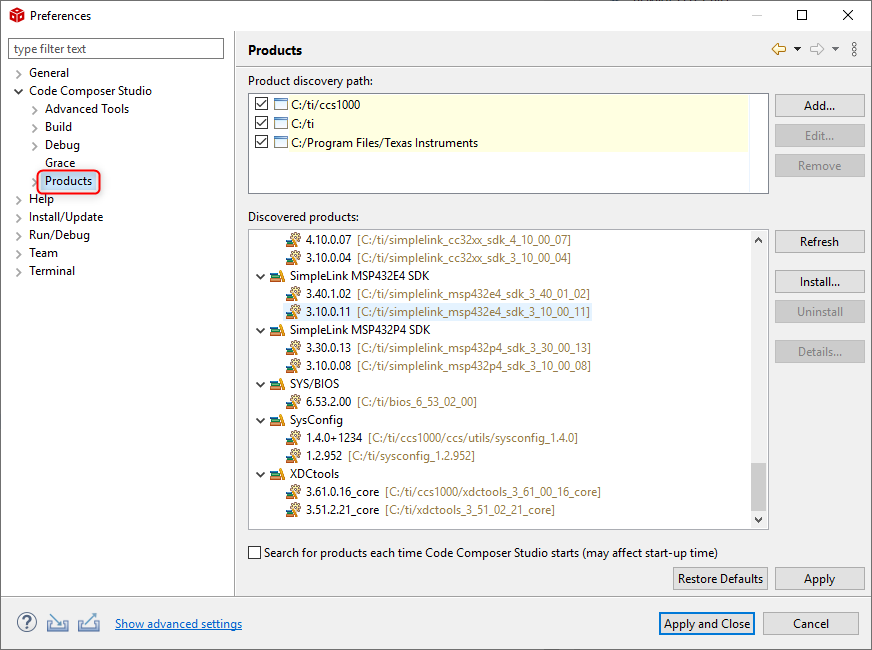
    You may have to do the same thing for bios like what you did for the compiler, except in the product discovery properties:

    Jane said:
    I don't expect to manually add all the software:)

    You are right, you should have to go through all this hassle. You issue may be related to another known issue regarding issues with product discovery which we fixed in 10.1. But you issue seems much more extreme where none of the compiler got detected. 

    ki