This thread has been locked.

If you have a related question, please click the "Ask a related question" button in the top right corner. The newly created question will be automatically linked to this question.

CCS: How to create a debug configuration to run unit tests using gdb


Tool/software: Code Composer Studio

I'm trying to run some demo code (FreeRTOS demo using their windows simulator), with my PC as the target (eventually I plan to build this into off-target unit testing). I'm able to create an executable that runs on the PC, but I haven't been able to get a debug configuration setup to be able to debug via GDB. I've created a debug configuration, and chosen the exe, but Debug is still gray. Any ideas what I'm missing? 

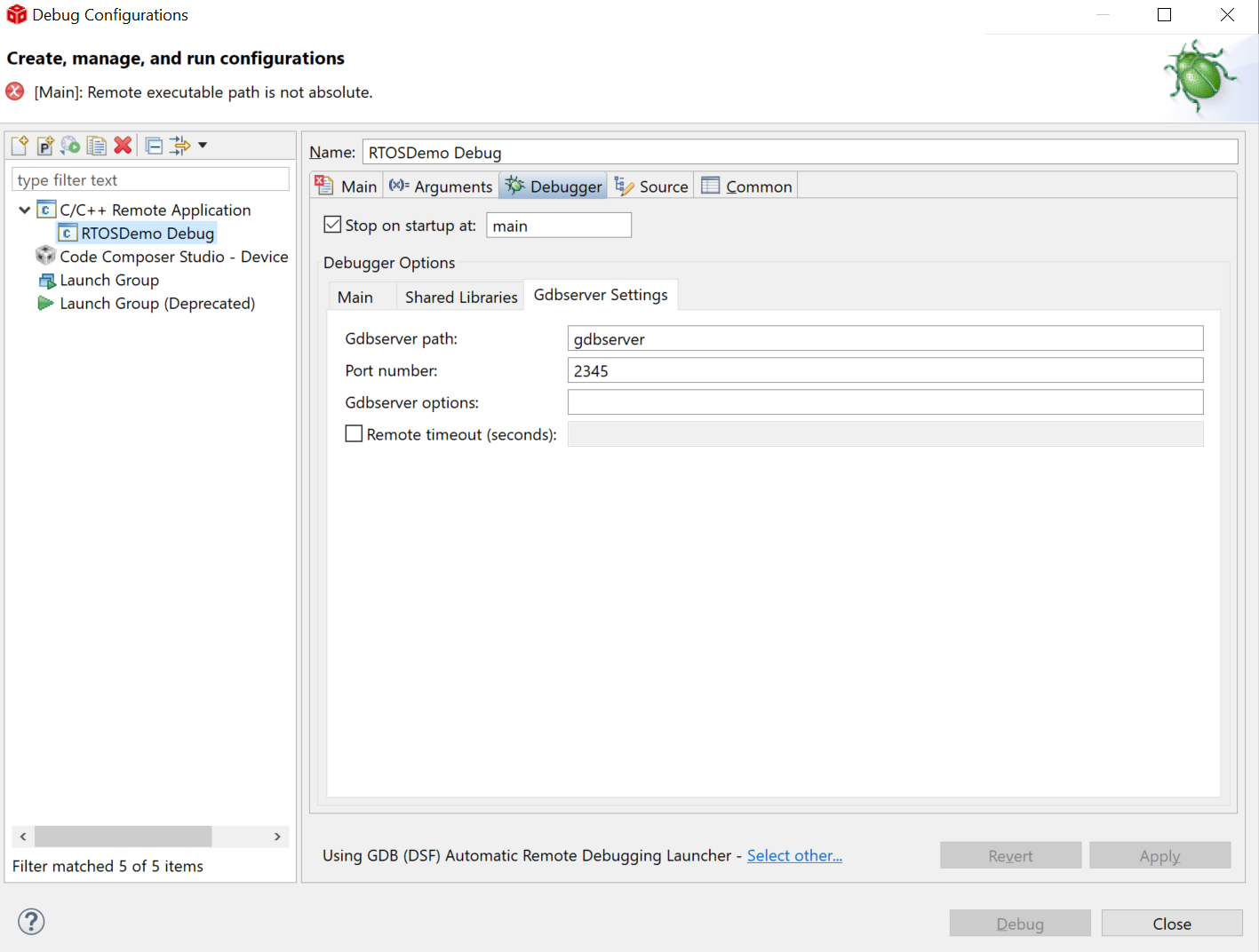
Screenshots of my debug config (mostly set to defaults) are attached.

I've also tried a fresh download of minGW, pointed the GDB debugger explicitly to C:\MinGW\bin\gdb.exe, but I can't find any .gdbinit or gdb.ini.  

Thanks,

Katie

  • Hello Katie,

    Katie Elliott19 said:
    I'm trying to run some demo code (FreeRTOS demo using their windows simulator), with my PC as the target (eventually I plan to build this into off-target unit testing).

    This type of configuration is something that is not supported with CCS. The most common CCS + GDB configuration is using GDB to debug Linux applications running on a TI target:

    https://processors.wiki.ti.com/index.php/How_to_Run_GDB_on_CCSv5

    Regarding your error, I see the message "remote absolute path is not absolute". I've seen similar issues when the remote path is an absolute Windows path, much like in your setup. I am not sure if there is a resolution for it.

    Hopefully others in the community can chime in with their experiences.

    Thanks

    ki