


Other Parts Discussed in Thread: CCSTUDIO
Tool/software: Code Composer Studio
Hey Team,
I am trying to connect the XDS560 emulator through Teststand / LV using the CCS ver 10.0.
This is the error i am seeing running the "Open Port.vi" after the CCS setup.vi ( which shows no error).
CCS.lvlib:Read Response.vi:6160005
FAIL 0 // com.ti.ccstudio.scripting.environment.ScriptingException: Could not open session. No matching devices found.
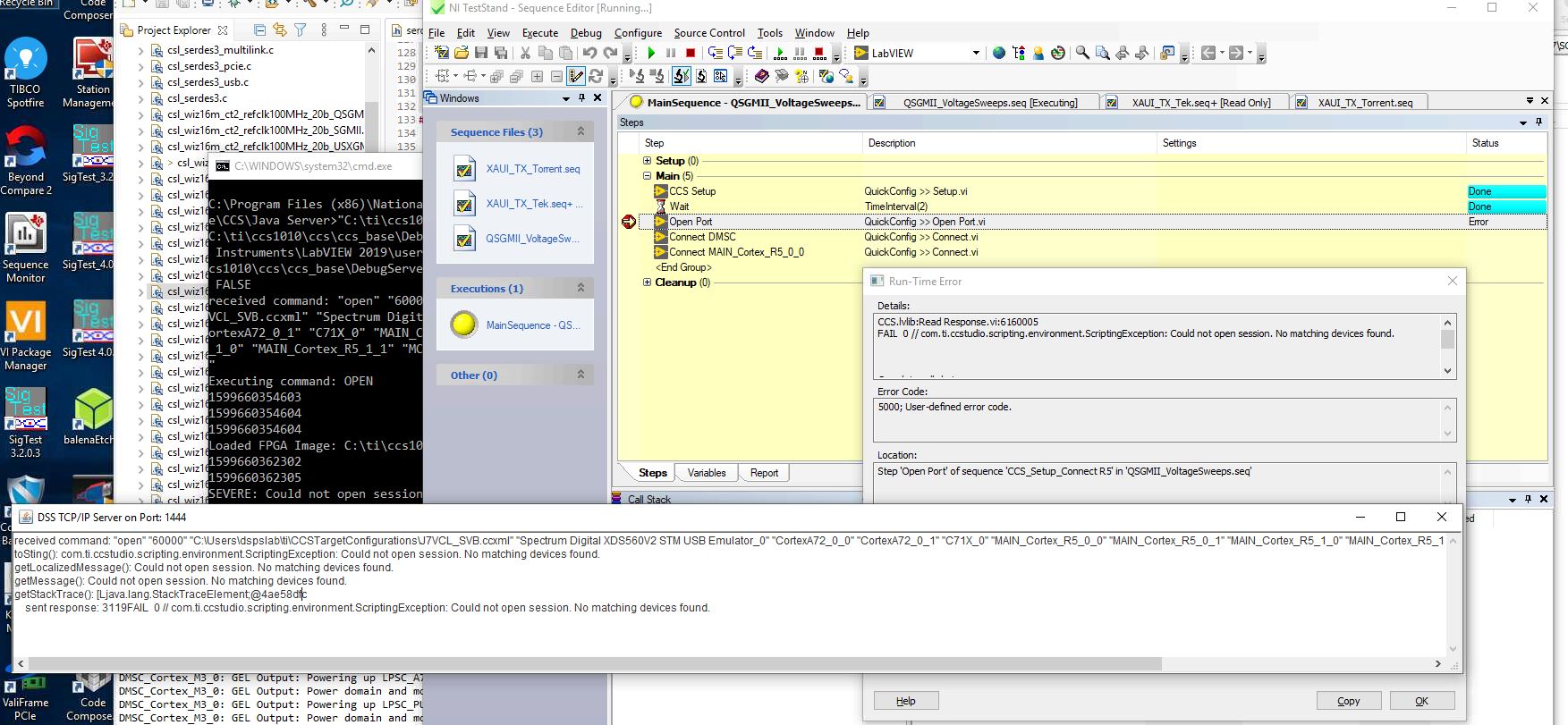
What is the port to be used for connecting? I used port 1444 now.
What is the no matching devices found mean?
How do I know the core # being connected to? I need to connect to the main core initially and then wake up the another core.
Let me know if you need any other information.
