Other Parts Discussed in Thread: CC1312R, TIDA-010024
Tool/software: Code Composer Studio
I just upgraded to macOS Catalina 10.15.6 due to requirements of Xcode to continue iPhone application development (yes, Apple developers get pushed update software frequently) and have been rebuilding the CC1312R development environment.
I am running into several issues with several TI installers from a year or two ago not working in Catalina, I think due to the removal of 32-bit support.
I have been able to resolve most issues by running the previous macOS Mojave 10.15.6 in a Parallels Desktop VM, do the installation, then copy the files over and install through the CCS menus.
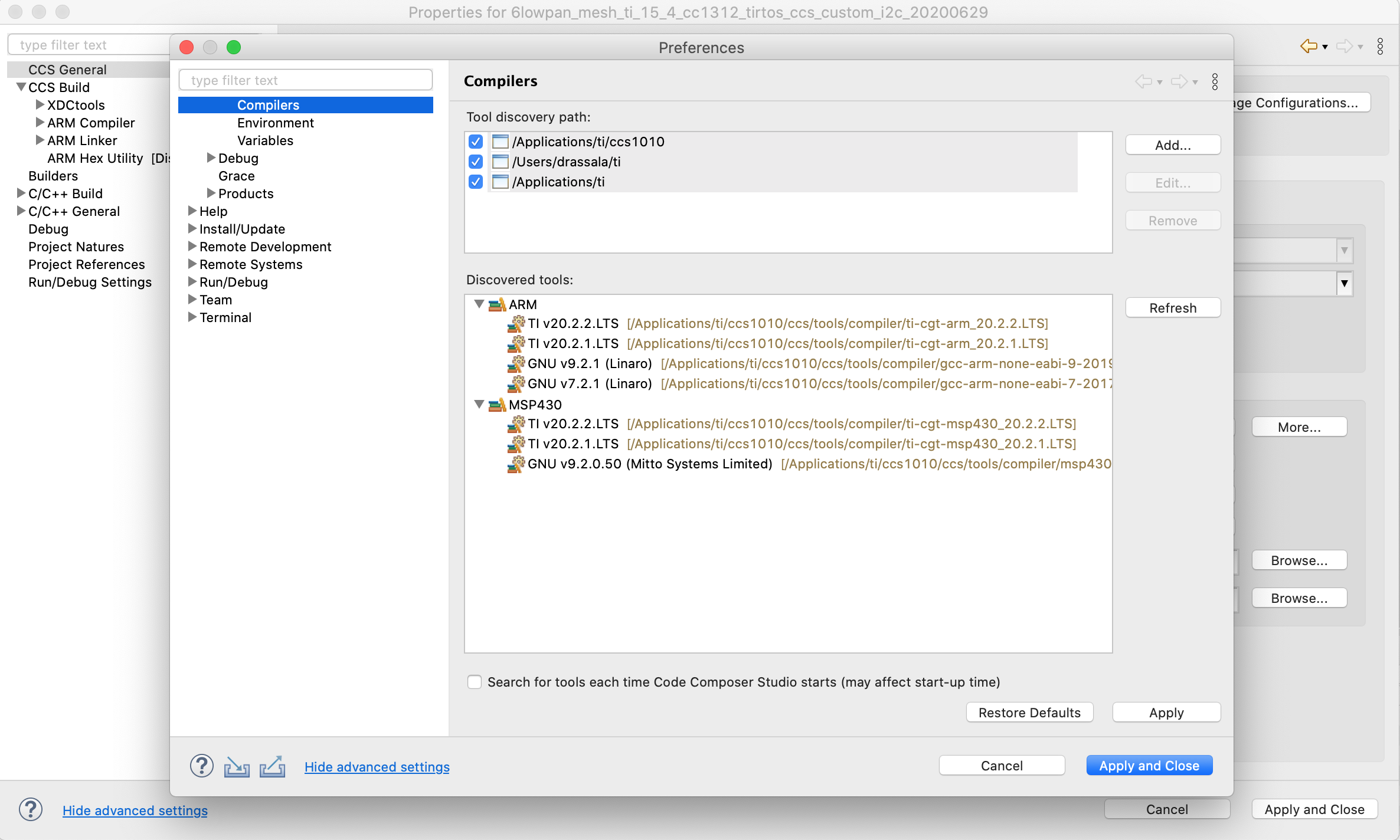
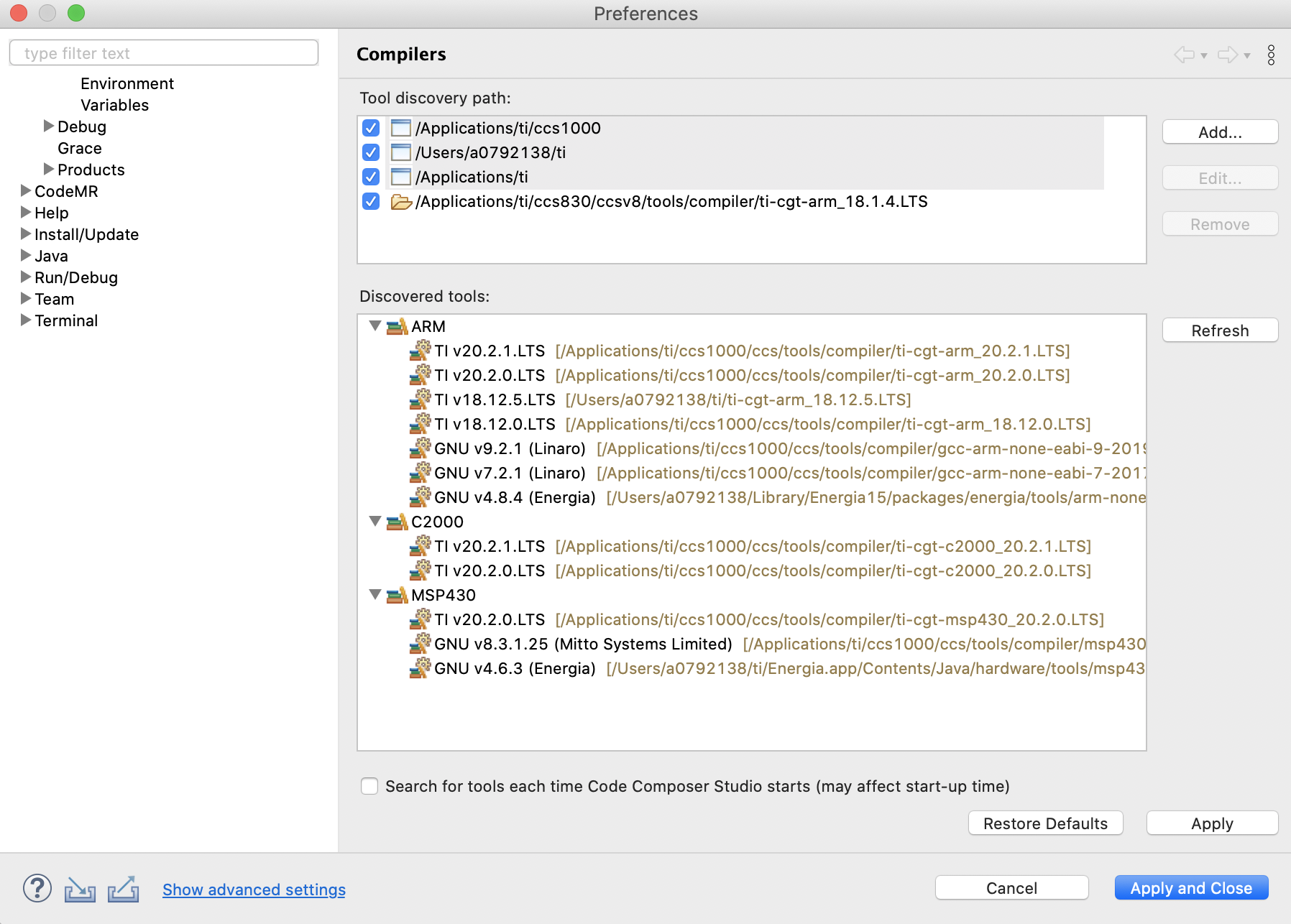
However, ARM 18.1.1.LTS does not want to co-operate with this method, it is not being detected when I try to install it through the preferences, I will attach a screen shot of what I see.
I am after this old compiler for the reason that it was used during development of the TIDA-010024 reference project.
I don't mind moving to a different compiler toolchain but I have an unresolved build error that I think is related to changes in the newer toolchain TI 20.2.1.LTS that was auto selected.
If I could get some confirmation about what the best course of action would be, or if I am safe to move to the latest v18 of the compiler it would be helpful and appreciated.
The installer that I am using https://www.ti.com/tool/download/ARM-CGT-17/18.1.1.LTS