Part Number: TMS320F28379D
Tool/software: Code Composer Studio
Hello,
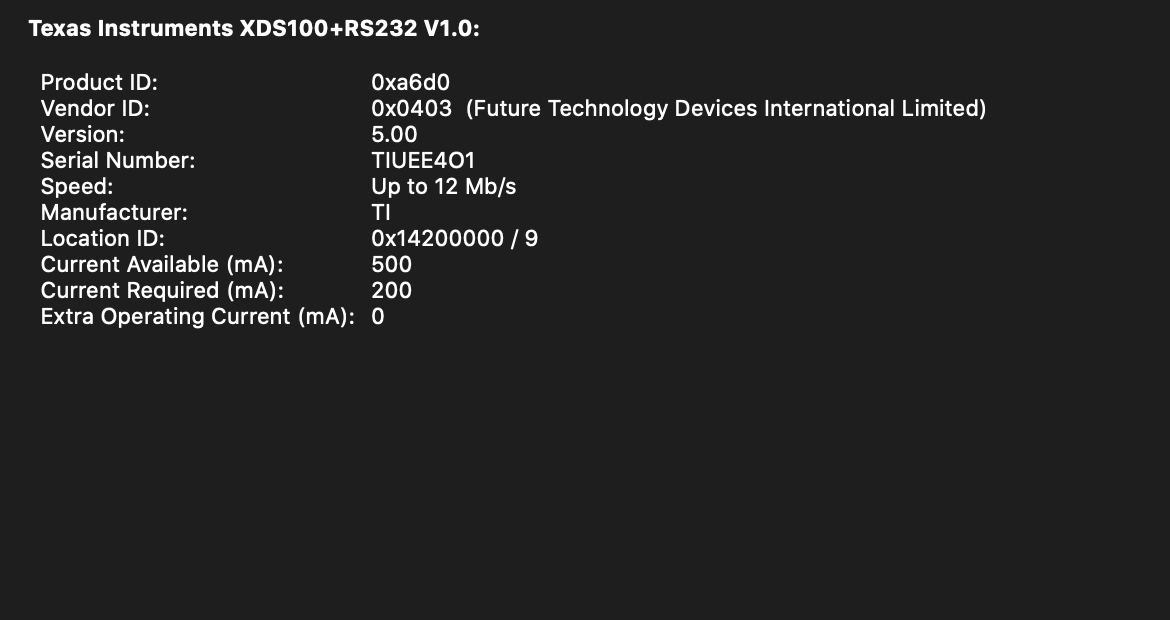
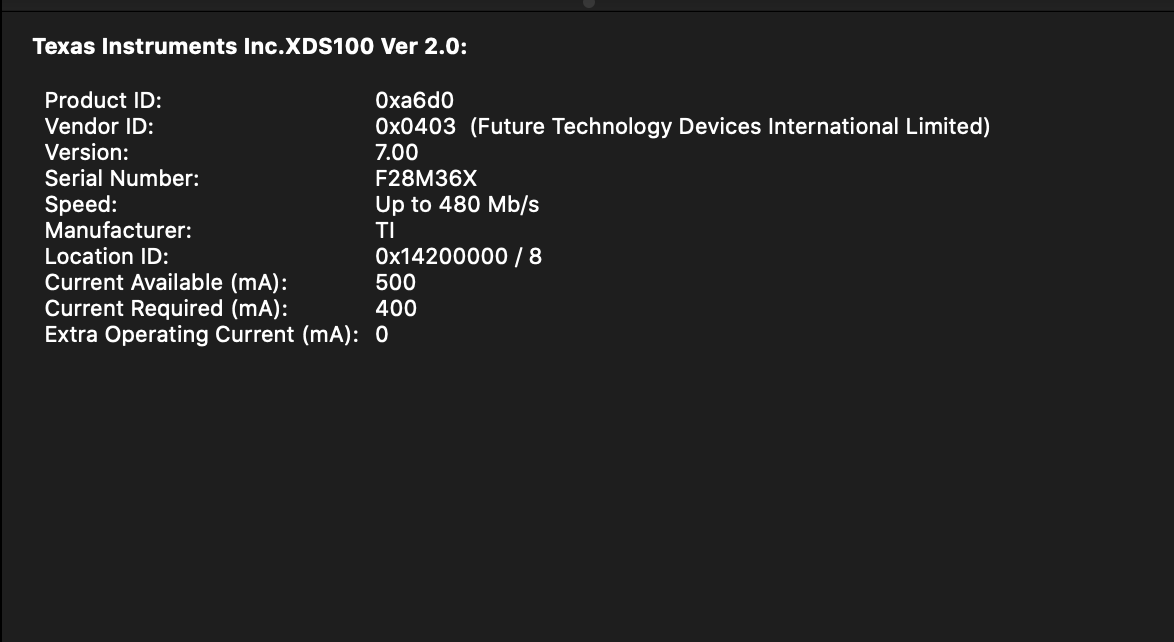
We have an educational board with an onboard external debugger in our educational lab. Students connect their laptops to these educational boards to experiment with F28379D MCUs. With CCS10 and macOS we have a problem connecting to the MCUs. The error code is -150 (one the FTDI drivers returned bad status... ). We use XDS100v2 as the connection on both windows and macOS. The board is a bit old, I'm not sure if it's XDS100v1 or v2. However we have been able to program the MCUs in windows without any problem with XDS100v2 as the connection. The original MCU on these boards was a F28035 but we replaced them with F28379D a couple of years ago. We did not have any problems until recently with CCS10 and macOS.
I have tried the same board with CCS10 on both windows and macOS (same laptop), I am able to connect to the MCU with windows but not with macOS. We want to avoid using the onboard debugger since there's no access to the experiment setup because it's enclosed. Do you have any suggestions how we can solve this problem in macOS?
Thanks,
Farid