Tool/software: Code Composer Studio
I'm using spectrum digital XDS220 ISO debug probe from spectrum digital, as suggested by CCS8 I updated the firmware on the debug probe via USB.
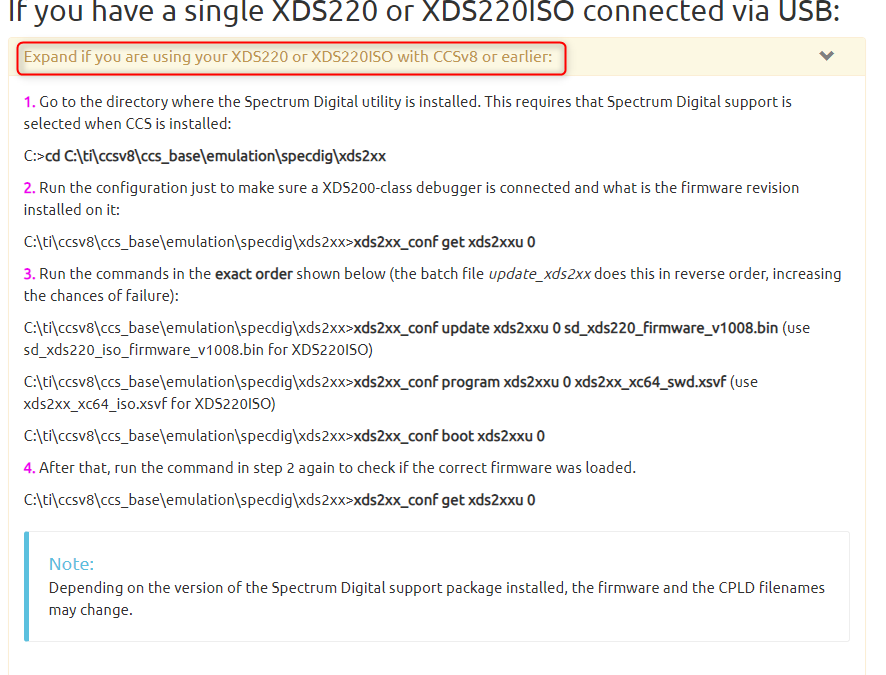
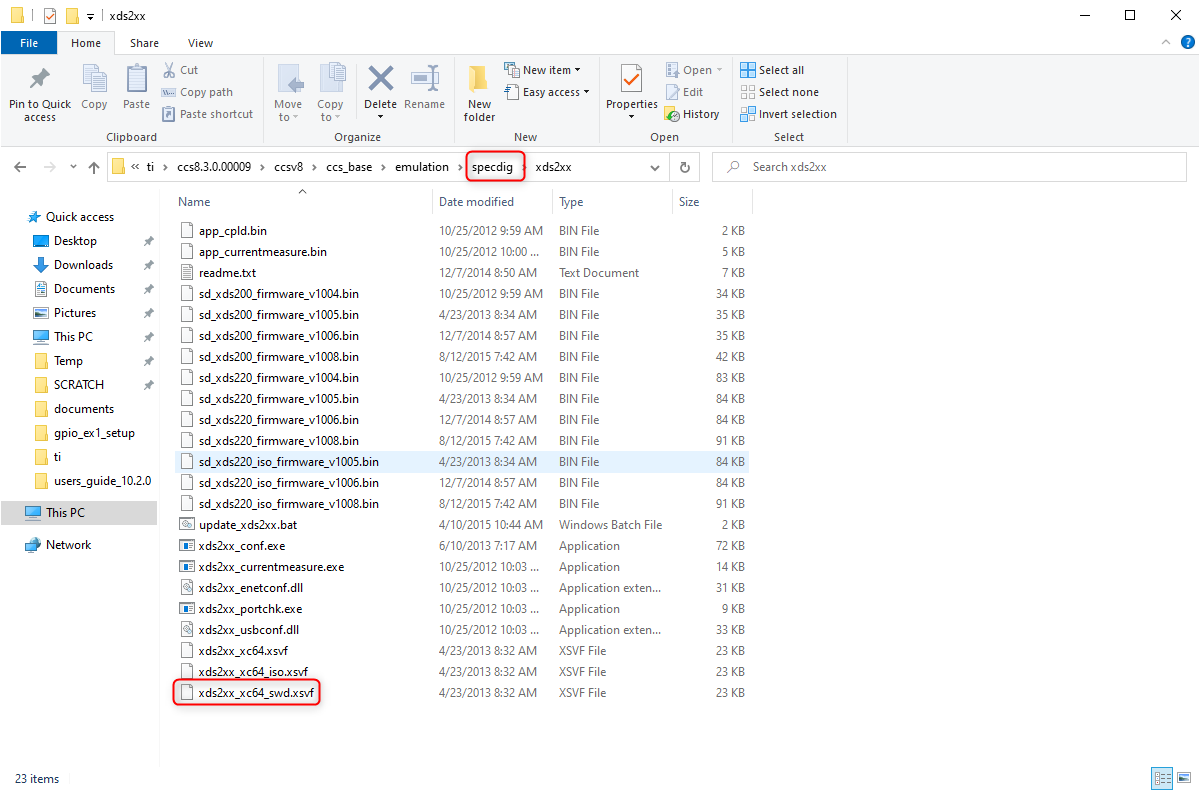
I followed the procedure found on the website: processors.wiki.ti.com/.../XDS200
I got no errors during the upgrade but after the upgrade when I checked the firmware release with the command xds2xx_conf get xds2xxu 0 I got this error message:
Error : Failed to open port connection : xds2xxu : 0x0
Error : test failed
Command xds2xx_portchk reply is:
Found 0 XDS2xx Debug Probes Connected
It seem like if there is no probe connected while there is one instead.
Also the update command is no more working so I'm stuck.
Is it possible to re-flash the firmware and have the probe working again? I have another XDS220 ISO probe, is it possible to use that one to re-flash the firmware in an analogous way as explained in the same webpage?