This thread has been locked.

If you have a related question, please click the "Ask a related question" button in the top right corner. The newly created question will be automatically linked to this question.

CCS / TDA4VM: Why can't I debug the kernel

Part Number: TDA4VM

Tool/software: Code Composer Studio

I found that I couldn’t add breakpoints in my source code and debug.

I did the following:
a)Added to kernel configuration options:CONFIG_DEBUG_INFO
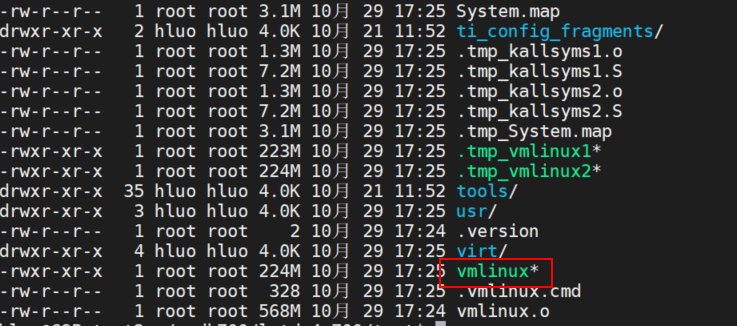
b)Compile the kernel and generate vmlinux
3)Copy the image to the SD card to start and stop at the command line of UBOOT

4)Connect CCS to A72 core and load symbols

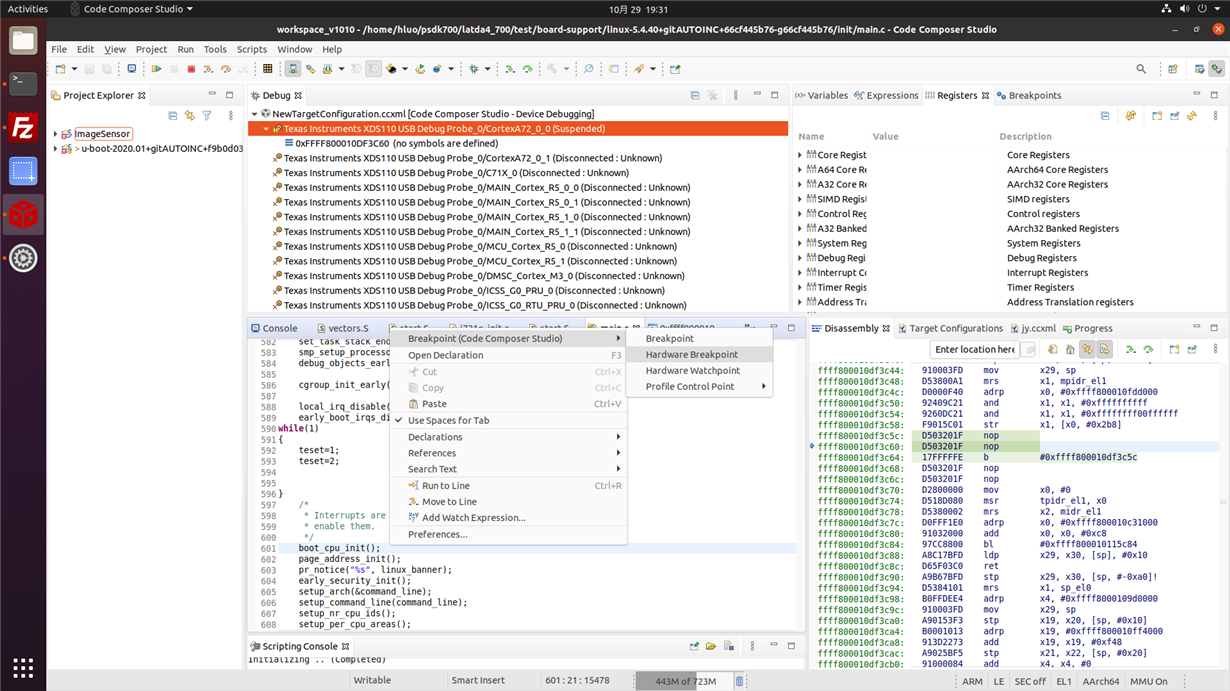
5)Because I joined the while(1) loop in the source code, it will stop here,but the source code cannot be found.So  I try to add breakpoints int the source code(it seems that it does not work), and change the PC to 0xFFFF800010DF3C6C, press F5, the kernel can be single-step debugged, but the source code still cannot be found.

6)Finally, I pressed F8 and the kernel started by itself.

Because my vmlinux was only 20M before CONFIG_DEBUG_INFO was added, it became more than 200M after adding it, so I think my vmlinux should contain debugging information, but I don’t see where there is a problem. Can you help me solve it?

  • I am using PSDKLA_V7.0.0,CCS V10.0

  • Hi,

    Thanks a lot for all the details. Can you also share the patch where you added while(1) so that i can
    try to replicate your set up exactly and try to reproduce the problem?

    Best Regards,
    Keerthy

  • board-support/linux-5.4.40+gitAUTOINC+66cf445b76-g66cf445b76/init/main.c    line 590

  • Hi,

    Thanks! I did not add any while loop or enable the debug_info config but i just loaded symbols from
    the vmlinux. I am able to see the symbols and able to program breakpoints.


    Best Regards,
    Keerthy

  • Hi,

    Your debugging method is feasible and I have tried it.

    Although I am able to see the symbols and able to program breakpoints,but because the source code is not recognized, it is very inconvenient for me to debug.

    So I enabled the debug_info config, compiled kernel,and loaded symbols from the vmlinux.

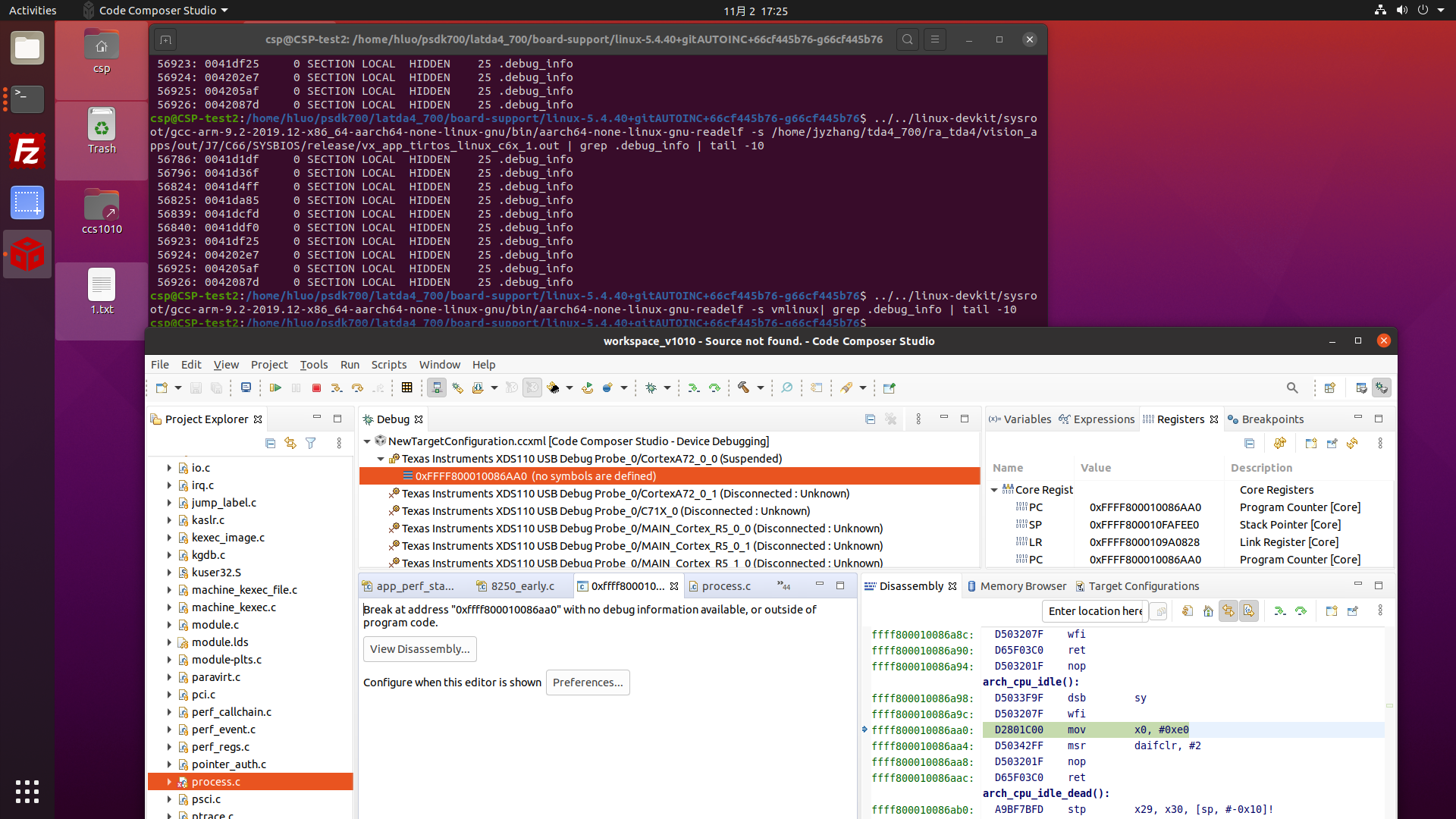
    When I try to debug one step using F5,CCS always prompt that Break at address with no debug information available.So I still can't debug the source cod conveniently.

    I used readelf to check vmlinux but I didn't find the debug_info or debug_line keyword:

    My question is why I cannot locate the source code after enabling the debug_info config.What can I do to generate the correct vmlinux with debugging information

    eg:

    1.Because I just want to test whether the kernel program runs according to my idea, so I decided to stop the kernel at the beginning using while(1), so that I can debug it step by step.But unfortunately, it didn't show up source code
    2.I can debug the c66x firmware normally by using make vision_apps PROFILE=debug.When I load symbols,It can find the source code Automatically.

    Best Regards,
    hao.luo

  • Hi Hao.luo,

    I myself tried to enable DEBUG_INFO and checked that i do not have the source level
    debug capability. I see the function names but the instructions are all in assembly.

    The C code is not seen. I will get back to you with further investigation.

    Best Regards,
    Keerthy

  • Hi Hao.luo,

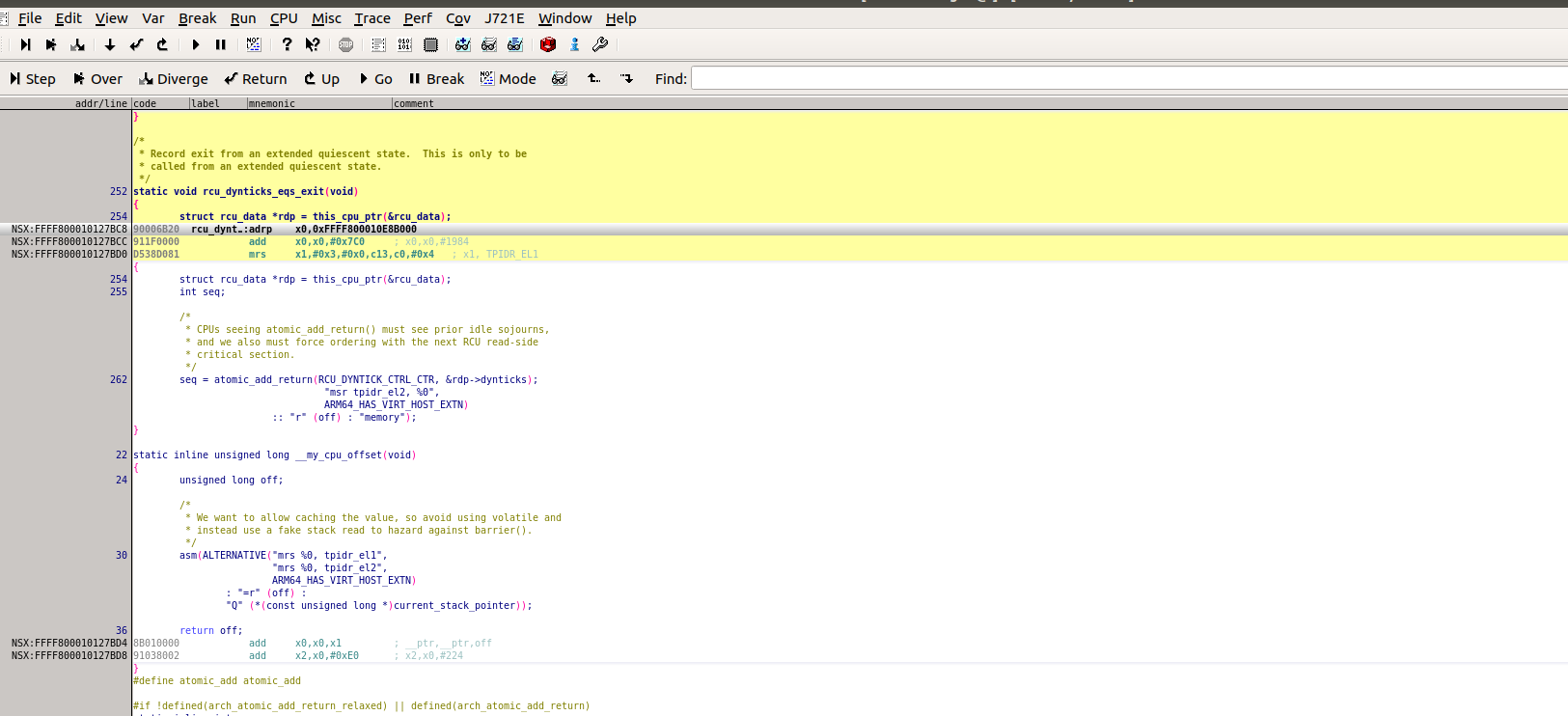
    I am able to do source level debug using lauterbach/trace32 debugger. Just for your reference. I believe this is what you intend
    to do using CCS:


    I will check with the team internally on CCS.

    By any chance you have lauterbach/trace32?

    Best Regards,
    Keerthy

  • Sorry,I don't have lauterbach / trace32.

  • Hi Hao.luo,

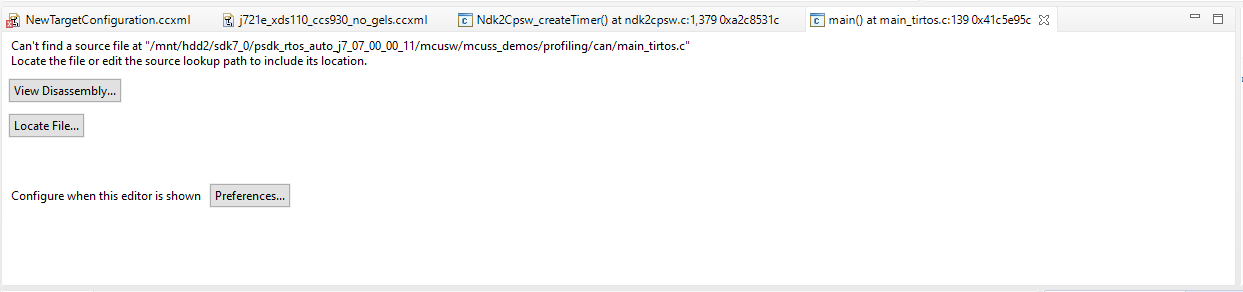
    In CCS once you have loaded the vmlinux. You need to locate the source code path:

    For ex see below:

    Click on locate file and then point to the right source code path for that file. CCS will start showing you the source code. This is the method on CCS.

    Best Regards,
    Keerthy