Part Number: PROCESSOR-SDK-AM335X
Tool/software: Code Composer Studio
Hello.
Screwed over by CCS yet again. (Not to be confused with the forum screwing my over by telling me I can't post with my old email address, and WILL NOT LET ME UPDATE IT!)
Giving into the pressure of upgrading to version 10, from version 7.2, because of the excessive constant crashes of 7.2, it told me that it had to update the workspace in a manner that would make it incompatible with previous versions.
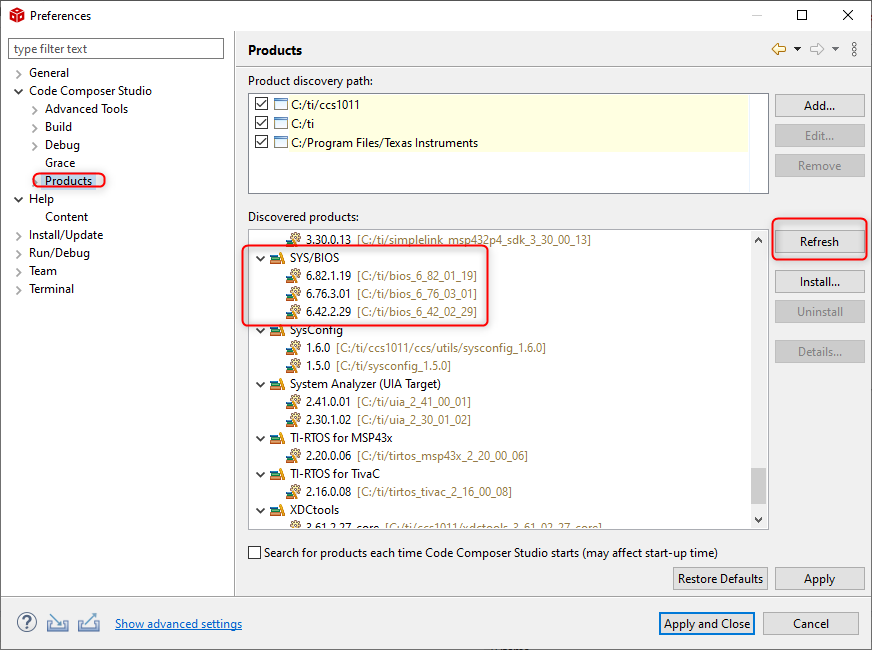
Then I try to build a small test project, and it commences to tell me my products are not there.

Well, you know what?? It is there. Right in front of my face. And I've been using it for a few years.
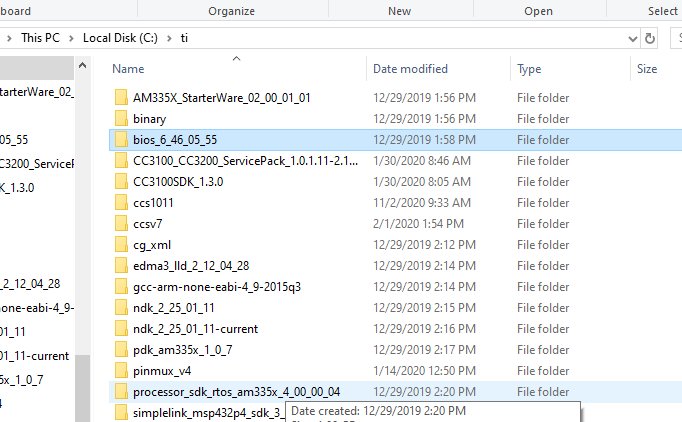
So... now my workspace has been screwed with fouling up CCS7, and my new projects won't build because this thing doesn't understand 'leading zeros'.
Any wonder I have such distain for this environment?? Did no one test this for regression? So insure it would function??