This thread has been locked.

If you have a related question, please click the "Ask a related question" button in the top right corner. The newly created question will be automatically linked to this question.

CCS: How can I modify the contents of the ABOUT dialog box using GUI composer?


Tool/software: Code Composer Studio

Hi,

When programming the application using the GUI Composer, I included the "Help" menu at the menubar in the application.

After running the application and selecting "Help -> About",  the following dialog box shows up.
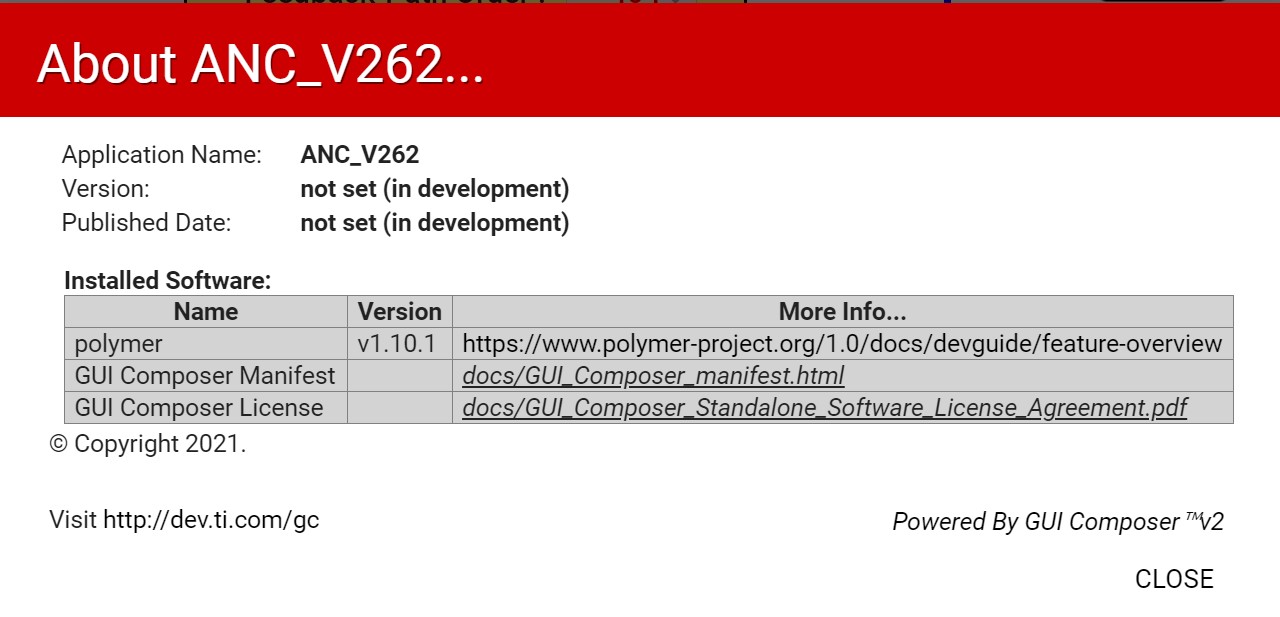
In the above dialog box, how can I modify the items, "Version" and "Published Date"?

  • Hello,
    The version and publish date will be automatic populate in the Help->About dialog when the app is published to the Gallery, you can enter the version number during the publish step. It is not possible to manually change these two values in the Help->About dialog within the GUI Composer designer.

    Regards,
    Patrick