This thread has been locked.

If you have a related question, please click the "Ask a related question" button in the top right corner. The newly created question will be automatically linked to this question.

WEBENCH® Tools/LMR16020: Saving customised design

Part Number: LMR16020

Tool/software: WEBENCH® Design Tools

I  have customised my design for this device in the webench tools. I used a different optimisation and also updated some parts to fit my BOM. When I ask to export, the design reverts to the standard design initially selected by  Webench. This is highly annoying.

  • Hi Walter,

    Could you please share the design for which you are observing the issue.
    I was able to export the designs after updating the BOM values and changing optimizer position.

    Thanks and Regards,
    Atul.
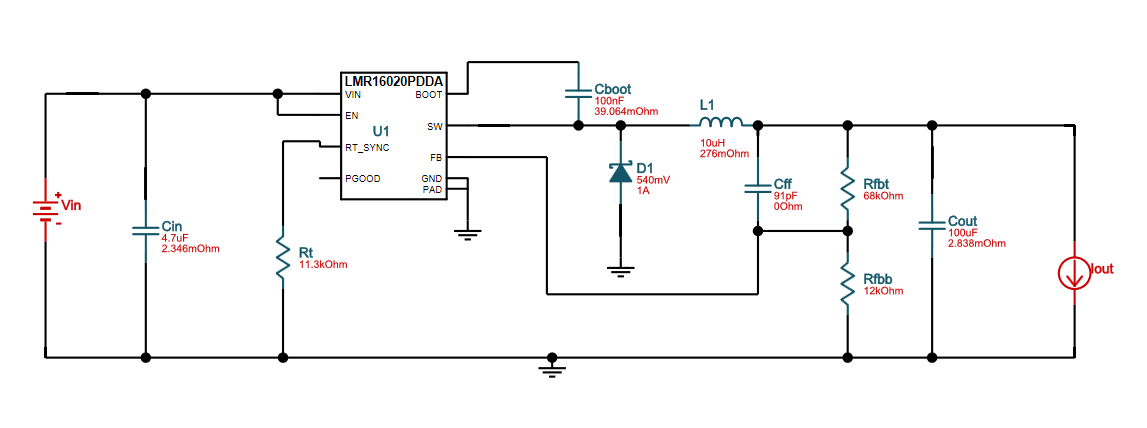
  • I am not sure how I should share this design. Here is the design that I am trying do

    Input 24V fixed, nominal 0.5A out. 85 Deg C Ambient (Bom optimising so using this part far from optimal). This is optimised for size and then the output cap set to 100uF from the standard 39uF

    todo 

  • Hi Walter ,

    Please find the below steps to share the design

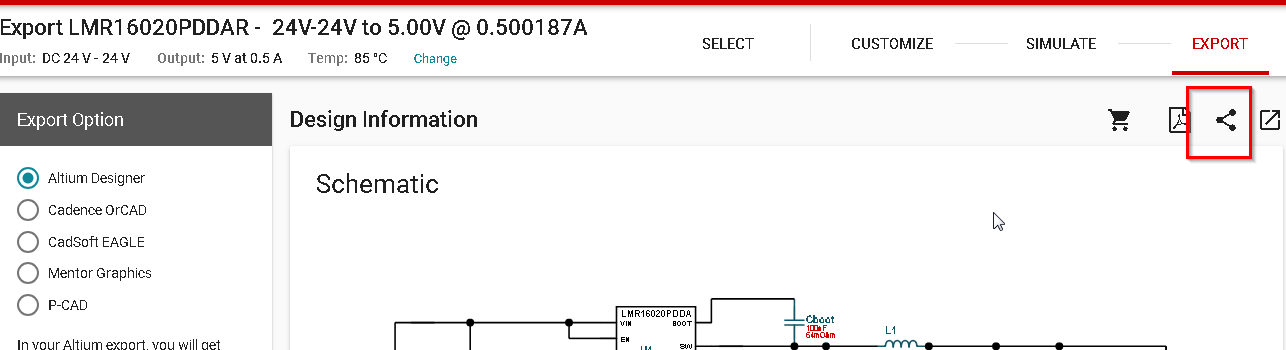
    1) Click on share symbol

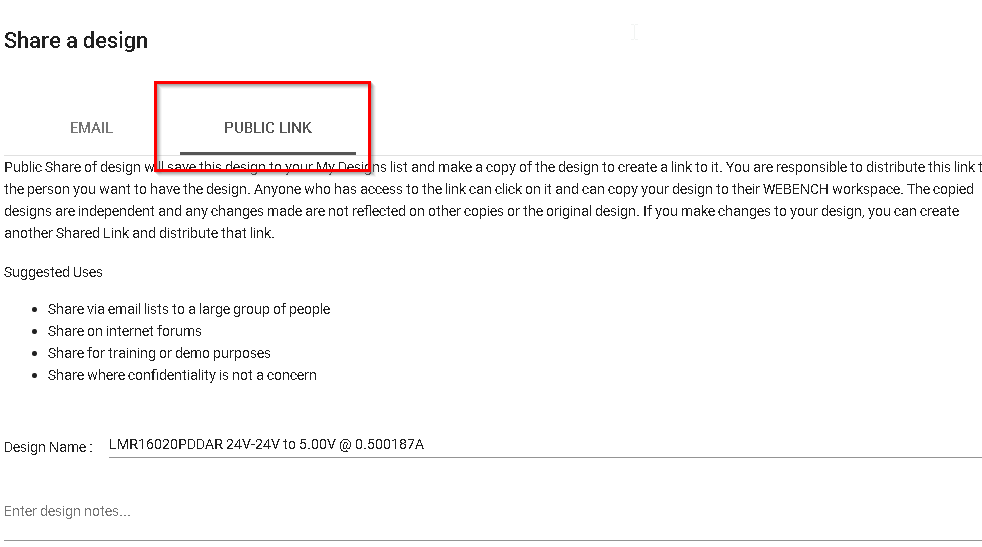
    2) Click on Public link option and then press get link

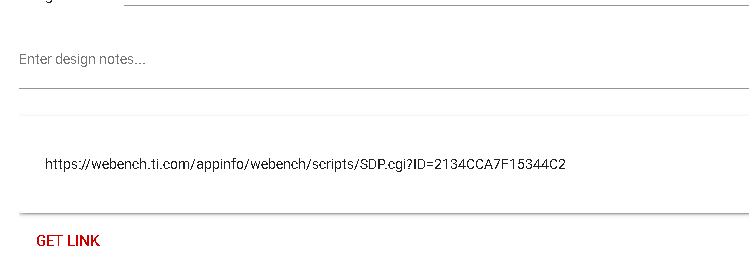
    3) Share the link that is generated as shown below.

    Also if  you are observing the same BOM in the exported file after updating the design, try deleting the previously exported files present in the folder and then export the new design.

    Thanks and Regards,

    Atul

  • Hi Walter,

    I can try reproducing this design above and then check if I run into the same issues. Which tool (Altium, cadence, eagle, etc.) are you trying to export to?

    Regards,
    Amod