Part Number: CC2642R
Other Parts Discussed in Thread: UNIFLASH

Part Number: CC2642R
Other Parts Discussed in Thread: UNIFLASH

Hi !
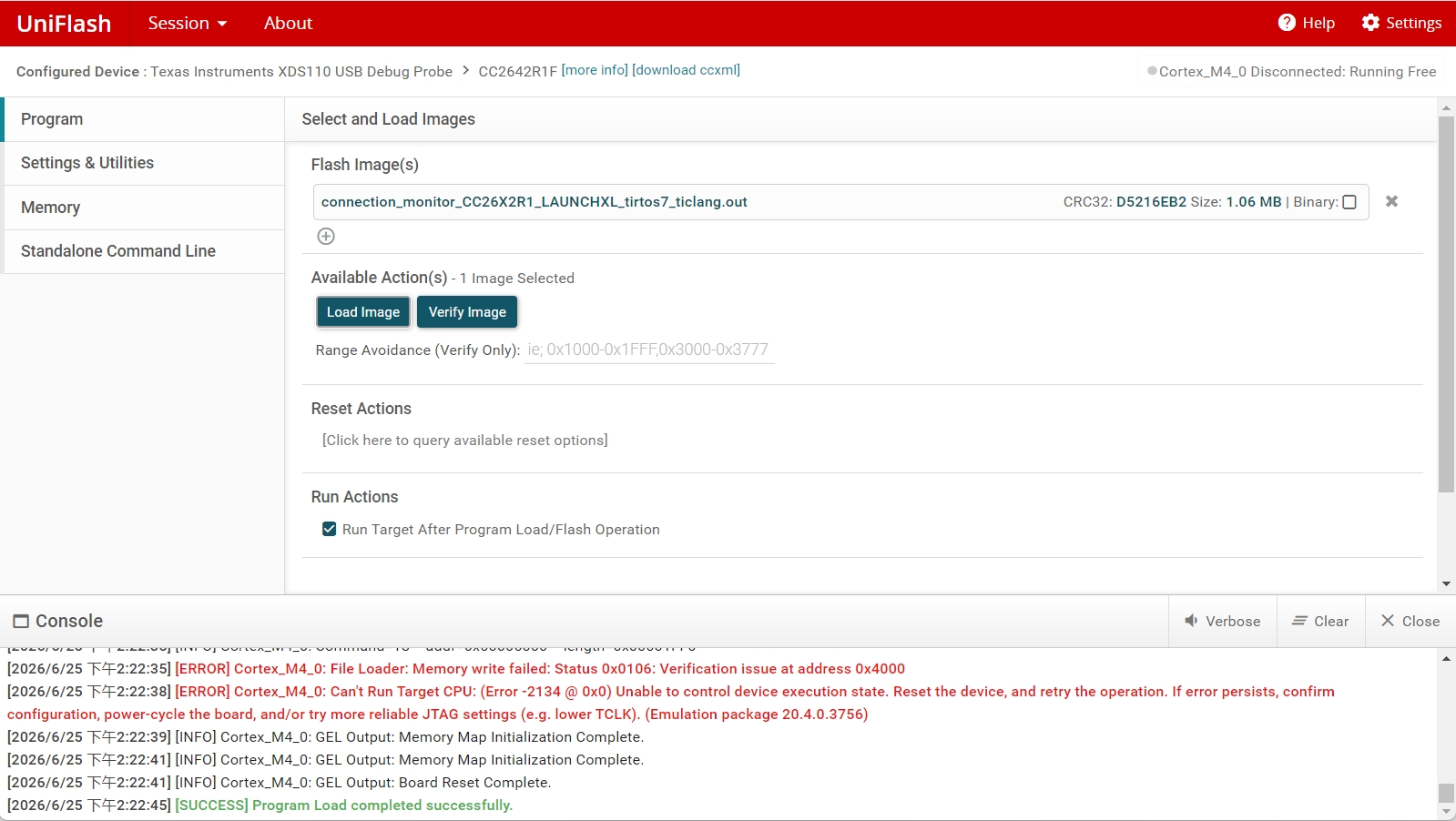
The clock speed used for flashing is defined in the .ccxml file for your board. When importing a project in CCS, this file is under targetConfigs/CC2642R1F.ccxml.
The steps to reduce the clock speed in Uniflash and CCS is to get this file, modify it using CCS and then use it in UniFlash.
1. In CCS 20, import your project, open this file, then click "Advanced" at the bottom. You will see the advanced view of the .ccxml file
2. Under the top most level (XDS110 probe), you will see the JTAG TCLK Frequency (MHz) value. By default, this value is 5.5MHz.
3. Switch to "user specified value" in the drop down menu and select the desired value (I'll use 100.0kHz here as its the minimum value)

4. Save this file. With this, you can now flash at a reduced speed in your CCS project.
5. To use this configuration in Uniflash, when you open Uniflash, select the bottom option to create a session from a .ccxml file

6. Your configuration shoud now flash with your reduced speed.
Kind regards,
Lea