Other Parts Discussed in Thread: CC2540, CC-DEBUGGER
Hello..
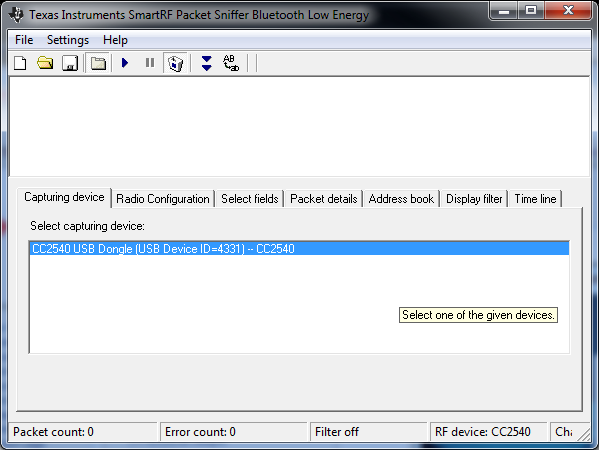
I have installed Smart RF Packet Sniffer version 2.16.3 and I have connected the cc2540 usb dongle and tried to see the Adv packets from Packet sniffer.
Once I loaded the Usb dongle with the packet sniffer hex file and when i clicked the start button for sniffing operation, it displays an error message stating
" FAILED TO SET DEBUGGER PROFILE"
"NOT ABLE TO START THE SNIFFER.
TRY TO UPGRADE USB FIRMWARE"
and after this error message, when I click the start button again, it displays an error message
" CONNECT TO EB DEVICE FAILED: CC DEBUGGER"
What is this problem?? Can anyone help?
My Smart RF Flash programmer displays the following
EB firmware ID: 05CC, EB Firmware rev: 0034