This thread has been locked.

If you have a related question, please click the "Ask a related question" button in the top right corner. The newly created question will be automatically linked to this question.

CC2640: OAD stops randomly

Part Number: CC2640
Other Parts Discussed in Thread: CC2540, CC2650,

Hello there,

I'm having issues with the OAD on a custom board with the CC2640F128. About the firmware, I modified the Simple_peripheral example of the SDK and loaded the bim_extflash, the stack and the app part.

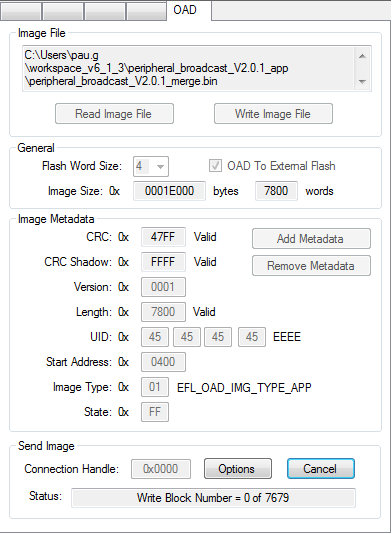
For the OAD I'm using the BLE device monitor with a CC2540 USB dongle. After a connection is established I load the .hex file (application part).

After clicking START it randomly stops the process immediately

 or after some % already downloaded

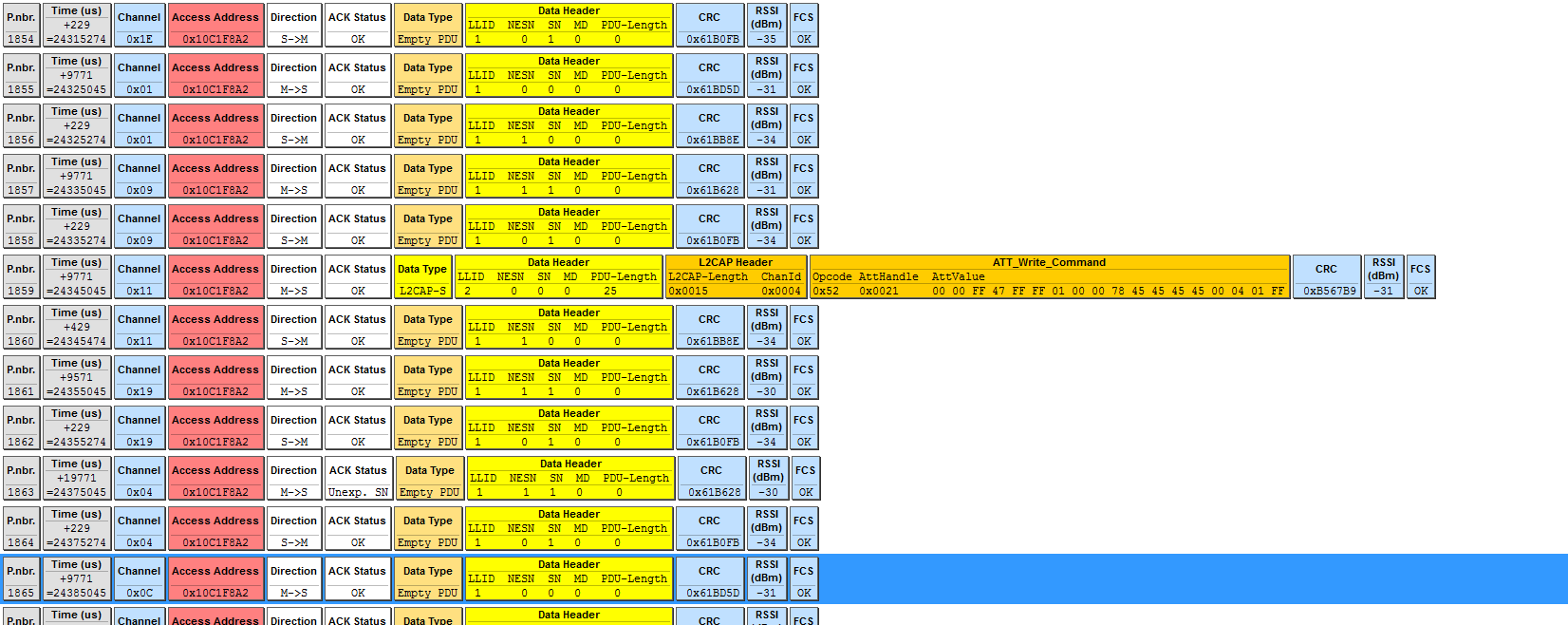
It seems that the beacon stops sending messages, here's a capture on the sniffer when the OAD stops:

The furthest it has reached is 67%. 

Another thing is that if I configure the connection interval at 8 (10 ms) I can only establish a connection but the OAD stops immediately. So I have been trying at 200.

#else //!FEATURE_OAD
// Minimum connection interval (units of 1.25ms, 8=10ms) if automatic
// parameter update request is enabled
#define DEFAULT_DESIRED_MIN_CONN_INTERVAL     200//8

// Maximum connection interval (units of 1.25ms, 8=10ms) if automatic
// parameter update request is enabled
#define DEFAULT_DESIRED_MAX_CONN_INTERVAL     200//8
#endif // FEATURE_OAD

After all I've shown I think the problem may come from the RF design but can it be so critical?

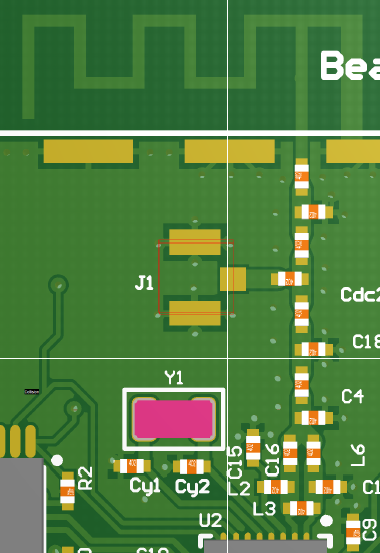
Here are the schematic and the layout on the RF part.
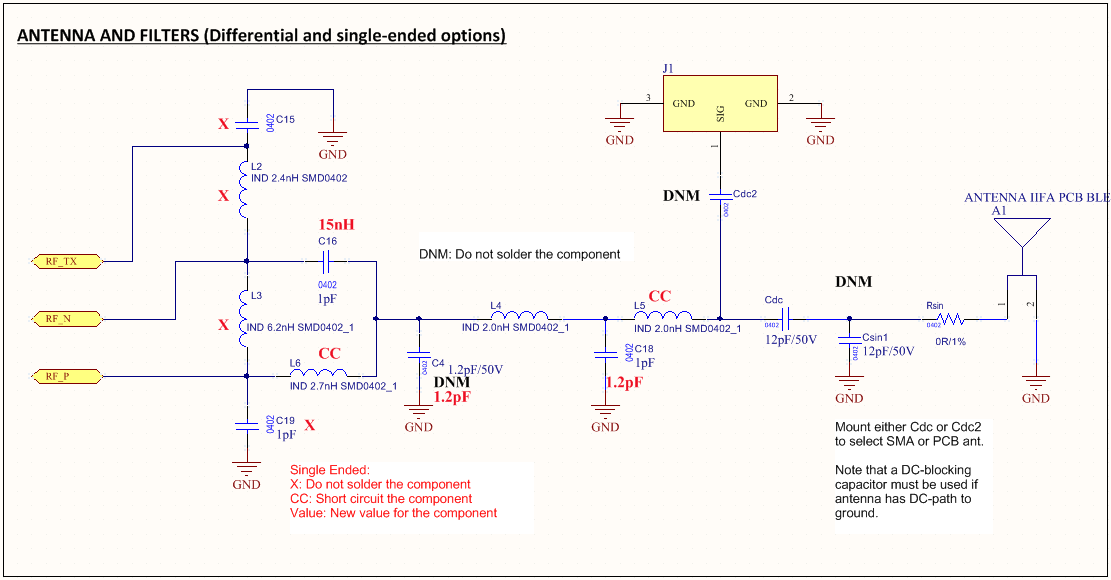
Can anybody help me? Any ideas of what can be the cause of these random stops? 

  • Hi,

    First, when you say that you modified simple_peripheral, did you actually modify the code, or did you just use the OAD configuration that is provided?

    The issue may be due to blocks being sent out of order. In BLE Device Monitor, you can try to fix this by setting blocks/connection to 1. Also, BLE Device Monitor has some limitations. We suggest that OAD be tried using BTool. Instructions on doing this with the CC2640F128 can be found here: processors.wiki.ti.com/.../CC2640_OAD_User's_Guide

    -Nathan
  • Hi Nathan,

    Thanks for the quick response. 

    When I said modified I meant that nearly all the firmware is based on the simple_peripheral example, I just added two tasks, modified the board configuration, adv data, etc. All the code related to OAD is the original.

    I tried to set the blocks/connection to 1 but it didn't work either. I then downloaded python, configured de CCS to execute the oad_image_tool.py on the post build steps, and download the last btool program. What happened was that my device accepted the OAD image, but then there was no response.

    Here the first block is sent and that's it.

    And in the btool it freezed like this

    So as I did before, I tried lowering the rate of messages sent and the OAD could start. But then again it stopped somewhere in the middle. I can accept waiting a few minutes to do an OAD but this is not trustworthy. 

    Another thing I've tried is the SmartRF Studio 7 to see if I could receive and send messages consistently and it turned out my device does it well (I think). In the following screenshots I used the CC2650 Launchpad as TX and my device as RX.

    The Average RSSt is quite good and I received every message at an interval of 60 ms.

    I finally tried to do the OAD with the CC2650 Launchpad with the host_test example but I got the same result.

    I'm kind of blocked now, so any other suggestions?

    Thanks!!

  • Hi,

    The problem may be that the target device is getting stuck when it is trying to write the data to external flash. Since you are using a custom board, is your external flash setup identically to that of the CC2640R2F LaunchPad (which the OAD projects are designed for)?

    -Nathan