Part Number: LAUNCHXL-CC2650
Other Parts Discussed in Thread: CC2650
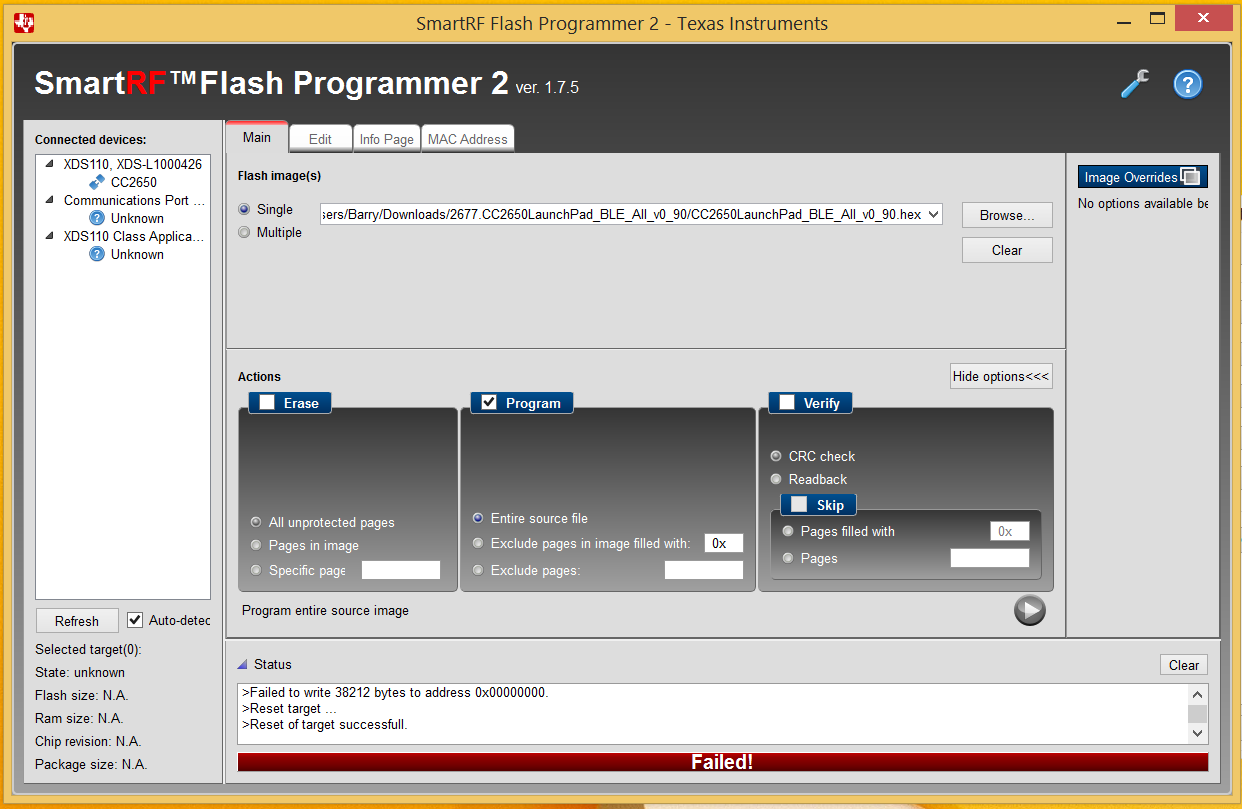
How do I reload the default firmware onto the CC2650 Launchpad? I downloaded the sprcag5 file but it is not a .out or .hex.
This thread has been locked.
If you have a related question, please click the "Ask a related question" button in the top right corner. The newly created question will be automatically linked to this question.
Part Number: LAUNCHXL-CC2650
Other Parts Discussed in Thread: CC2650
How do I reload the default firmware onto the CC2650 Launchpad? I downloaded the sprcag5 file but it is not a .out or .hex.
If you install TI BLE Device Monitor, you will find LAUNCHXL-CC2650 preloaded FW under C:\Program Files (x86)\Texas Instruments\SmartRF Tools\BLE Device Monitor\firmware\cc26xx. I attach it for your reference.