This thread has been locked.

If you have a related question, please click the "Ask a related question" button in the top right corner. The newly created question will be automatically linked to this question.

RTOS/CC2650STK: Bug in DevPack LED board example Project - disconnects Bluetooth.

Part Number: CC2650STK
Other Parts Discussed in Thread: BLE-STACK, CC2650

Tool/software: TI-RTOS

I'm using the example project (sensortag_cc2650stk_stack and sensortag_cc2650stk_app) from the bluetooth stack (ble_sdk_2_02_01_18)

I've enabled the LED Lights on the Dev Pack, by defining the switch 'INCLUDE_LIGHT' 

The code in function -

void SensorTagLight_processCharChangeEvt(uint8_t paramID)

Includes at the bottom a section which when enabled disconnects the bluetooth from the connected device. If this section of code is excluded from the project then the connection remains intact but LEDs flash on and off rather then remaining illuminated consistently. 

#ifdef POWER_SAVING
// Make sure the power domains are on if any light is active
if (lvalRed>0 || lvalGreen>0 || lvalBlue>0 || lvalWhite>0)
{
devpkSetLight(Board_DEVPK_LIGHT_BLUE, 0x02);
/* Set constraints for Standby and Idle mode */
Power_setConstraint(PowerCC26XX_SB_DISALLOW);
Power_setConstraint(PowerCC26XX_IDLE_PD_DISALLOW);
}
else
{
devpkSetLight(Board_DEVPK_LIGHT_BLUE, 0x00);
/* Release constraints for Standby and Idle mode */
Power_releaseConstraint(PowerCC26XX_SB_DISALLOW);
Power_releaseConstraint(PowerCC26XX_IDLE_PD_DISALLOW);
}
#endif // POWER_SAVING

  • Hello John,
    Have you tried this with the latest SDK?
    Where did you find the code for the LED devpack?
  • It's just the default sensortag app in the examples folder but with the 'INCLUDE_LIGHT' Switch enabled.

    To be honest I don't find navigating the TI website to be very intuitive. I was under the impression that that version of the stack is the latest. I'll check again.
  • The latest version (2.2.2) is found here:
    ti.com/ble-stack
  • OK So there is a later version of the BLE stack but the project whilst it builds with 'INCLUDE_LIGHT' enabled the project cannot be programmed into the device

    Cortex_M3_0: GEL Output: Memory Map Initialization Complete.
    Cortex_M3_0: GEL Output: Board Reset Complete.
    Cortex_M3_0: GEL: Encountered a problem loading file: C:\ti\simplelink\ble_sdk_2_02_02_25\examples\cc2650stk\sensortag\ccs\app\FlashOnly_OAD\sensortag_cc2650stk_app.out Could not open file
  • Try to clean, then go into windows folder options and disable "read only" for the complete SDK folder. Does that help?
  • Not sure how TI distributed that SDK but I have full control of that SDK directory and can't make the directories writable. It looks like Windows is applying the changes but when you go back directories are all read only. Maybe this is down to my local machine. The previous SDK Folder is read only but I can build and flash the application project. With this later version I can build and flash the stack project but not the application.

  •   Love to know who tested the later release.

  • Can I go back to the initial reason for this thread. There is a bug in the TI Example project in version 2.02.01.18 of the BLE SDK, where enabling Power Saving disconnects the Bluetooth connection.

    Whilst there is a later version of the BLE SDK, TI have never actually tested it, and have shipped it without the necessary settings to actually build the example project. So now I should spend my time trying to get the example sensortag app to build? I wonder what you mean when you say "example project"? Do you mean "this is an example of a project that does not actually build. So if you DON'T want to build a project then do this. If you want to build a working project then do something else, but we're not telling you want that something else is."
  • Hello John,

    All example projects should build out of the box and should be tested with the environment stated in the release notes.

    The Release note for BLE-Stack 2.2.1 states:

    • CCS 6.2.0 (Build 50 or later)
    • TI ARM Compiler v5.2.6
    • XDC Tools 3.32.00.06
    • tirtos_cc13xx_cc26xx_2_20_01_08

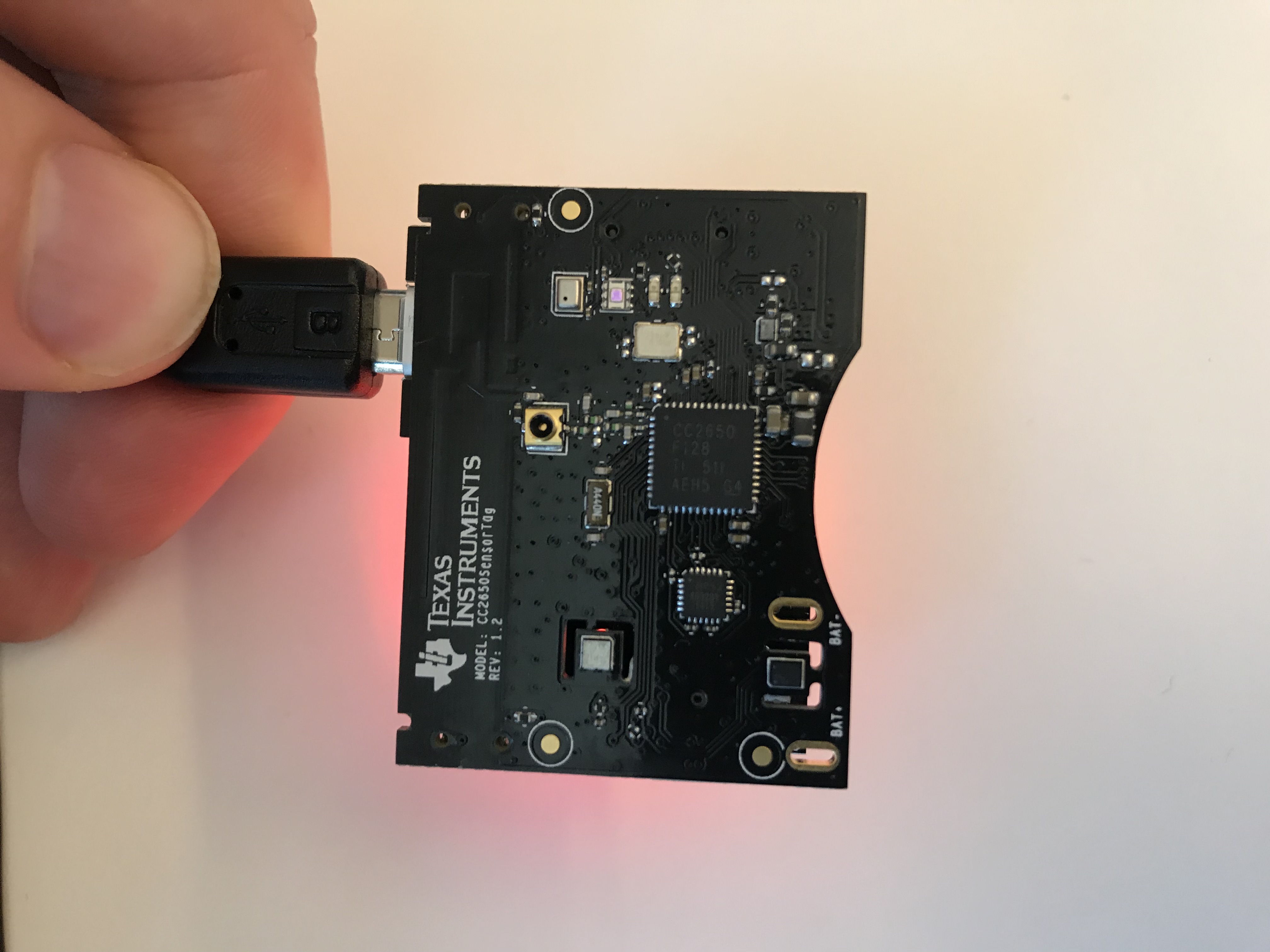
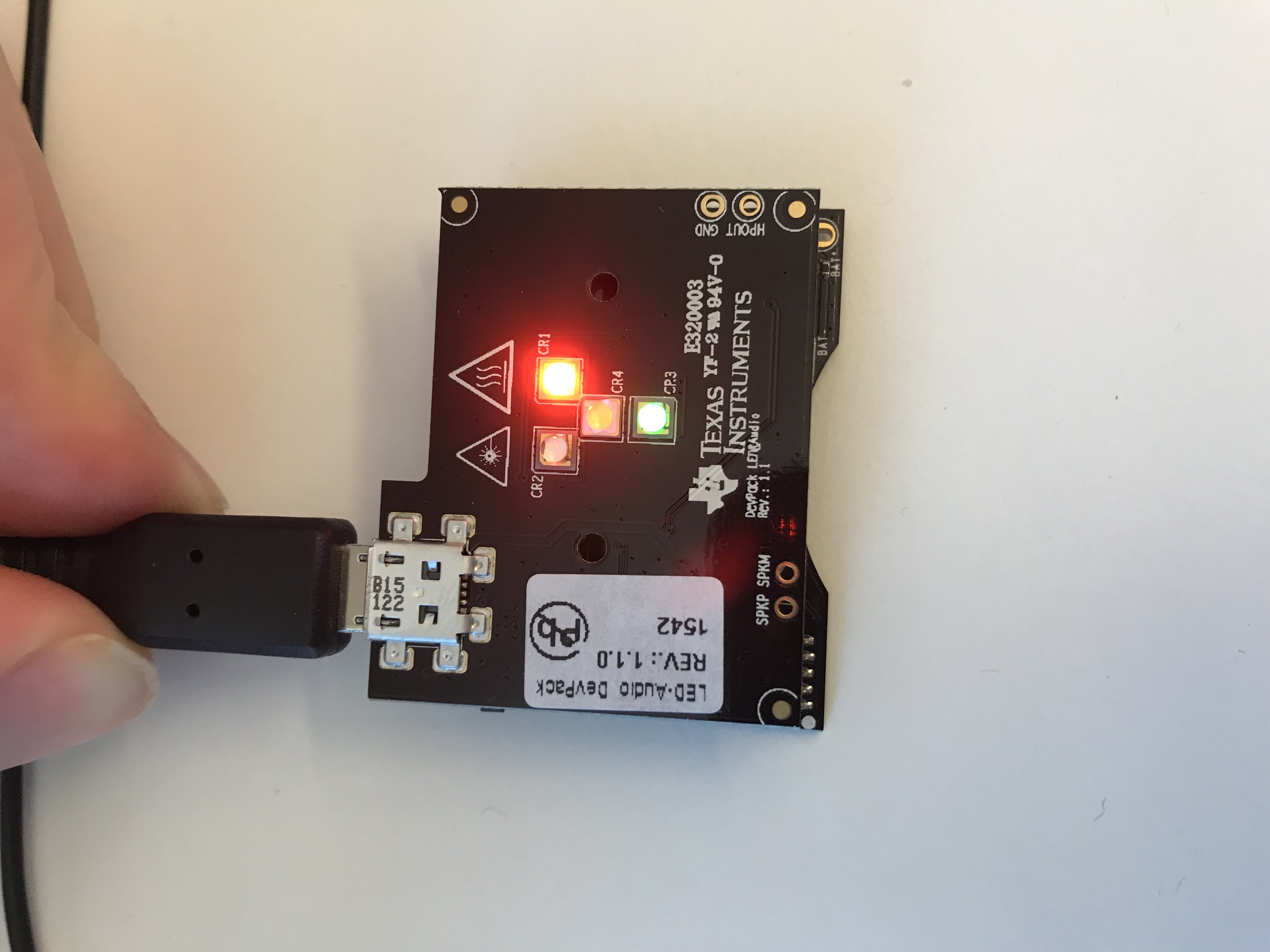
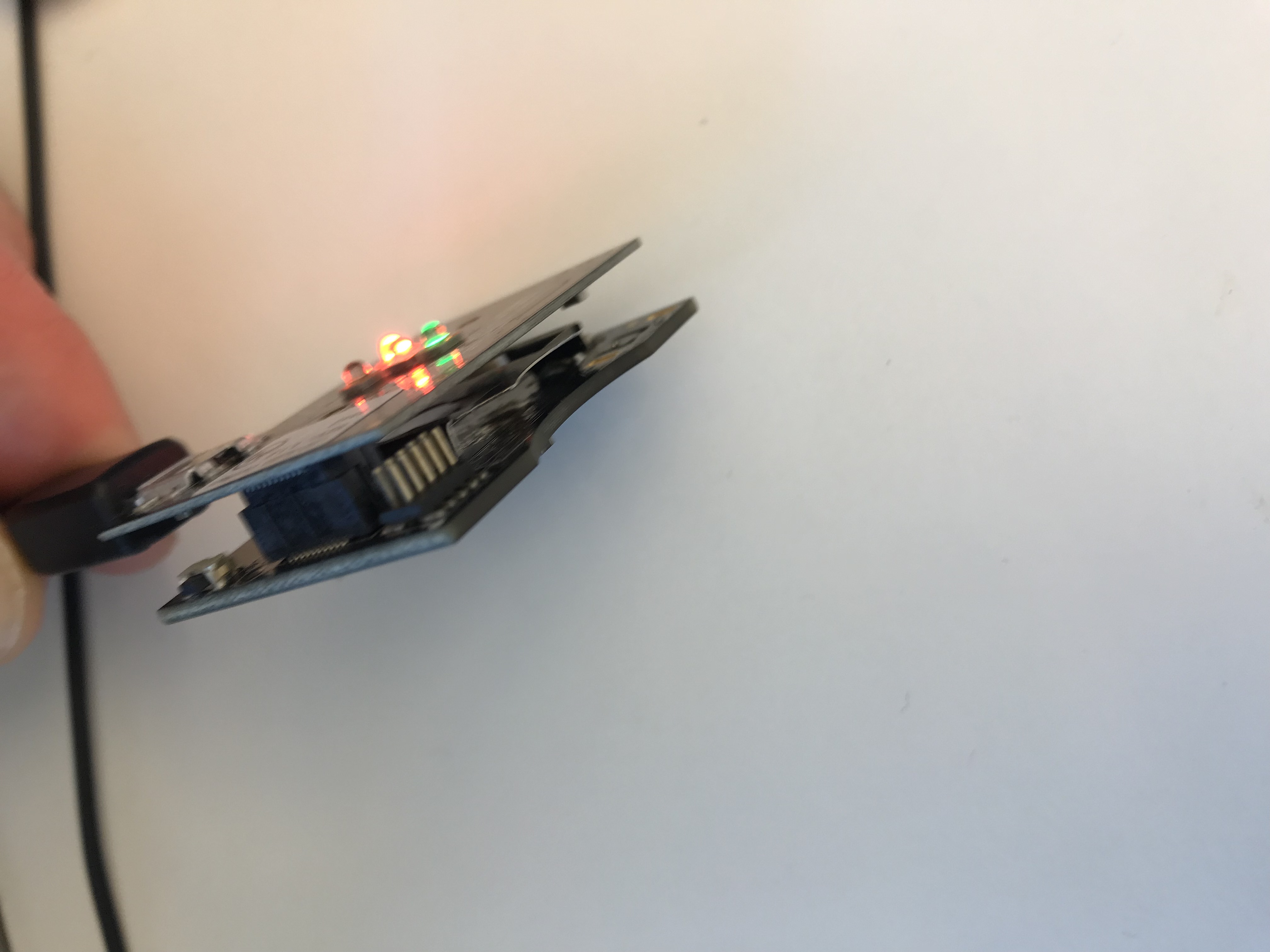
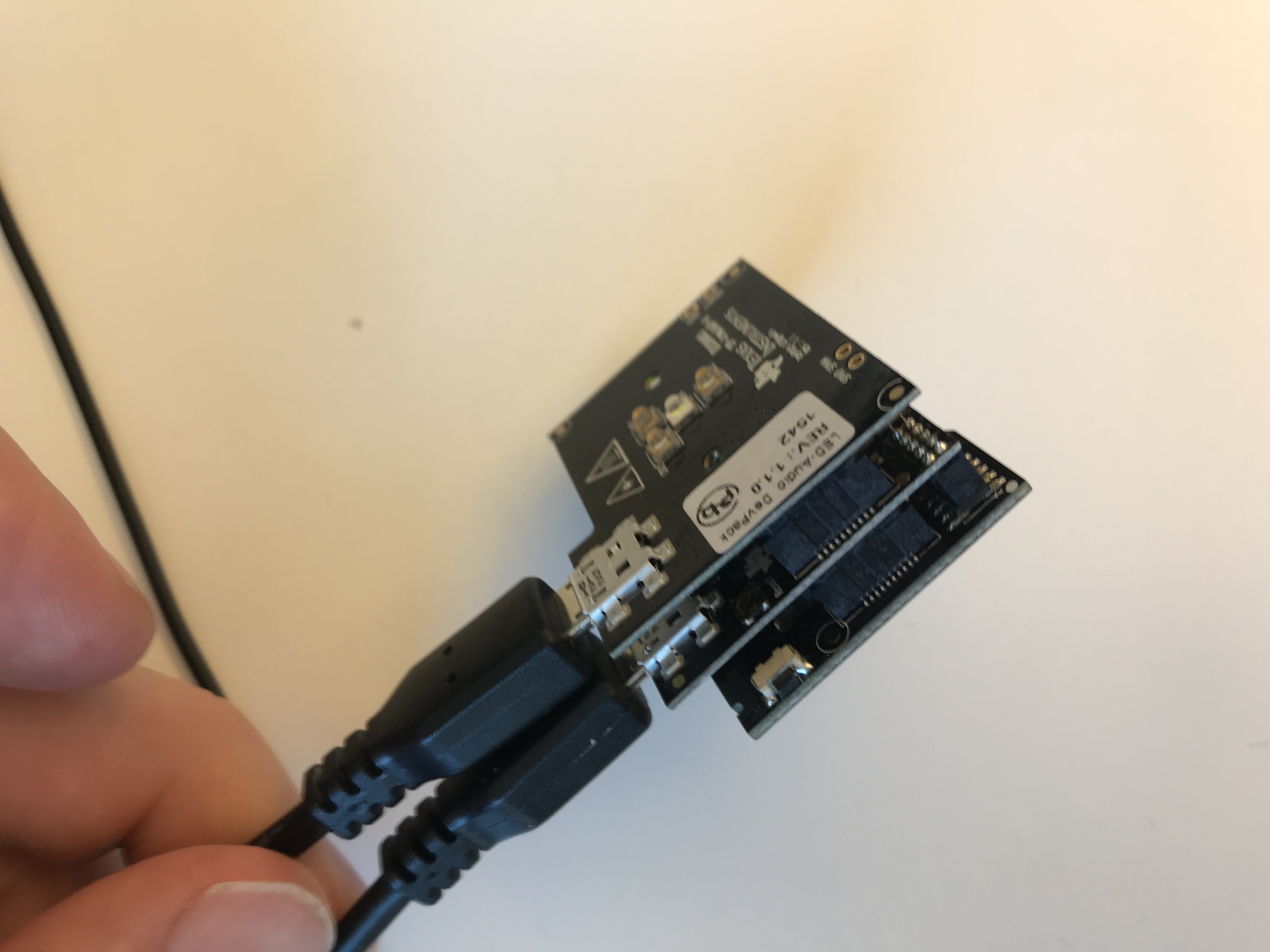
    The reason I asked you to test the latest sdk was in case there was a fix for your issue. I found out there is only a dedicated example for CC2650STK with DEVPACK-LED-AUDIO in BLE-STACK 2.2.1. SO I downloaded it and found some HW to test myself. I could compile, download and run everything successfully with POWER_SAVING enabled. I suspect there might be a power supply issue in your case. The LED devpack needs a separate USB power supply to run successfully. I have attached some pictures of my setup.

  • I used Code Composer Studio Version: 8.3.0.00009 with TI ARM Compiler v5.2.6.
    e2e.ti.com/.../2894990
  • Hi Eirik,

    I totally agree with your comment - "All example projects should build out of the box". I'll re-install 2.2.2.25 again and try to build sensortag stack & app from the beginning.

    But now I'm confused. There was a suggestion to use the latest version of the BLE SDK which is 2.2.2.25 whilst you are using 2.2.1.18 which is the version I originally had an issue with and was directed to the later version, which does not build. I'm now torn between a version that does not build, which may have a fix, and an old version which doesn't work with power saving enabled. The agony of choice ;)

    So back to the bug. Yes I am powering the board from a separate USB power connection. Yes the sensortag with DevPACK does connect over Bluetooth, but have you tried using it? I suggest that you write a piece of code to loop turning the LED on and off. Then from your mobile phone in the vicinity do a BLE scan for new devices. That just forces the error but I find that if you leave the device connected and walk away it'll eventually drop the connection and lockup. The problem appears to be resolved with power saving so I'll run with that and the old version of the SDK for the moment.

    I'd be interested in your results. Here the TI CC2650 disconnects the established connection and won't respond. Have to power it down, by unplugging the USB power cable.

    I'm new to TI CC2650 and build tools so not sure of all the version numbers I'm using but I'll find out.

    Thanks for your help
  • Oops - Just to correct my or better describe issues. The default sensortag application does build in BLE SDK 2.2.2.25.

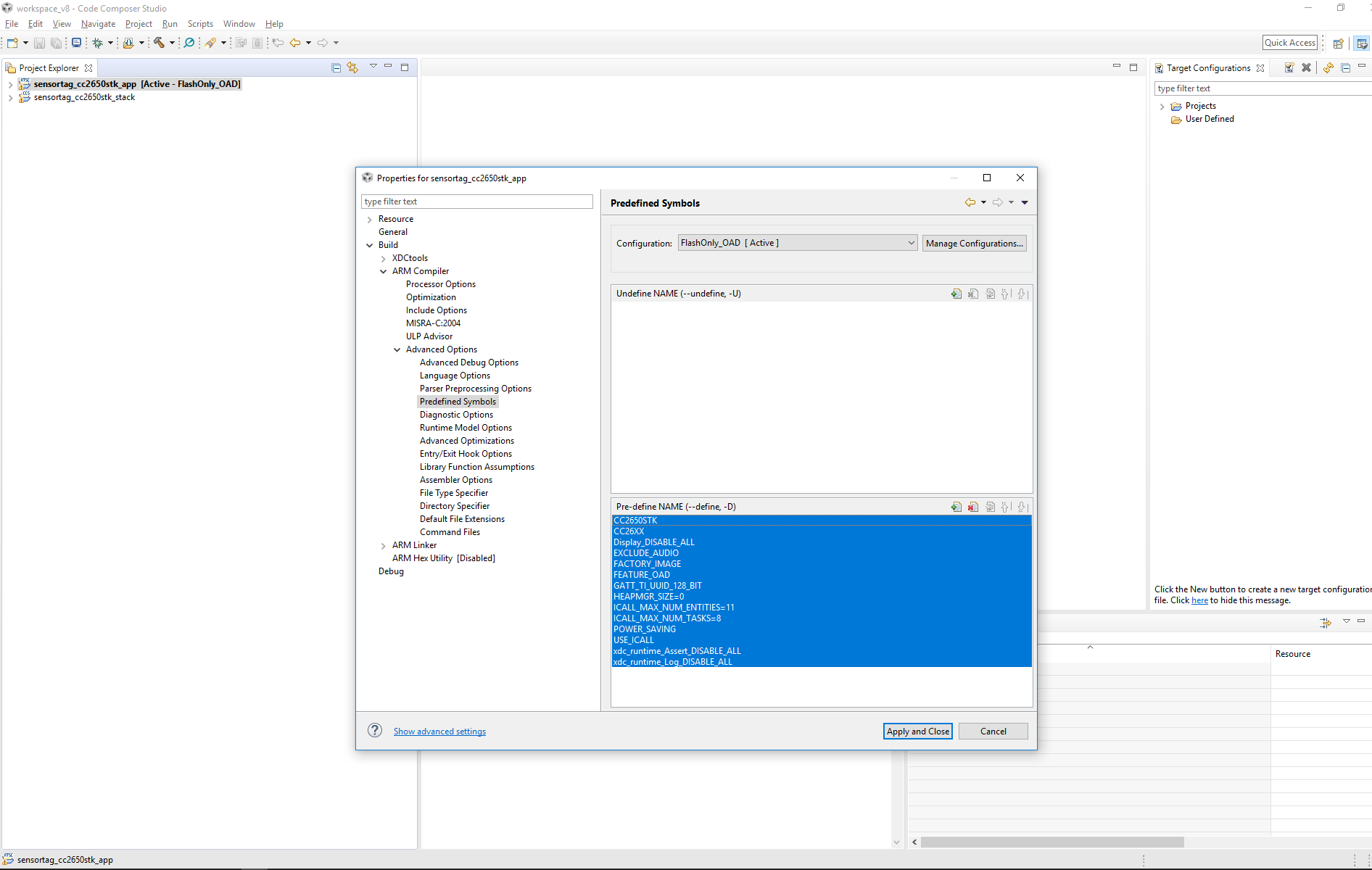
    The problem is when you add "INCLUDE_LIGHT" to the project's properties and add the files sensortag_light.[ch] to the project. When you add those files the project DOES build but it DOES NOT produce an output file to flash.

    So when you augment the project it will build without error but does not produce any output. That might be a problem with CCS? The example project? Or perhaps how I've added sensortag_light.[ch] to the project.
  • I think this might be a CCS issue :(

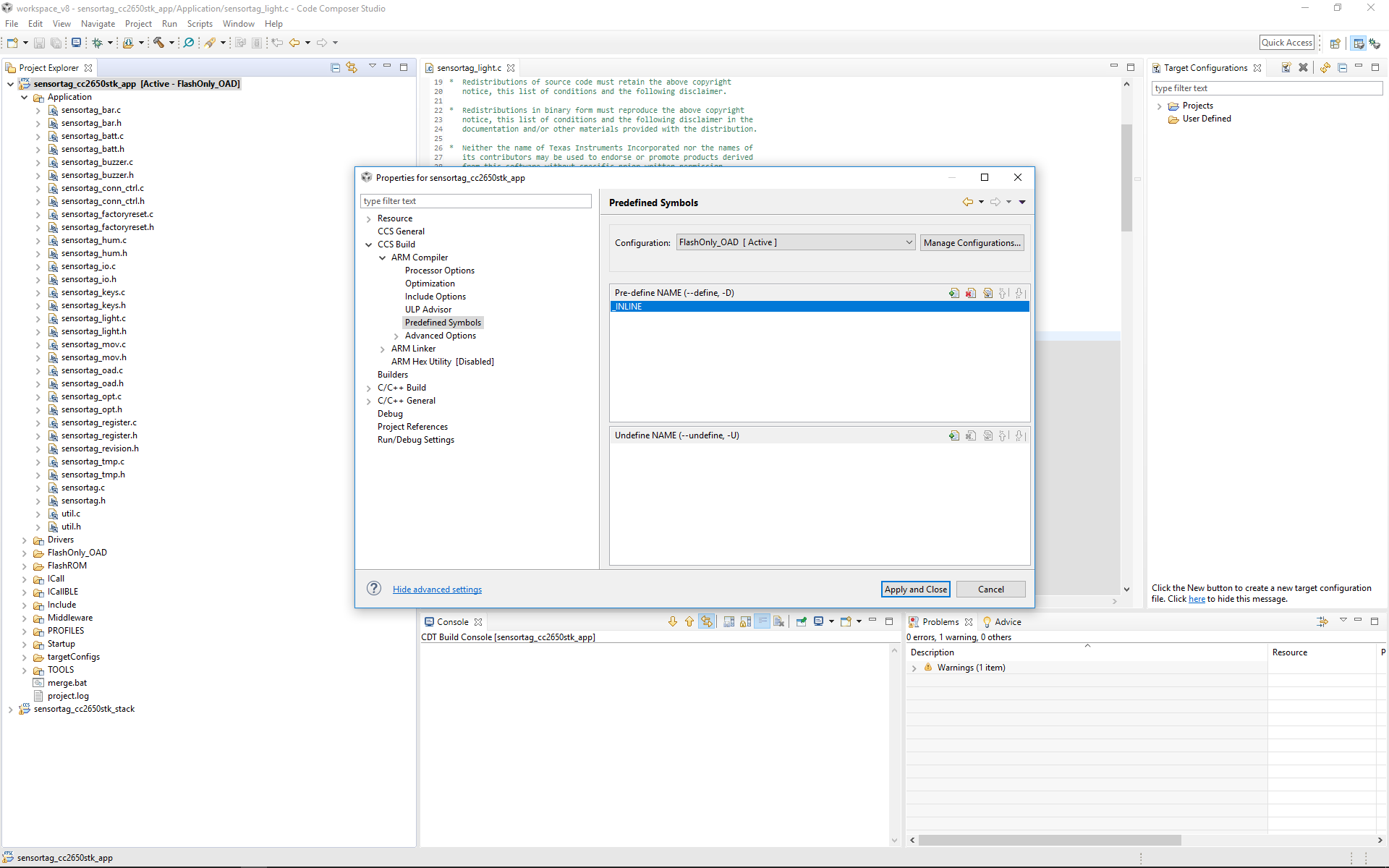
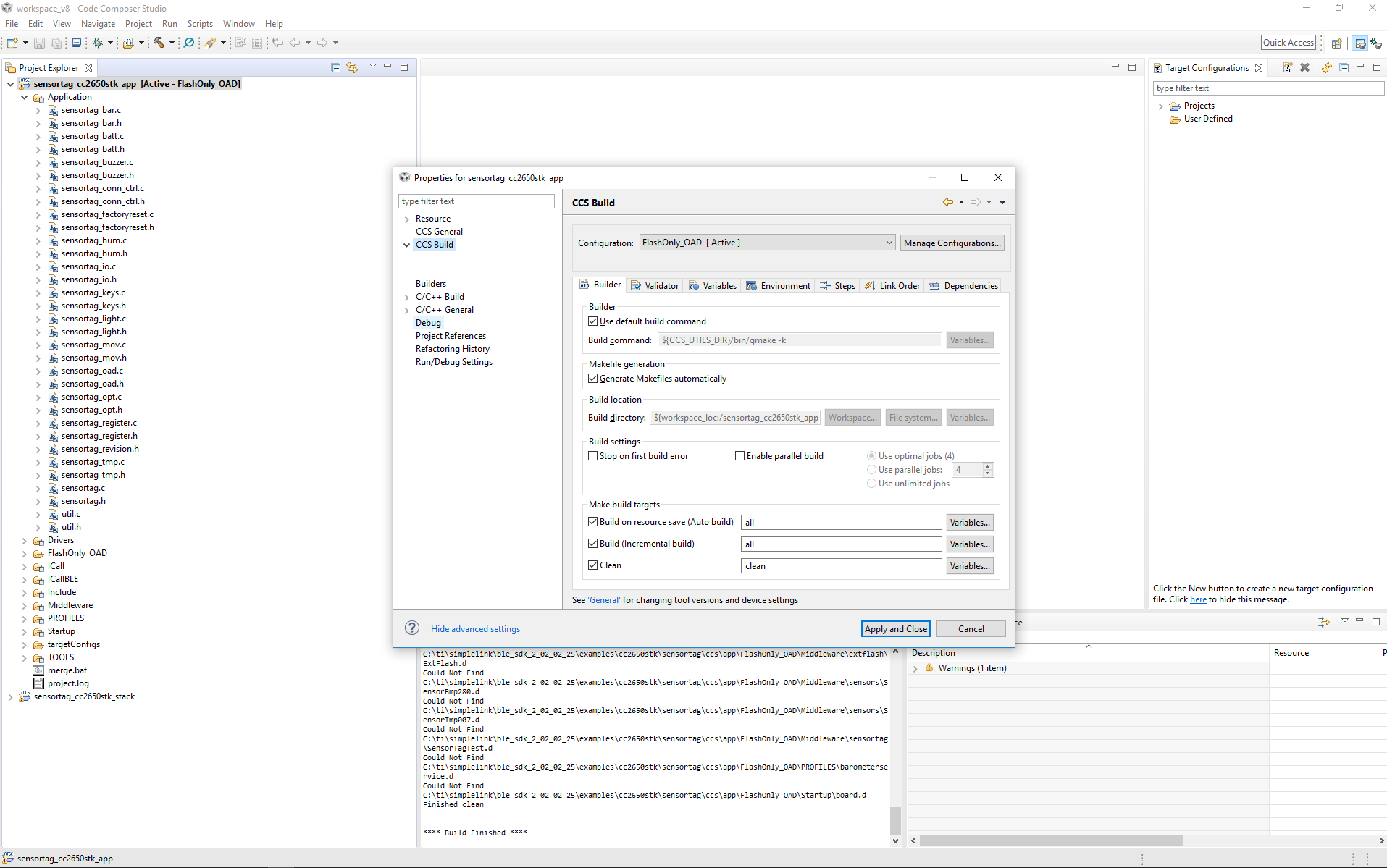
    When I install the BLE SDK, import the project and build it then it builds fine, and produces output, which I can flash into the device. If I add sensortag_light.[ch] to the project it destroys the project. I can clean the project but after a clean it won't build as there's "nothing to do". Additionally the addition of the files, (without enabling INCLUDE_LIGHT), changes the ability to change project properties. Specifically the "CCS Build" menu has been decimated:

  • Hello John,
    I did some testing without any errors/malfunction on BLE SDK 2.2.1 with the \sensortag_light example.
    Can you show me in the simplest manner what code alterations you did do be able to make it fail?

    You don't use a battery, correct? Only the USB power from the devpack?
  • On the out of date version of the code I simply added the ENABLE_LIGHTS to the sensortag example project in CCS.

    If you look at SensorTag_init() in sensortag.c at the bottom of the function there's a call to - 

    // DevPack devices
    SensorTagDisplay_init(); // Display DevPack
    SensorTagLight_init(); // LED Light Devpack

    If you follow the call to SensorTagLight_init() with 'F3' you might find that the code is #define'd out of the build by the Compiler Switch - 

    #ifdef INCLUDE_LIGHT

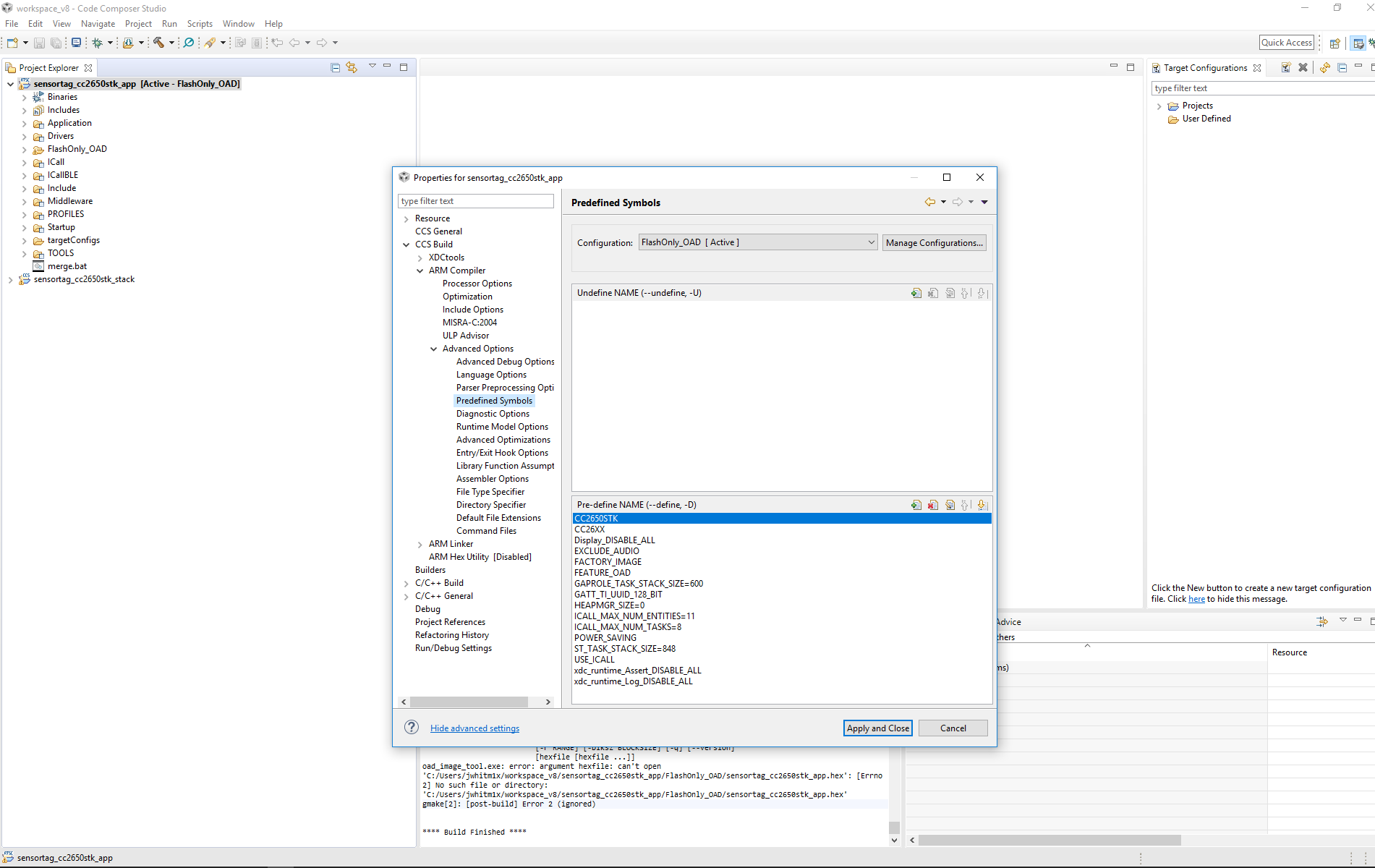
    So you want to add that compile time option to the build. Once that is added you'll have a number of errors as the necessary files aren't included in the project, by default. You can add files in CCS to the 2.2.1 project, but I'm afraid that option is unavailable in the 2.2.2 project, as it simply breaks the build system. I have included screen shots above of that issue.

    So to get rid of the linker errors add the necessary files, probably sensortag_light.[ch] and devpk_light.[ch], to the build system.

    The rest is an application build on the bluepy library I'll include a test file "test.py" and the bluepy library as I've made a few changes to add the devpack board. The bluepy library includes a file for dealing with the base CC2650 sensortag board.

    So the test application is meant to turn the led on and off in an infinite loop. Sensortag simply disconnects.

    4137.test.zip


  • Oh I'm running that on a Linux device and you need root access to scan the bluetooth devices.

    sudo python3 test.py
  • Hello John,
    I don't have access to a linux machine, but I tested with BTool successfully vs the 2.2.1 sensortag_light example
    C:\ti\simplelink\ble_sdk_2_02_01_18\examples\cc2650stk\sensortag_light

    You state that Sensortag simply disconnects:
    Does the sensorTag return to advertising state?
    Have you captured a sniffer trace to verify that air traffic?
    Have you tried using manually BTool to verify that it works?
  • Yeah I got the impression that TI don't do the Linux. Always strikes me as strange as your products go into embedded systems. Can't they even get you a RaspberryPi ? ;)

    New to Bluetooth, so hadn't heard of BTool, found user guide dev.ti.com/.../index.html

    looks great but struggling to find where the tool is available. I'll keep searching. Thanks for that pointer!