Other Parts Discussed in Thread: CC1350, BOOSTXL-ULPSENSE
Tool/software: Code Composer Studio
Hey guys,
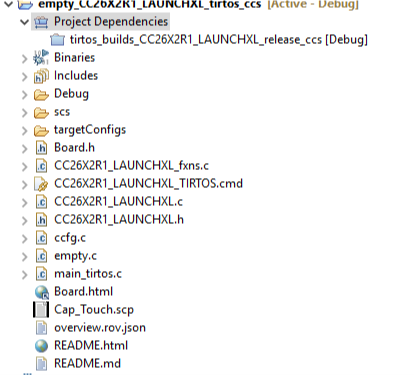
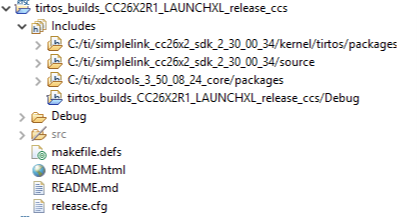
I'm having a small problem on CCS where I am trying to run the debug software and am running in to a roadblock. I set a few breakpoints, but when I run the debugger, I cannot step in to the code or continue. The option to play or pause are grayed out. After stopping the debugger, I find that all my breakpoints have been disabled. What am I doing wrong? I saw a related question that mentioned disabling the optimizer, and I already did that to no avail.
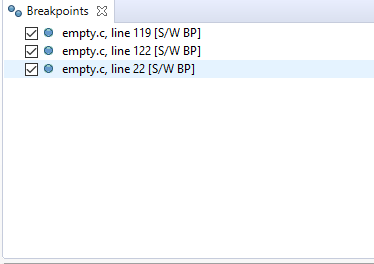
Pre-running debug

While running debug
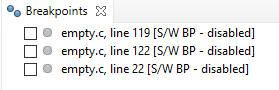
Post-running debug