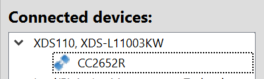
Other Parts Discussed in Thread: CC2652R
Tool/software: Code Composer Studio
CCS Version: 9.3
SDK Version: simplelink_cc13x2_26x2_sdk_3_40_00_02
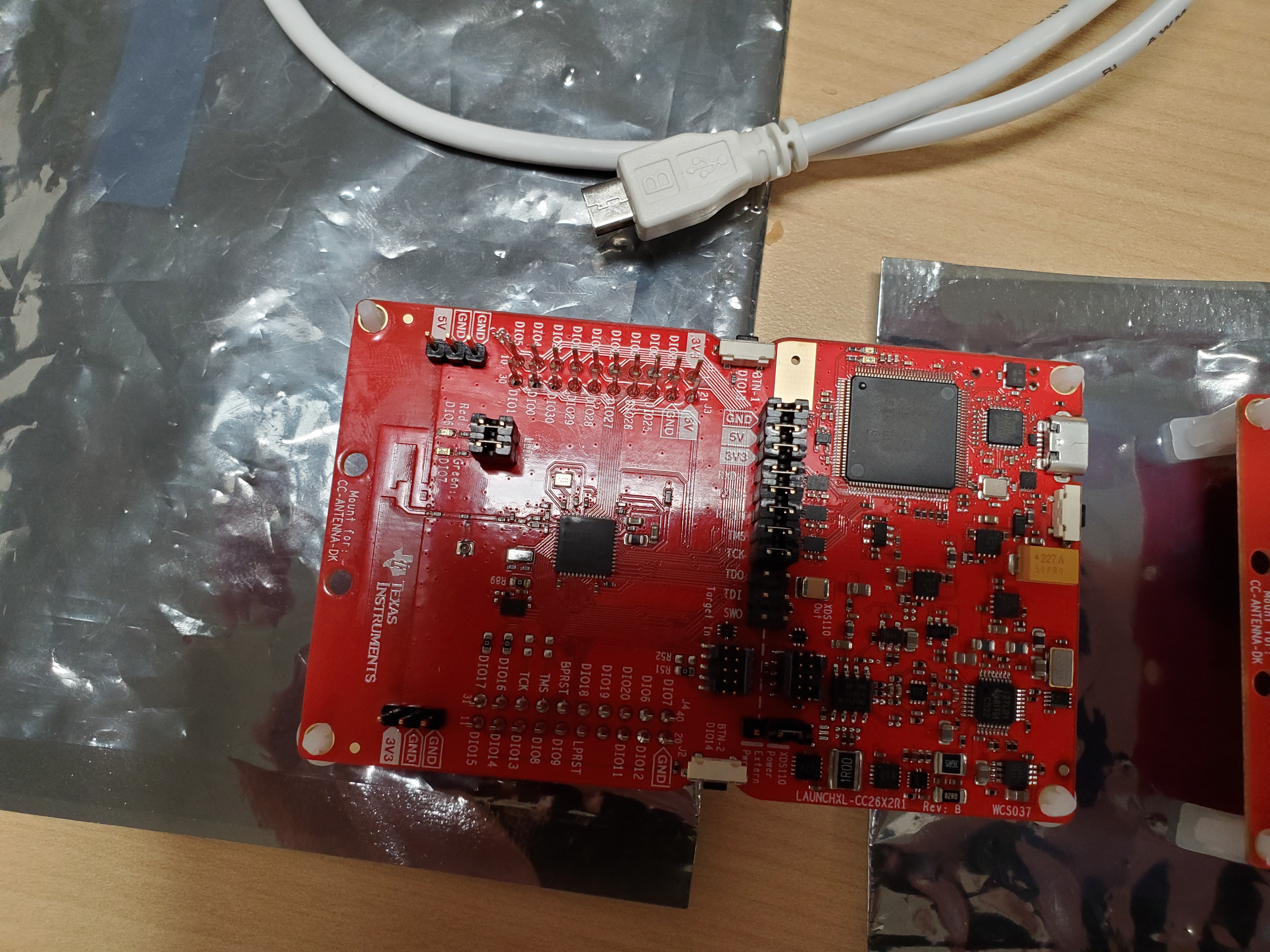
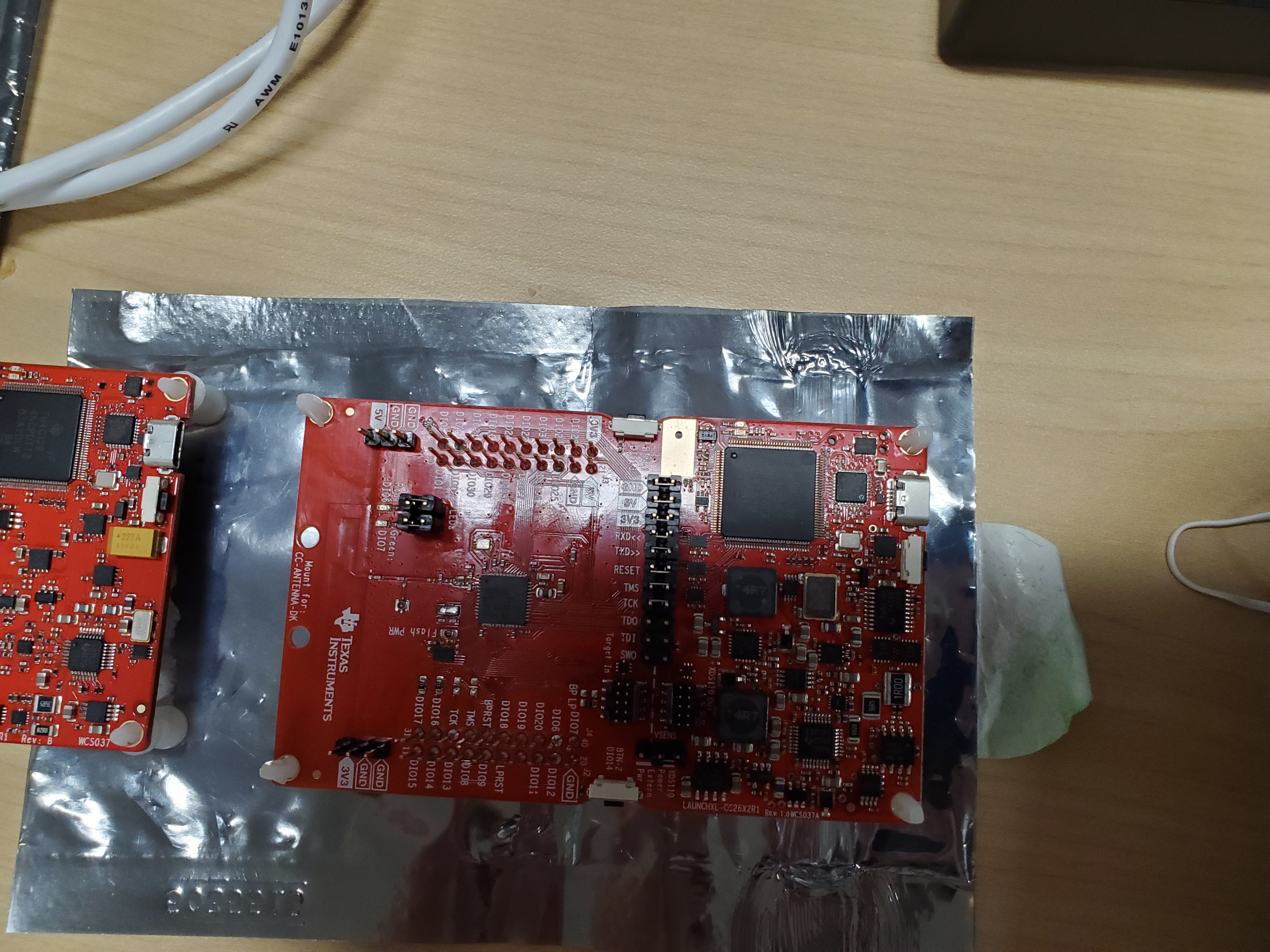
Currently in my setup I have two LAUNCHXL-CC26X2R1 launchpads. While testing, one of my launchpads is able to utilize the CCS debugger, and separately can run the setup in BTool. The other board does not. In CCS once the debugger is ran and finishes no main.c file appears and nothing can be ran. In addition, BTool gives a Device Timeout Error once the COM port is chosen. Overall one board works and another does not. I am curious if this is a software issue or if I will need to get another board. Please let me know if you need additional information.
Good Board:
Bad Board:
BR,
Connor Desmond