Other Parts Discussed in Thread: CC2640, CC2650, BLE-STACK
Tool/software: Code Composer Studio
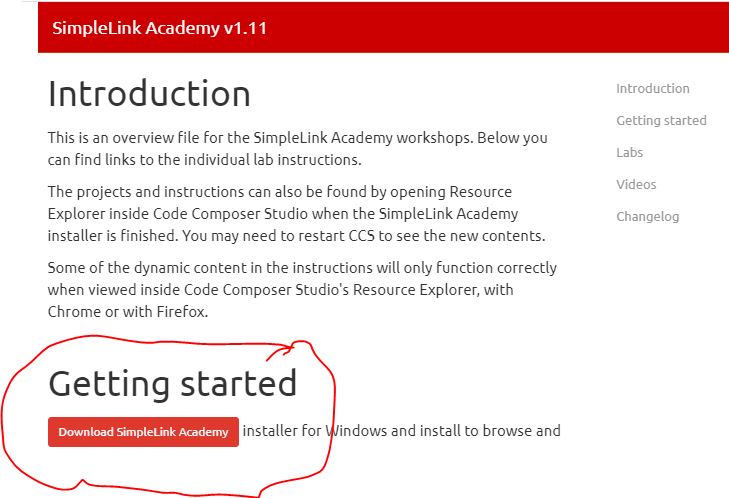
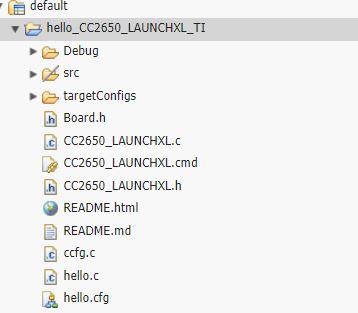
I am in the process of setting up the development environment to work on SimpleLink Academy for CC2640/CC2650 examples. In the process I have encountered the following error.
I am using Code Composer Studio 9.3. Windows 10 platform

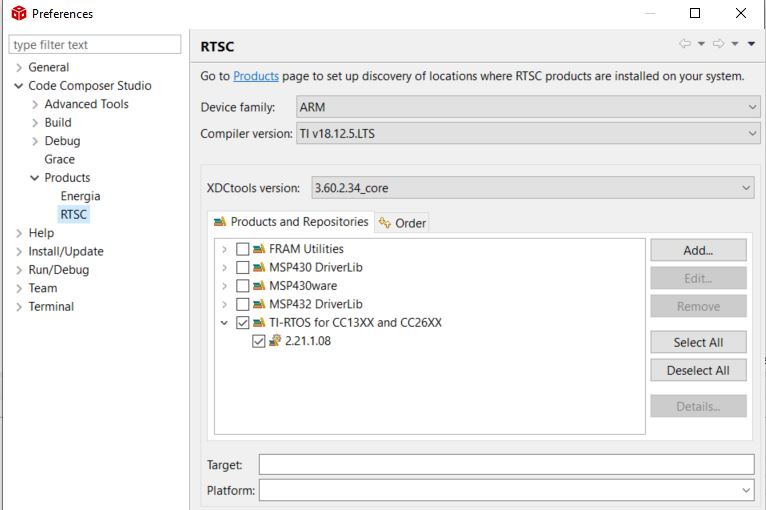
js: "C:/ti/xdctools_3_31_00_24_core/packages/xdc/xdc.tci", line 354: xdc.services.global.XDCException: xdc.PACKAGE_NOT_FOUND: can't locate the package 'xdc.rov.monserver' along the path:

'C:/ti/tirtos_cc13xx_cc26xx_2_21_01_08/packages;C:/ti/tirtos_cc13xx_cc26xx_2_21_01_08/products/tidrivers_cc13xx_cc26xx_2_21_01_01/packages;
C:/ti/tirtos_cc13xx_cc26xx_2_21_01_08/products/bios_6_46_01_38/packages;
C:/ti/tirtos_cc13xx_cc26xx_2_21_01_08/products/uia_2_01_00_01/packages;C:\ti\xdctools_3_31_00_24_core/packages;'.

Ensure that the package path is set correctly.

Can anyone point to what might be causing this error?
Note: I did look at the forum and didn't find any solutions. Below some of the post that I have reviewed.