Part Number: LAUNCHXL-CC1352P
Other Parts Discussed in Thread: UNIFLASH, , CC1352P
Hi.
I want to test packet sniffer2 by LAUNCHXL-CC1352P1.
I reffered that.
- Download Wireshark version 2.4.x from https://www.wireshark.org/.
- Install Wireshark version 2.4.x to default location on your machine. / My version is 2.6.9.
- Download the SmartRF Packet Sniffer 2 ZIP file to your hard drive.
- Unzip the ZIP file.
- Run the installer executable (requires administrator privileges) and follow the instructions.
- When prompted “Copy dissector plugins to this Wireshark installation” click OK
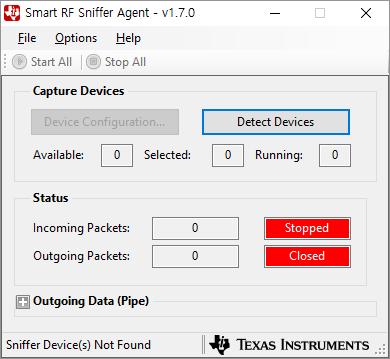
But, tool show "No Supported Sniffer Devices Found".
I downloaded and installed Setup_SmartRF_Packet_Sniffer_2.
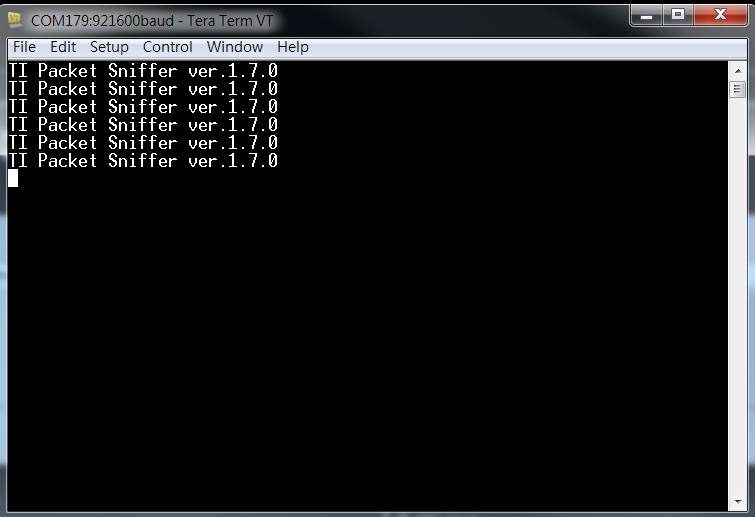
Firmware is "C:\Program Files (x86)\Texas Instruments\SmartRF Tools\SmartRF Packet Sniffer 2\sniffer_fw\bin\cc1352p1lp\sniffer_fw.hex"