Hi all,i Just want to ask the application Texas Instruments\Z-Stack Home 1.2.2.42930\Projects\zstack\OTA\Boot\CC2530DB\boot.ewww has to be pre burnt into the cc2530 SoC before OAD or it just has to be added in the application.
This thread has been locked.
If you have a related question, please click the "Ask a related question" button in the top right corner. The newly created question will be automatically linked to this question.
I don't have source code of OTA server so I don't know how it get those data. If you have to know it, I suggest you to contact TI local representative to sign NDA and SLA to get source code and related information.
.The bootloader C:\Texas Instruments\Z-Stack Home 1.2.2.42930\Projects\zstack\OTA\Boot\CC2530DB it replaces the current image with the downloaded image.
what it actually do it replaces the hex contents or anything else?
sir,
I am using the SoC cc2530F256 ,while writing the data onto the flash i had given the destination page no from 32 which when i cross checked on the Logical Code memory i get the data is written on the address 28000(at this position Bank 2 Starts).
-D_BANK0_START=0x00000 //0 // Note: Unconventional bank numbering on this part: //value assinged to the symbol option -D
-D_BANK0_END=0x07FFF //15 // "BANK0" is the root bank/common area!
//
-D_BANK1_START=0x18000
-D_BANK1_END=0x1FFFF
Reserved Area
-D_BANK2_START=0x28000
-D_BANK2_END=0x2FFFF
Reserved Area
-D_BANK3_START=0x38000
-D_BANK3_END=0x3FFFF
Reserved Area
-D_BANK4_START=0x48000
-D_BANK4_END=0x4FFFF
Reserved Area
-D_BANK5_START=0x58000
-D_BANK5_END=0x5FFFF
Reserved Area
-D_BANK6_START=0x68000
-D_BANK6_END=0x6FFFF
Reserved Area
-D_BANK7_START=0x78000
-D_BANK7_END=0x7FFFF
/
my question is how the page nos are defined and are the reserved area is counted in the pages?
and also if the data gets more than 32 Kb then the upcoming data get directly to the new bank?
#defined HAL_OTA_DL_MAX 0x40000 in the file C:\Texas Instruments\Z-Stack Home 1.2.2.42930\Projects\zstack\OTA\Boot\CC2530DB
I am unable to understand why the maximum size is 0X40000
HI Yikai,
I have done the image writing in the EXTERNAL Flash Memory via SPI using CC2530 and Image downloaded from OTA Dongle ( Coordinator ) is SUCCESSFUL and Node is restarting also,
Now I have edited the f8w2530 config file as per the ota.xclZ-Stack OTA Upgrade User's Guide.pdf

CODE_START - 0x0800 ( earlier it was 0x0000 )
and added CRC Option
I have done the integration of hex files of Boot Code and Node Firmware also as per the steps mentioned in page 44 of the pdf attached here with,
I have found the boot code is not able to execute jump to 0x800 location
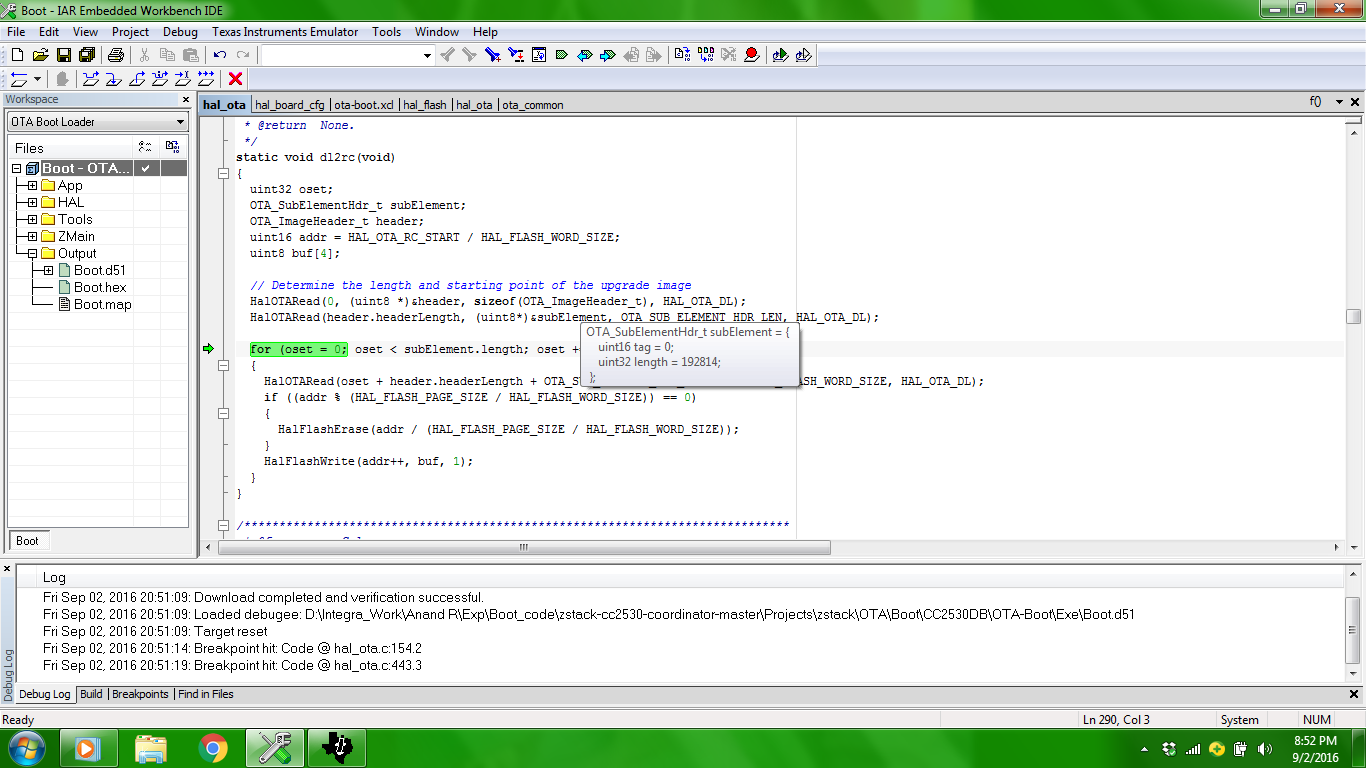
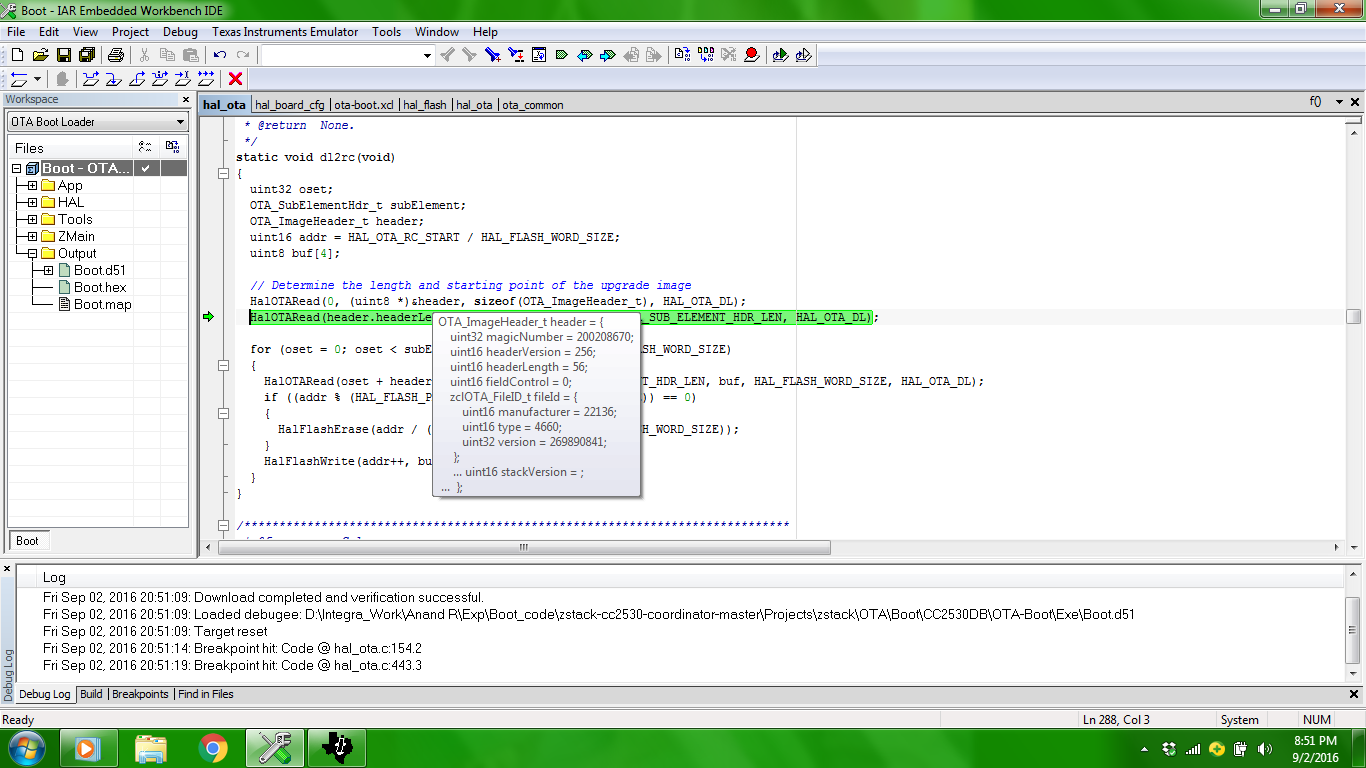
then I tried debugging that and TRIED to check the function dl2rc()
and i found if i keep only two things in the boot code
one is dl2rc()
and other one is that JUMP instruction to 0x0800
again the integrated code ( Boot + Node Firmware ) is not working ( it means the boot code is not able to execute Jump Instruction to 0x0800 )
So Finally in the boot code I disabled the function dl2rc() and keep that Ljump instruction ( 0x0800 )
the Running code started working
like the Node Device announce and every thing as usual like the how the node firmware works
what could be the problem ?
Hi Yikai
after lot of findings
I have noticed one difference
I created two hex files
1.>< One with Download to RC function >
2.>< one WITHOUT dl2rc function >
and burnt the hex file and READ back the two hex files from MCU to PC using read_flash Option
The header string varies in the two cases
1.> RED COLOUR Pop up - when dl2rc() function is included in the Boot Code
2.> GREEN Colour Po up - WITHOUT dl2rc function
I am running out of idea, what is your Suggestion on this
can it be the reason ?