Other Parts Discussed in Thread: CC2650
Hi,
I'm using 6lbr on RPi as edge router for Contiki based network (cc2650 motes) experiments as described here http://processors.wiki.ti.com/index.php/Cc26xx_sw_examples with the exception of wrapsix, (which never worked for me). In my home setup I use Microsoft 6to4 driver on Windows 7 desktop and everything works well. At university however I am not allowed to use it by our IT people.
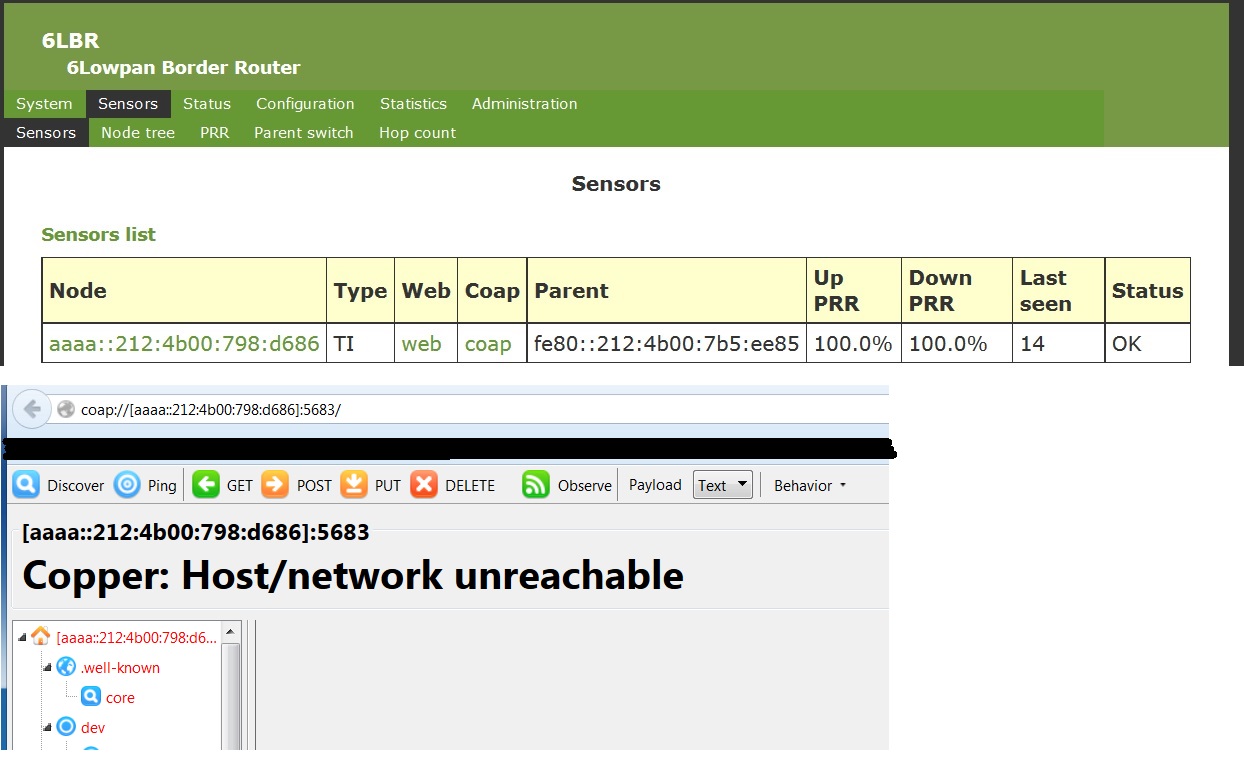
Taking advantage of newly released version of 6LBR I am trying to setup it's NAT64 and the result so far is that I can access 6LBR website, but not able to communicate with motes (using Firefox CoAP axtension)
If anyone was able to make it work, can I get some help how to do it?
Jan
my setup is:
root@raspberrypi:~# /usr/lib/6lbr/bin/nvm_tool --print /etc/6lbr/nvm.dat
Reading nvm file '/etc/6lbr/nvm.dat'
Channel : 25
PAN ID : abcd
WSN network prefix : aaaa::
WSN network prefix length : 64
WSN IP address : aaaa::100
WSN accept RA : True
WSN IP address autoconf : True
WSN 6LoWPAN context 0 : aaaa::
DNS server : ::
Eth network prefix : bbbb::
Eth network prefix length : 64
Eth IP address : bbbb::100
Eth default router : ::
Eth IP address autoconf : False
RA daemon : True
RA router lifetime : 0
RA maximum interval : 600
RA minimum interval : 200
RA minimum delay : 3
RA PIO enabled : True
RA prefix valid lifetime : 86400
RA prefix preferred lifetime : 14400
RA RIO enabled : True
RA RIO lifetime : 1800
RPL instance ID : 30
RPL DODAG ID manual : False
RPL DODAG ID : ::
RPL DODAG ID global : True
RPL Preference : 0
RPL version ID : : 15
RPL DIO interval doubling : 8
RPL DIO minimum interval : 12
RPL DIO redundancy : 10
RPL default lifetime : 30
RPL maximum rank increase : 1792
RPL minimum rank increment : 256
RPL lifetime unit : 1
MAC layer : 1
Security layer : 0
Security level : 6
Security key : 0:1:2:3:4:5:6:7:8:9:a:b:c:d:e:f
Noncoresec anti-replay disabled : False
Noncoresec anti-replay workaround : False
Filter unknown nodes : False
NAT 64 Enabled : True
NAT 64 DHCP Enabled : False
NAT 64 static port mapping Enabled : True
NAT 64 RFC-6052 prefix : True
NAT 64 address : 192.168.1.55
NAT 64 netmask : 255.255.255.0
NAT 64 gateway : 192.168.1.1
Local address rewrite : True
Smart Multi BR : False
Webserver configuration page disabled : False
Webserver port : 80
root@raspberrypi:~#