Other Parts Discussed in Thread: Z-STACK, CC2650, CC2538
Hi
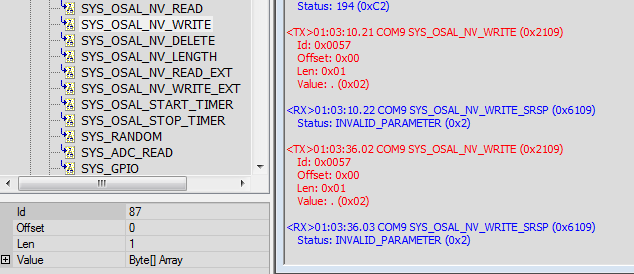
In Detail explanation and How to set ZED using Z Tool command
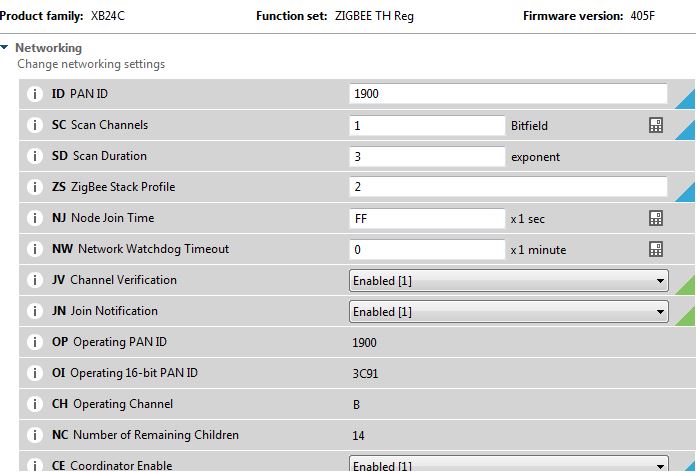
1. I have XBee-S2C module from Digi international whose setting as below screen shot (support HA profile)
We have created ZC device using Xbee module- it scan the network for ZED, but how to set ZED
Now we wanted to connect ZED CC2560EM + SmartRF06EB to Xbee S2C ZC module
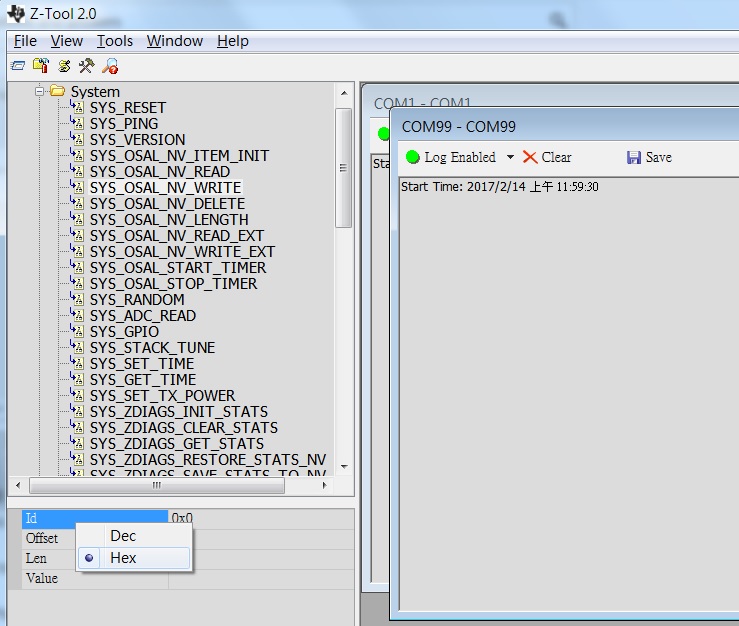
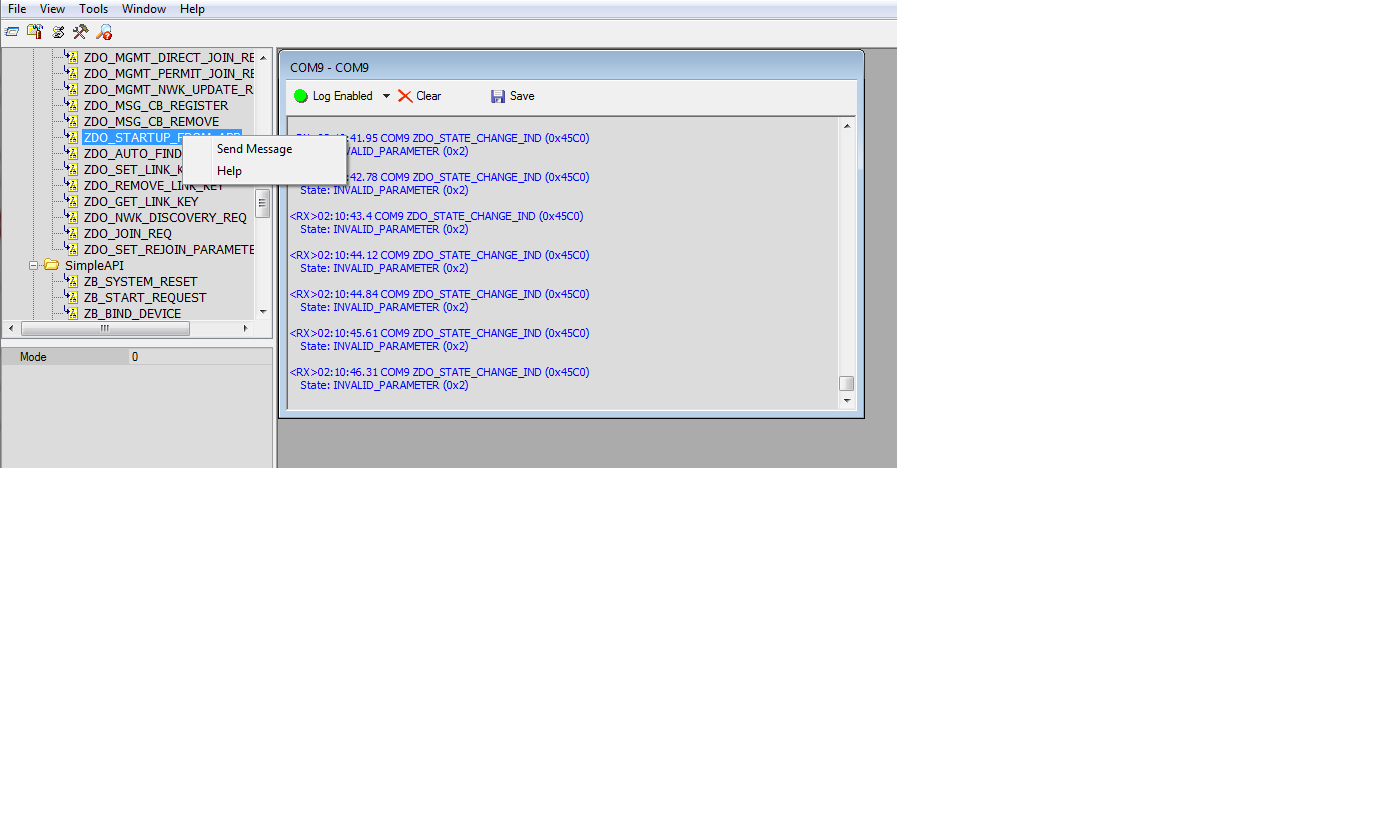
pls. let me know how to set ZED device using ZTool2.0
Where to set and what to set? which commands list ?
UTIL_SET_PANID?
UTIL_SET_CHANNELs? or other commands
I am hardware design engineer
so please give me direct command list which i will use to set into CC2560EM using Z Tool