Other Parts Discussed in Thread: SYSCONFIG
Tool/software: Code Composer Studio
Hi all,
I'm quite new with simplelink especially with sysconfig.
I have designed my own PCB with an CC2652 and the RF part is made for single eded use. Without the sysconfig tool this was possible by just editing the config files to change the frontend mode.
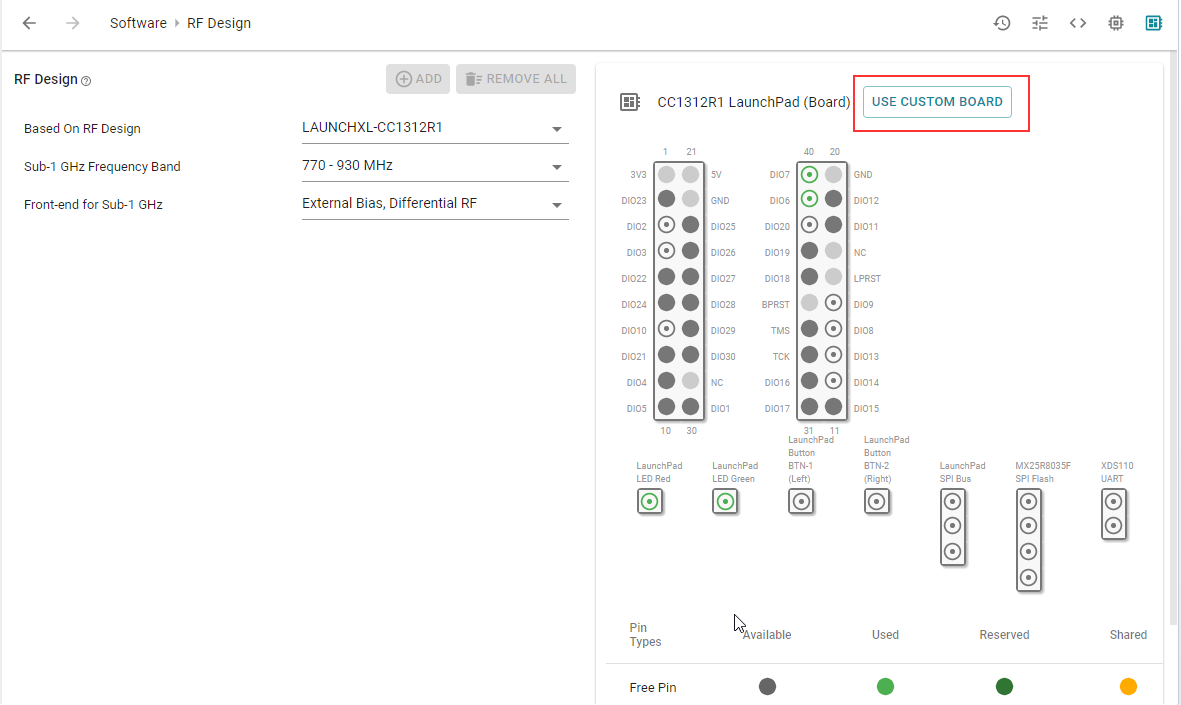
It is recommended to start with a project by import an example and change it to your needs. I started my project with an example for C26X2R1_LAUNCHPADXL, but when I try to change the FrontEnd mode in the Sysconfig-tool there are only options with differential mode (according to the Launchpad). I couldn't find a way to
1) change it to single ended mode
or
2) set up my own 'RF design' to define these things.
Is there a guide on how to create your own reference design?
It will also work for me to edit only the config from the LAUNCHPAD example.
BR
Florian