Part Number: LAUNCHXL-CC1352P
Other Parts Discussed in Thread: CC1352P, UNIFLASH
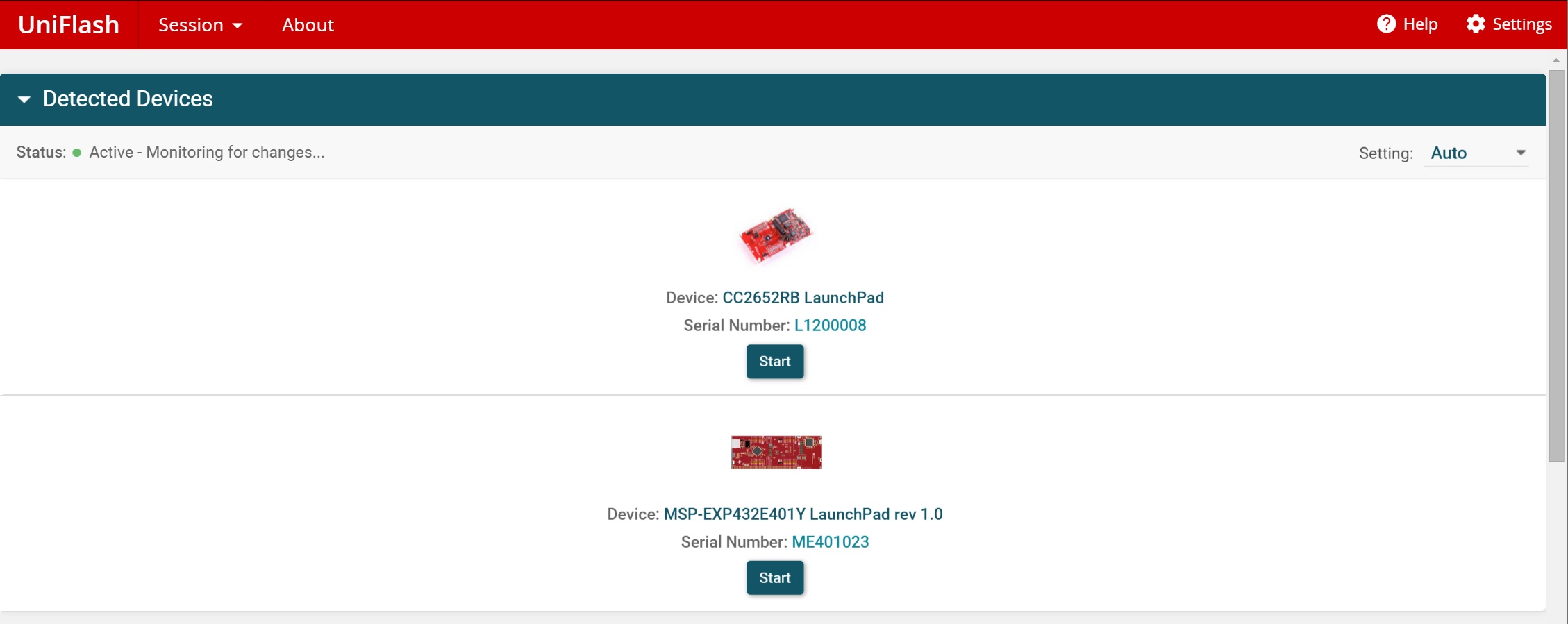
I have two CC1352P launchpads connected to my PC and am attempting to use the uniflash software to program with both launchpads.
I can program a single device with the launchpad via the following command
dslite.bat -c \targetConfigs\CC1352P1F3.ccxml -f myCode.bin,0x0
However, seems random in which launchpad it picks. I see both launchpads in device manager and with detect-devices.bat . Is there any way I can specify the usb-comm port (or something) via the uniflash CLI so I can select which launchpad to use?
Doc reference:
http://downloads.ti.com/ccs/esd/uniflash/docs/latest_qsguide.html
Similar forum post (though for another platform so I don't think the commands are directly applicable)
https://e2e.ti.com/support/microcontrollers/other/f/908/t/840512