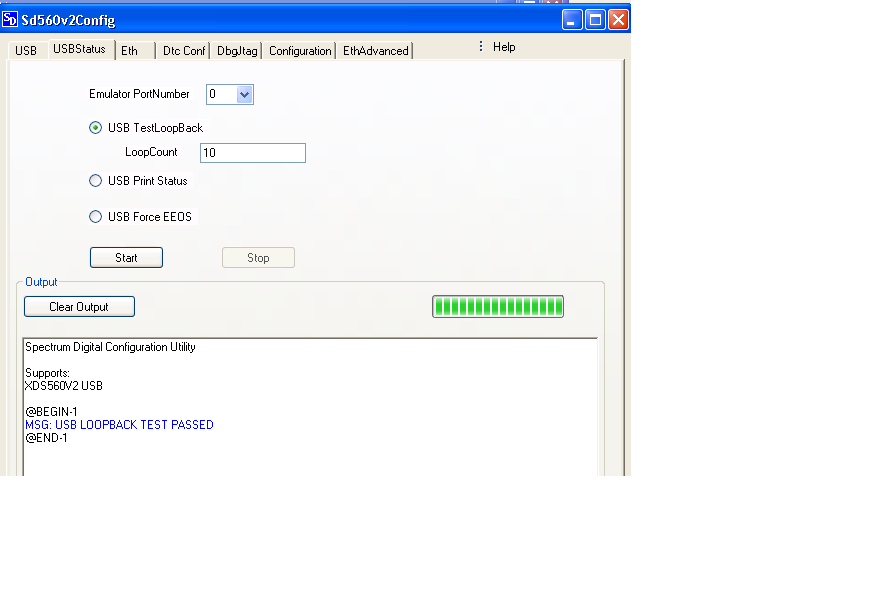
Now we have upgraded CCS(5.4.0.00091) and (XDS560v2 Pro) with clean Test PC(reinstalled OS).
After try auto trace automation with reconfigured ccxml and delete .metadata(all info is new and clean).
http://e2e.ti.com/cfs-file.ashx/__key/communityserver-discussions-components-files/81/4300_2E00_.TI_2D00_trace.7z
http://e2e.ti.com/cfs-file.ashx/__key/communityserver-discussions-components-files/81/8524.AutoTrace.7z
There are some new issues from green font, ti_xpcom.dll file existed in PC. My draft analysis is debug session can’t get through. But why dll file can’t be loaded.
java.lang.UnsatisfiedLinkError: Can't load library: c:\ti\ccsv5\ccs_base\DebugSe
rver\win32\ti_xpcom.dll
at java.lang.ClassLoader.loadLibrary(Unknown Source)
PS: info/logs/script/versions attached
TI emulators 5.1.73.0
TI Simulators 5.4.0.4
Debug Server 5.4.0.279
Spectrum Digital Emulators 5.2.0.07
Checked CCS JAVA API document, I found CCS5.4 removed TraceAnalyzerSession API( No longer in JAVA API doc/ C:\ti\ccsv5\ccs_base\scripting\docs), here commented these Analyzer 3 line codes to debug first, as Analyzer is only called after trace correctly be caught