Part Number: DS100DF410EVK
Other Parts Discussed in Thread: DS100DF410, USB2ANY
I'm intendinfg to use TI DS100DF410EVK. Please advise on the following requests :
- How can I communicate with the EVM from my PC? As I understand it, a direct connection to an I2C tool is required. Do you have a recommended tool for this? Do you provide this tool with the EVK? Is it included in the DS100DF410 EVK kit? If not, how can I purchase it ?
- Could you please elaborate on the meaning of 'USB2ANY connects to your PC via USB'?
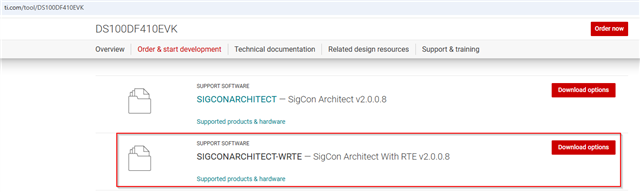
3. Could you please confirm if the TI SigCon GUI supports Windows 11? If so, please provide the download link or the necessary installation files.
Please note that I do not have any National Instruments (NI) software currently installed. Please calrify for the installation package includeing the NI environment what is the total estimated disk space required for the complete installation?
4. Please provide a detailed walkthrough for the installation procedure, along with specific guidelines for GUI operation and any known issues?