This thread has been locked.

If you have a related question, please click the "Ask a related question" button in the top right corner. The newly created question will be automatically linked to this question.

DS90UX949-Q1 EVM configuration support


Hi Community,

I am currently using one of your Serializer DS90UX949 EVM kit and I am intending to use Deserializer DS90UX948 to communicate on both directions. A LVDS display will be connected at the output of the Deserializer.

 As I am not very familiar with this protocol even though I have tried to read as much information I could from your website. I still not quite clearly how to start, I was wondering if you could provide a simple application configuration guide where I can get my setup started.


My test objective:

- Process some images from my laptop through HDMI -> Serializer -> FPD-Link -> Deserializer -> LVDS -> Display (images)

- I am using my computer as source of images.


Things that I am not sure:

- Is it possible to process data (images) from computer to Serializer through HDMI?

- Do I need any software on my computer (used as digital images source) to communicate with Serializer EVM? if yes, could you please recommend any?

- What type software of configuration will I need to perform on Serialize and Deserializer EVM to be able to communicate?


Any suggestion will be very much appreciating.

  • Hello Dilson,

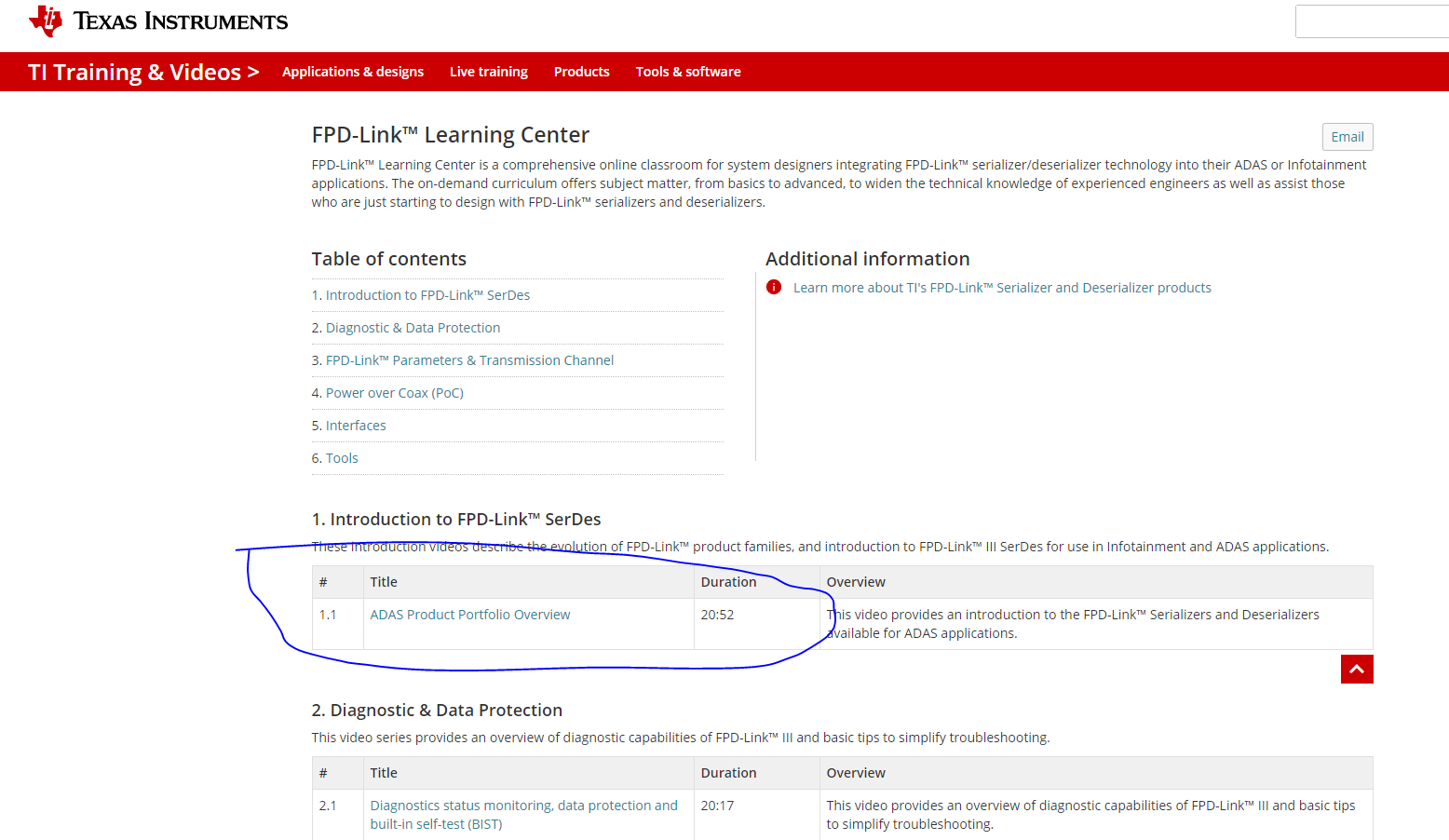
    I would suggest starting with the FPD Link learning center to understand the basics of FPD Link. Once you have completed those videos maybe some of your questions will be answered?

    training.ti.com/fpd-link-learning-center

    For your questions:

    - Is it possible to process data (images) from computer to Serializer through HDMI?
    Not sure exactly what this means - needs some clarification

    - Do I need any software on my computer (used as digital images source) to communicate with Serializer EVM? if yes, could you please recommend any?
    When you plug into the 949 and it is connected to the remote DES, your computer should recognize the 949 as a standard computer display so you can configure the resolution/display properties as if it were another computer display.

    - What type software of configuration will I need to perform on Serialize and Deserializer EVM to be able to communicate?
    Please download the Analog Launch Pad software which the FPD Link GUI used to interface to the EVMs

    Best Regards,
    Casey
  • Hi Casey,


    Thank you very much for your quick reply. The information you have provided were very useful. 

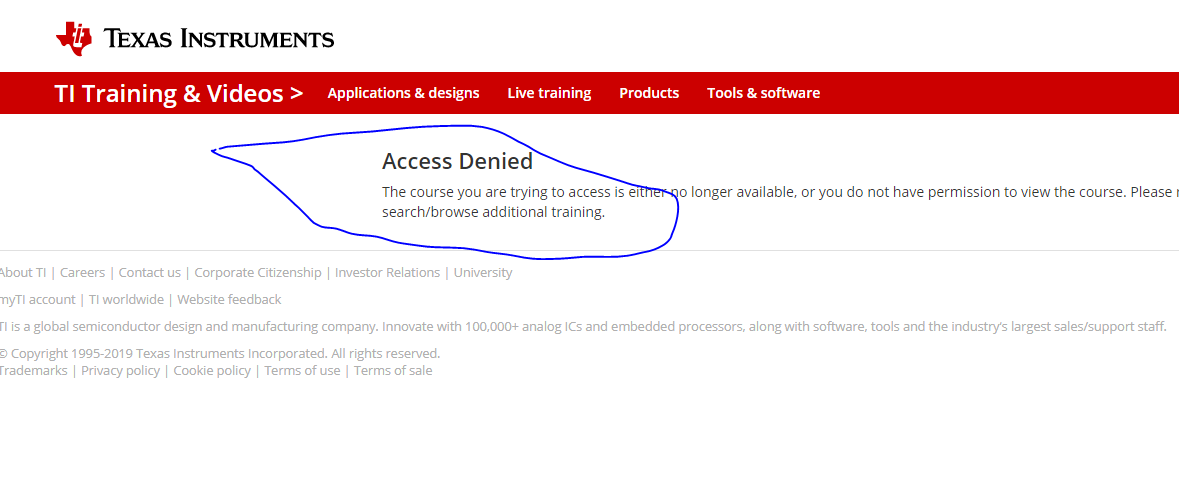
    I have tried to access TI Learning centre you have suggested, unfortunately I was not able to access the page. I have got access Denied message. 

    Would you advice what I can do to get access to the TI Learning Center? 

    training.ti.com/fpd-link-learning-center


    Many thanks in advance.

    Dilson

  • Hello Dilson,

    Please create a MyTI account to access. On TI.com, click the login/register button in the top right of the page.

    Best Regards,
    Casey
  • Hi Casey,

    I already have registered with TI, without myTI account I wouldn't be able to post question in community page.
    This is why I have found it a bit strange when I have got access denied message every time I try to access TI learning center particular (FPD-Link Learning Center) resources. However, I can access some of the other videos, for example Battery Monitoring Basic [ https://training.ti.com/battery-monitoring-basics] .

    I strongly agreed with your suggestion of getting an introduction of FPD-Link. So could you please find out and let me know why this page is not accessible?

    King regards

  • Dilson,

    I have never seen this issue before. Can you post a snapshot of the error?

    Best Regards,
    Casey
  • Hi Casey,

    Please find attach. 

    Regards,

  • Hello Dilson,

    I have never seen this error before and the page is working fine for me. Can you please submit a ticket to central support here?

    ticsc.service-now.com/.../

    Best Regards,
    Casey
  • Hi Casey,

    I hope you are well. I have got in touch with TI central support the support team was not able to help.

    Technical speaking training.ti.com/fpd-link-learning-center still not be accessible. Thanks for your help anyway -:) . 

     Now,  I would like to ask a different question.

    I need to order FPD-Link cable to connect both DS90UX949-Q1 EVM (serializer) and DS90Ux948-Q1 EVM (Deserializer).

    However, I have great difficult finding compatible FPD-Link connect cable. 

    Could you please let me know where I can find/ order this cable? Please add link if you can, will be very helpful.

    I have added attached a block diagram (below) which specifies the compatible connectors.

    Look forward to your response. Thanks you in advance. 


  • Hello Dilson,

    I have an open thread going with our web team actually on your account. They found that the issue is due to your account permissions and I'm trying to sort why your account doesn't have the required permissions.

    For the cable, please contact Leoni-Automotive for where to order a cable assembly. We typically recommend Dacar 535 with the mating connector which pairs to the Rosenberger connector on our EVM.

    Best Regards,
    Casey
  • Thank you Casey,

    Once the issue with admin permission has been sorted, please let me know.

    Again, thanks for your recommendation on the FPD-Link cable.

    Best Regards,
    Dilson