Hello.
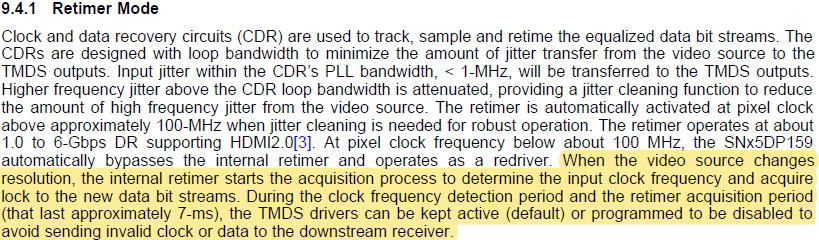
Please tell us how to stop the output during the retimer mode clock detection and retimer setting period.
There is a sentence in 9.4.1 of the data sheet that output can be stopped.
Best Regards,
This thread has been locked.
If you have a related question, please click the "Ask a related question" button in the top right corner. The newly created question will be automatically linked to this question.
Hello.
Please tell us how to stop the output during the retimer mode clock detection and retimer setting period.
There is a sentence in 9.4.1 of the data sheet that output can be stopped.
Best Regards,
Please refer to Table 14, Control Logic and Mode of Operation, two inputs, HPD_SNK and OE gates the TMDS output. in pin-strap mode.
In I2C mode, you can use PD_EN bit to put the DP159 into power down mode.
I2C register in Page 1 can also be used to disable individual lane.
Thanks
David
Hello David-san,
Thank you for your reply.
We want to control the output using I2C registers.
We set Page1 0x10 to F0, but the output does not stop.
When the register is read again, 0F is returned.
In normal operation, it may be overwritten automatically.
How do we stop the output?
Can we control it using X-mode?
Best regards,
Please write 0xF0 to Page 1 Register 0x10h, and then write a 1 to bit 5 of Page 1 Register 0xA4h, I verified this will turn off the output.
Thanks
David
Hello David-san,
Thank you for your reply.
We tried your suggestion and confirmed that the output stopped.
However, just writing 1 to bit 5 of Page 1 Register 0xA4h stopped the output, and Page1 0x10h changed to 0xF0.
What is bit 5 of Page 1 Register 0xA4h controlling?
We want you to tell us which blocks are stopped.
If the ReTimer block stops, it is not the control we expect.
Best regards,
Bit 5 of Page 1 Register 0xA4h is the override bit for Page 1 Register 0x10h. The write to Page 1 Register 0x10h will only take effect after bit 5 of Page 1 Register 0xA4h is written.
Thanks
David
Hello David-san,
Thank you for your reply.
We understood the override bit.
We were able to control the output.
Thank you for good support!
Best regards,
Please write 0xE1 to Page 1 Register 0x10h, and then write a 1 to bit 5 of Page 1 Register 0xA4h, I believe this will enable the clock first.
Thanks
David