Part Number: MSPM0L1306
Other Parts Discussed in Thread: UNIFLASH,
Tool/software:
Dear Support Team,
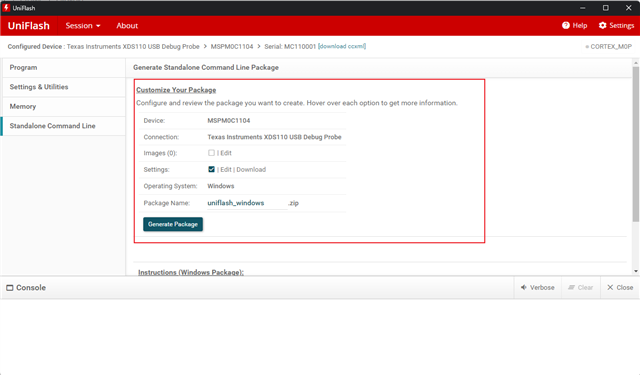
I’m working on a project using the MSPM0L1306 microcontroller and flashing software via a J-Link Pro debugger. I’ve created a Python-based automation package that uses the UniFlash Windows CLI (generated from the UniFlash tool) to flash firmware. When the J-Link is connected via USB, the flashing process works seamlessly.
However, when I switch to Ethernet and configure the IP connection using the J-Link Configurator, UniFlash displays a “J-Link Probe Selection” popup indicating that the USB connection failed. After manually selecting the IP-connected J-Link, the flashing proceeds successfully.
My goal is to automate this process entirely without requiring manual interaction with the popup. I’ve tried pre-connecting via IP using JLink.exe and scripting the connection, but UniFlash still defaults to USB and prompts for manual selection.
Is there a way to configure UniFlash or the .ccxml file to prioritize IP connection by default, or to suppress the popup and automatically use the available Ethernet-connected J-Link?
thank you in advance.
Best Regards,
Walid