This thread has been locked.

If you have a related question, please click the "Ask a related question" button in the top right corner. The newly created question will be automatically linked to this question.

TMS570LC4357: TMS570LC4357 MPU issue

Part Number: TMS570LC4357

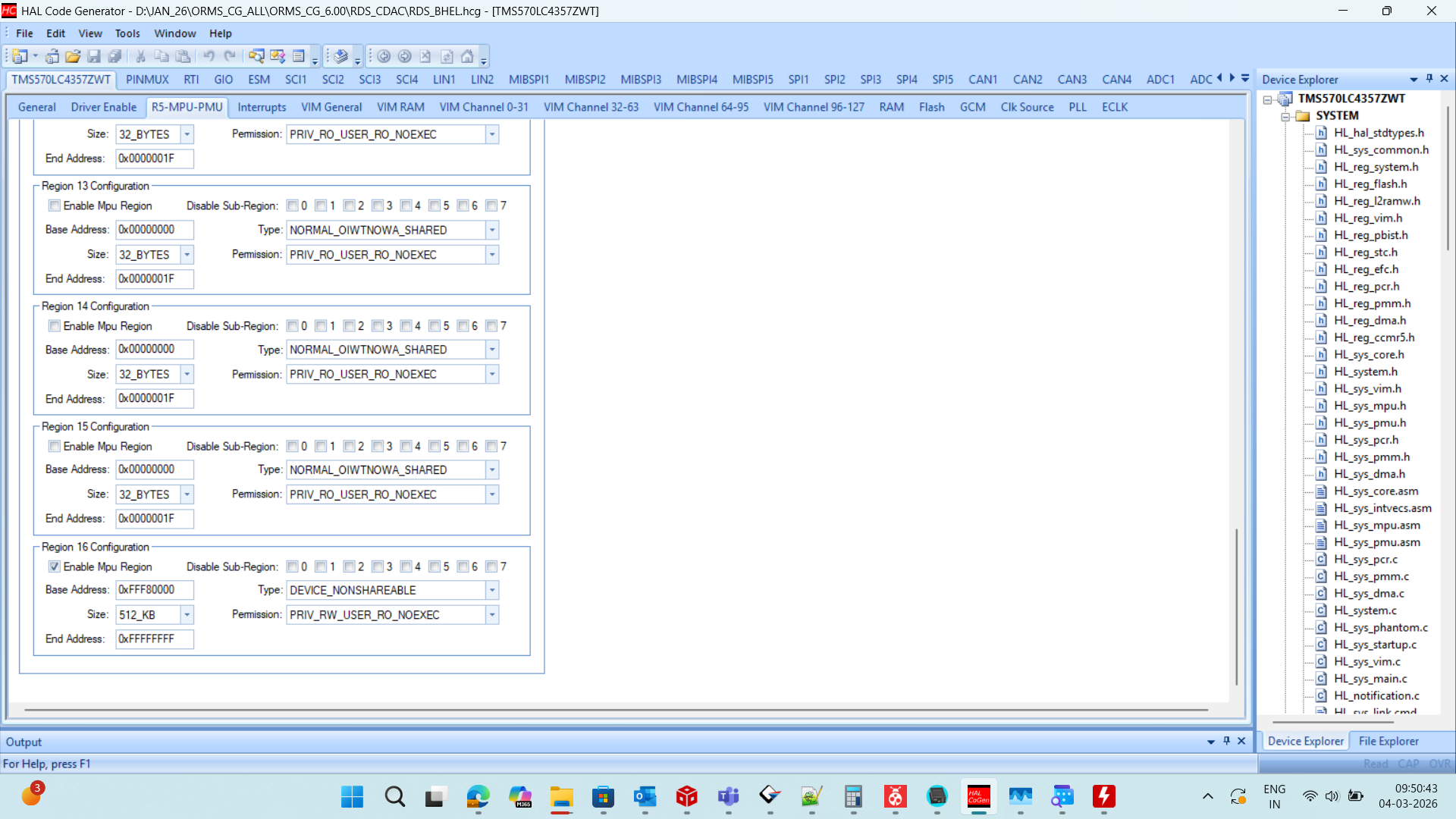
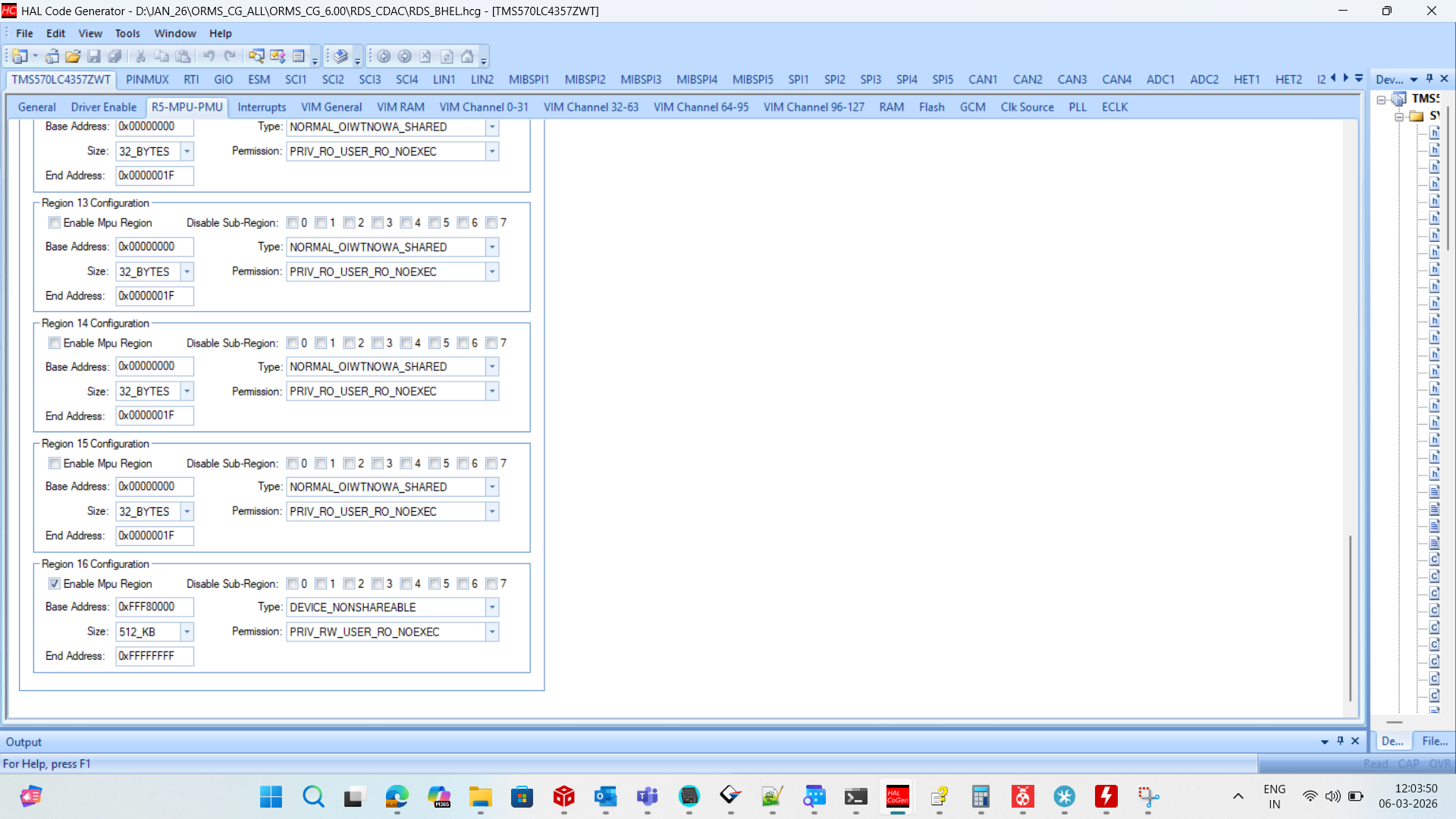
We are currently using both EMIF and SPI3 in the same project.The MPU settings were initially configured for EMIF, and EMIF is working as expected. However, when using SPI3 with the same MPU configuration, we are facing the following issues:SPI3 is unable to generate the clock.The Chip Select (CS) pin is not being controlled properly.If we modify the MPU settings specifically for SPI3, then SPI3 starts working correctly, but this impacts the EMIF configuration.Could you please clarify how the MPU regions should be configured when both EMIF and SPI3 need to be used simultaneously? Is separate MPU region configuration required for each peripheral?
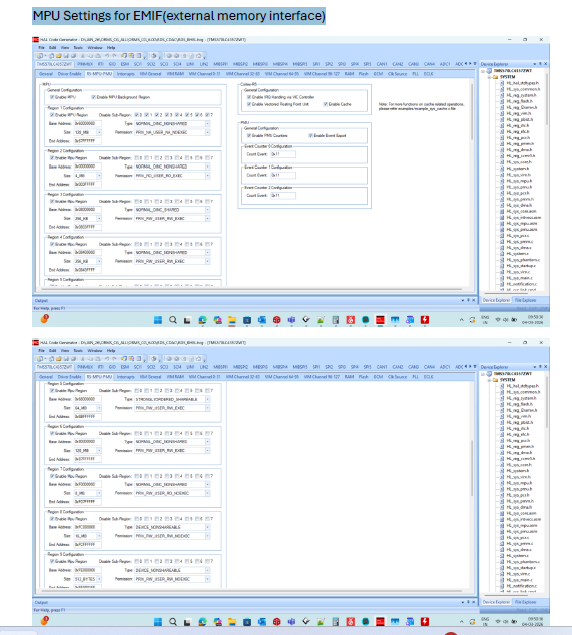
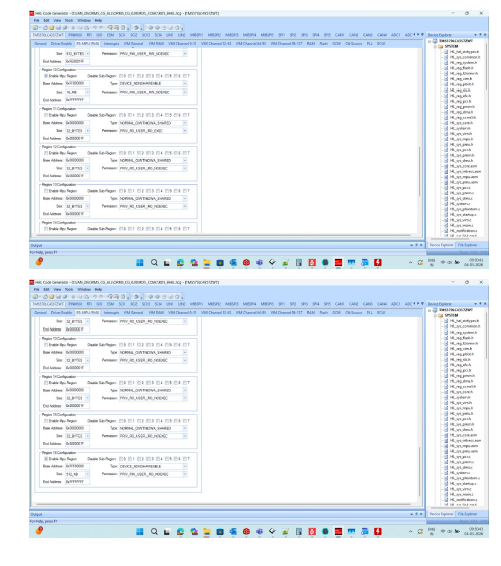
 

image.png


image.png

  • Hi Prasanna,

    Your attached pictures are not clear, i can't be able to see MPU settings clearly. Could you please reupload them?

    --
    Thanks & regards,
    Jagadish.

  • Ok Jagdish, here I have attached the clear image 

  • Hi Prasanna,

    If we modify the MPU settings specifically for SPI3, then SPI3 starts working correctly,

    Exactly what MPU settings you are ching to make it work SPI3. Could you please elaborate these details?

    --
    Thanks & Regards,
    Jagadish.

  • We have configured the MPU settings as shown below to enable proper operation of the EMIF peripheral. However, with these settings applied, the SPI3 and I2C1 modules are not functioning. If we modify any of these MPU settings, the Ethernet and EMIF modules stop working.

    Could you please advise on how to resolve this issue so that SPI3, I2C1, Ethernet, and EMIF modules can operate correctly together?

  • Hi Prasanna,

    Is it possible to share your complete project, so that i can quickly debug it at my end?

    And also, which board you are using, is it TI-specific board or custom board?

    I never came across this kind of issue before, usually EMIF, i2c and SPI will operate independently only.

    If you are not using TI-specific board then provide project where EMIF should work and SPI3 should not work. Because i can easily verify SPI3 behavior and can identify what went wrong.

    And also, we have one internal AI which has access to all our internal database related to this device, when i feed your question to it i got some useful guidelines. Could you please also verify these suggestions once:

    Issue Analysis

    The TMS570LC4357 microcontroller's Memory Protection Unit (MPU) restricts access to memory regions based on configured permissions. When peripherals like EMIF and SPI3 need to access memory, they must have appropriate permissions in the MPU configuration.

    Your issue occurs because:

    • The MPU settings were optimized for EMIF operation
    • SPI3 requires its own access permissions to function correctly
    • Modifying settings for one peripheral affects the other

    Solution Approach

    You need to configure separate MPU regions for each peripheral:

    1. Review Current MPU Configuration:

      • Identify which regions are currently configured for EMIF
      • Determine which memory addresses SPI3 needs to access
    2. Configure Dedicated MPU Regions:

      • EMIF typically requires access to external memory regions
      • SPI3 requires access to its own register space (0xFFF7_3800 to 0xFFF7_3FFF)
    3. Implementation Guidelines:

    // Example MPU configuration for both peripherals
    void configureMPU(void)
    {
        // Configure region for EMIF (adjust addresses as needed)
        _mpuSetRegion(MPU_Region1, 0x60000000, 0x68000000, 
                      MPU_FULL_ACCESS, MPU_EXEC);
        
        // Configure region for SPI3 peripheral registers
        _mpuSetRegion(MPU_Region2, 0xFFF73800, 0xFFF73FFF, 
                      MPU_FULL_ACCESS, MPU_NO_EXEC);
        
        // Enable MPU
        _mpuEnable();
    }

         4. Key Considerations:

    • Ensure regions don't overlap inappropriately
    • Set proper access permissions (read/write/execute)
    • Verify region sizes are appropriate for each peripheral's needs

    --
    Thanks & regards,
    Jagadish.

  • Thank you for the information. The issue has been resolved; the problem was on our software side.