MSPM0L1306: DAP Connection Error

Part Number: MSPM0L1306
Other Parts Discussed in Thread: UNIFLASH
reset_error.png

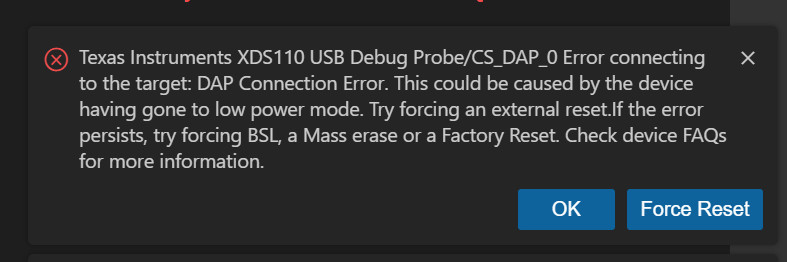
I am working on a school project, and I have repeatedly received this error while trying to run any code on my board. I tried multiple different projects and tried following the three different reset suggestions and had no success. Is my board completely broken?

  • Hi Clarabelle,
    I would recommend following the instructions bellow and see if it resets the device correctly. Otherwise, your device is most likely bricked:

    1. Disconnect the LaunchPad from power
    2. Open a Uniflash session (install the latest UNIFLASH) for the device (Check both device and debugger, or select the correct launchpad)
    3. Press and hold the NRST button (S3).
    4. Connect the LaunchPad to power while continuing to hold the NRST button
    5. Click on the "Setting & Utilities" tab and click on/Issue a manual Factory Reset DSSM command
    6. Release the NRST button when the console prompts you to press the NRST button

    Best Regards,

    Diego Abad