This thread has been locked.

If you have a related question, please click the "Ask a related question" button in the top right corner. The newly created question will be automatically linked to this question.

MSPM0C1103: [MSPM0C110x] Factory reset is not possible to execute in Uniflash

Part Number: MSPM0C1103
Other Parts Discussed in Thread: MSPM0C1104, , UNIFLASH

As far as I understand from the reference manual that factory reset is supported for these two devices MSPM0C1103 and MSPM0C1104.

I tried to perform "Factory Reset Auto" from Uniflash on both devices and it was not performed successfully. I don't have any issues regarding connection to the target. I can normally re-flash and read memory but factory reset is not possible. Please check the log where Uniflash hangs after instead of applying factory reset successfully.


Is this a bug in Uniflash? or is the reference manual contains wrong information that maybe both devices don't support factory reset besides that they don't also support mass erase?

What alternative i can use to perform factory reset if Uniflash is buggy? I followed this thread

https://e2e.ti.com/support/microcontrollers/arm-based-microcontrollers-group/arm-based-microcontrollers/f/arm-based-microcontrollers-forum/1351235/faq-uniflash-how-to-use-uniflash-command-line-interface-with-mspm0-device-load-images-and-read-memory

to execute factory reset manually using dslite scripts but it is not easy to modify all required files correctly to get the correct commands to perform factory reset for these specific small devices.

I would appreciate any help regarding this matter!
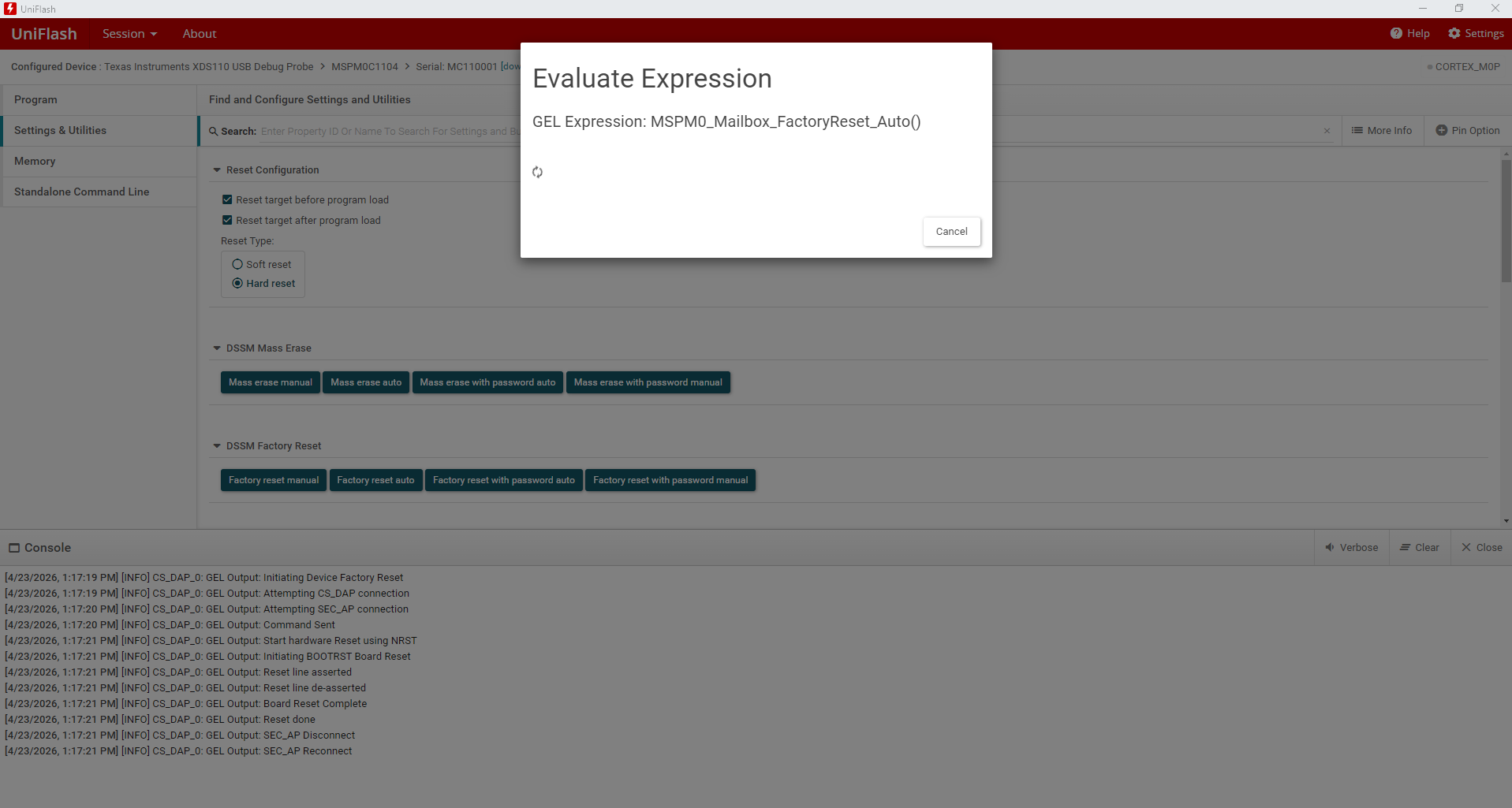
 

image.png

  • UPDATE:

    I was able to execute factory reset following these steps since I found out that my application software is using/configuring the NRST at startup for other functionality:

    • Press NRST button without releasing
    • Power up the debugger
    • Execute "Factory reset manual"
    • Release NRST after this is displayed "Press the reset button.." from log.
    • then factory reset is performed successfully
  • Hi Ahmed,

    Thanks for the update, I'm glad you were able to find the workaround. If you have any further questions, please feel free to open a new thread.

    Best,

    Owen