Other Parts Discussed in Thread: EK-TM4C1294XL
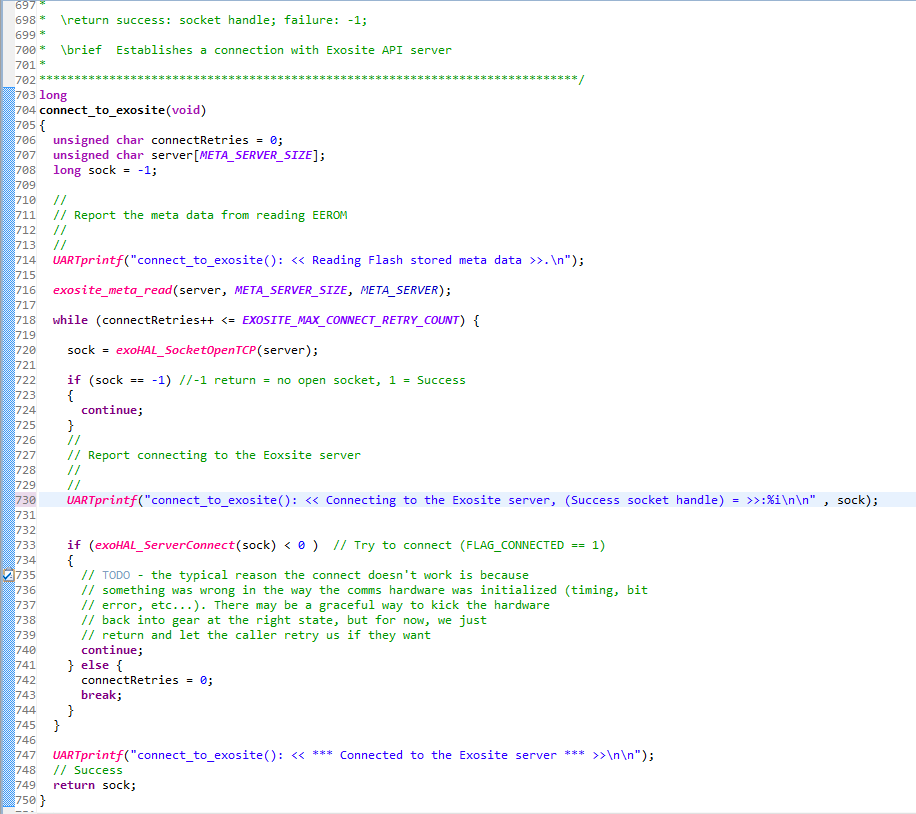
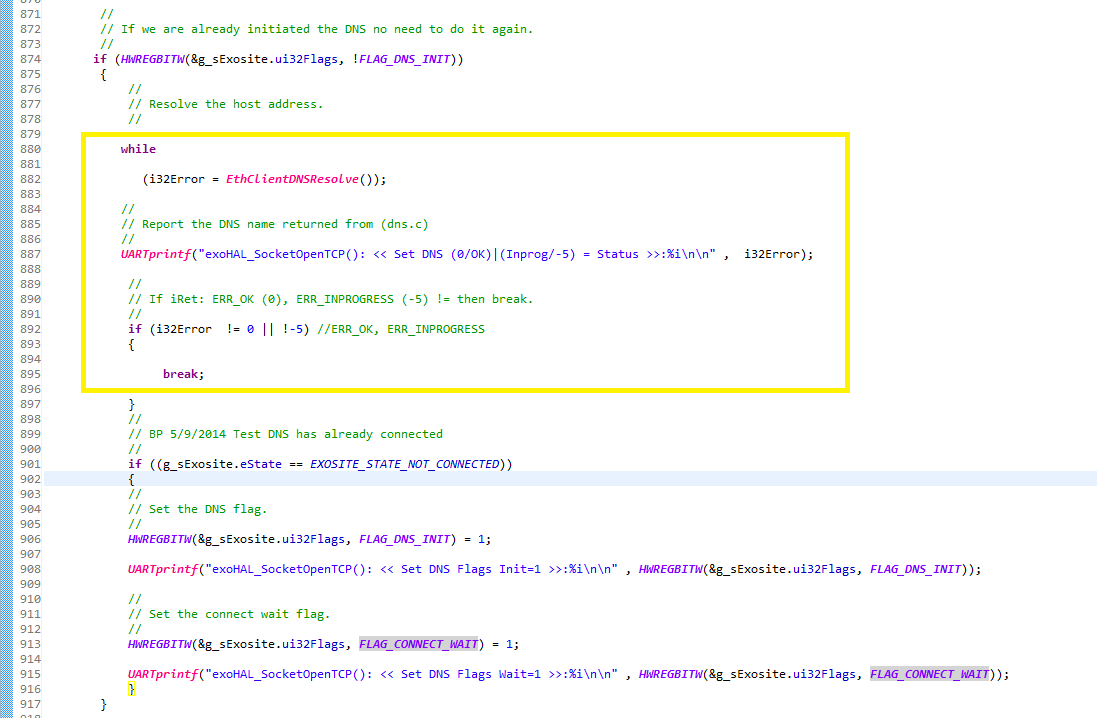
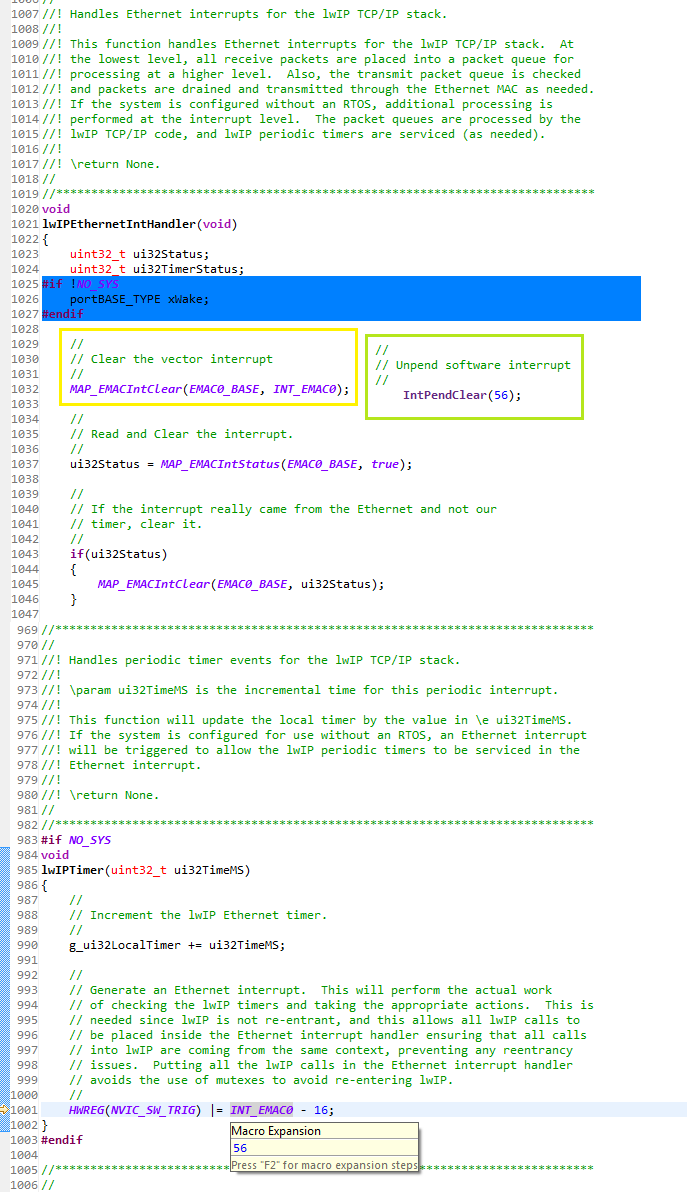
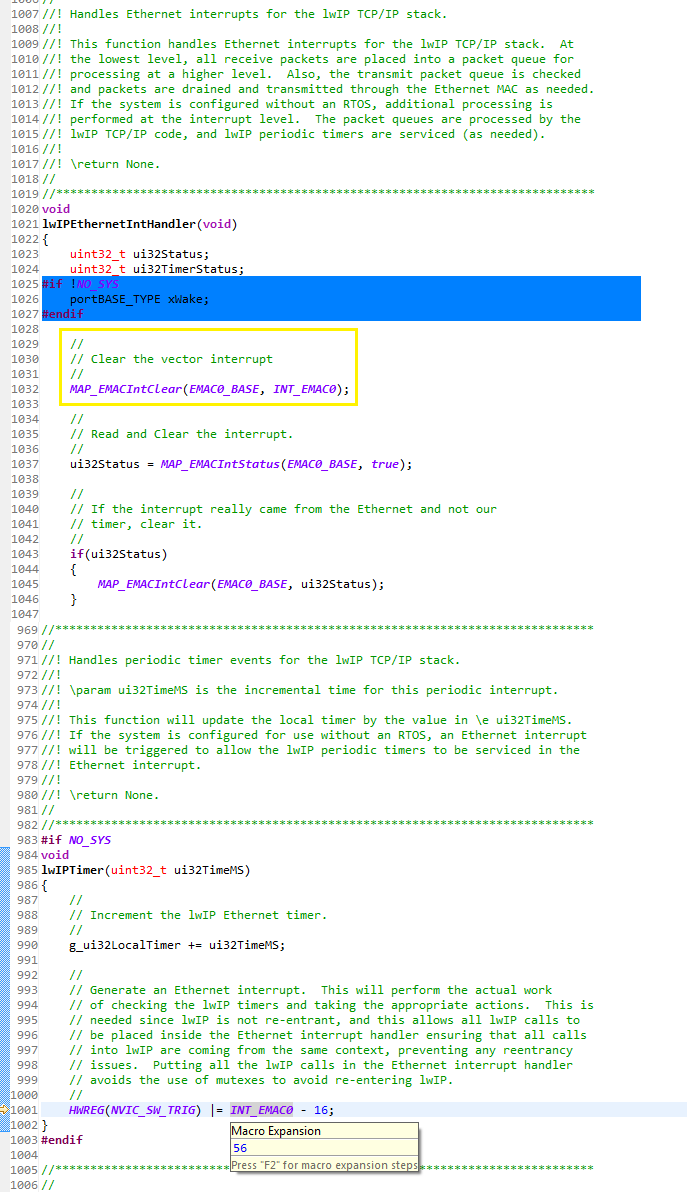
Have noticed very high utilization of the CPU when this IOT project connects or is connected to Exosite Cloud end point. The reason why and fix is posted the code shown below.
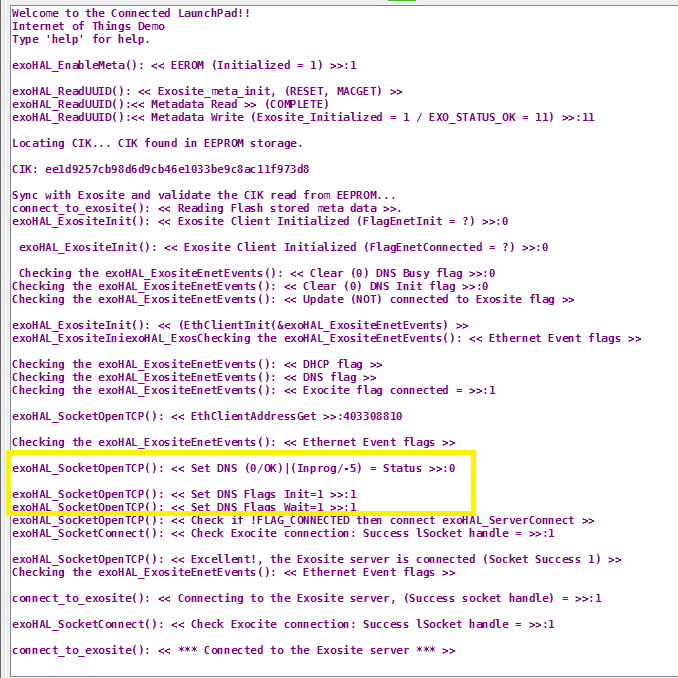
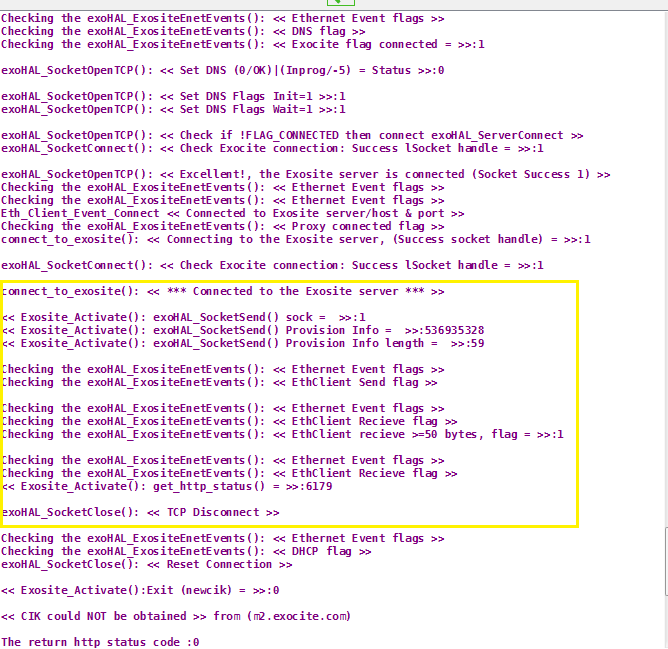
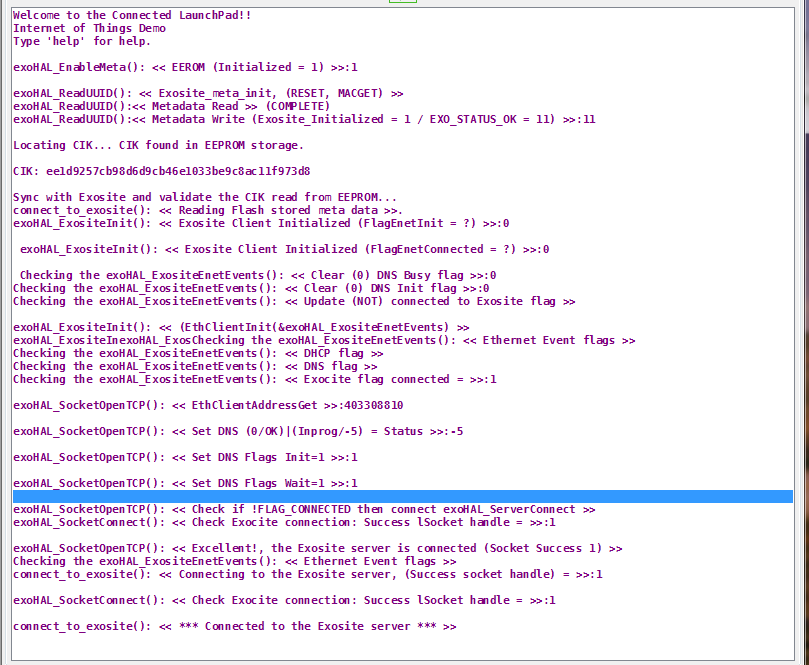
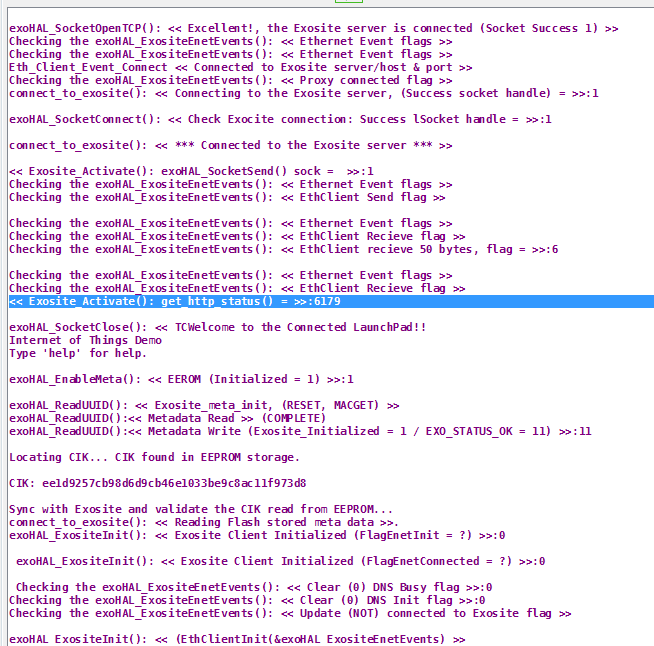
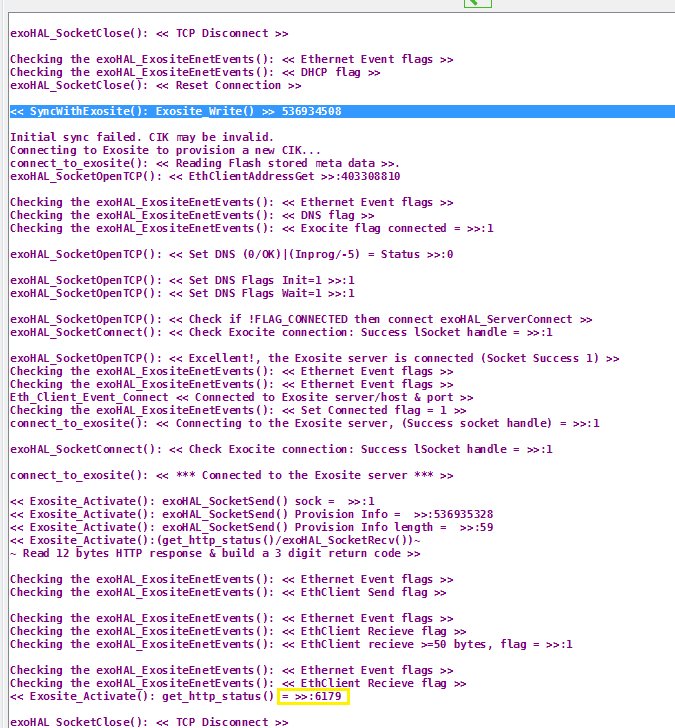
Have also found the (exoHAL_ExositeEnetEvents()) function has several issues with socket connection determination loops occurring on a constant basis. The IOT project code fails to set the endpoint as connected and drives CPU utilization at 46% even though it has once connect to the Cloud end point. This ping pong events triggering is transparent goes mostly unnoticed until adding numerous UART printed messages sent to Com3 showing each step in the linear Exosite connections tree.
This same project meant as a skeleton for adding other triggered events of Cloud end points makes it extremely if not impossible to share the TCP stack with another protocol such as a UDP client and then be able to establish a valid Exosite connection to verify the EEROM saved CIK. The problem is the Exosite endpoint connection flow does not like to be disrupted set idle just after DHCP returns the target an IP address. Not everyone wants to immediately connect to Exosite host every time DHCP assigns an IP address. This issue in itself defeats the entire reason to use Exosite in order to report variable events into the cloud by the Launch Pad.
This IOT project also does a master interrupt disable MID in (request.c) which will utterly disrupt all running Timers keeping track of externally connect hardware. In order to send Exosite Sync (tStats) events gathered from additional added variables this MID becomes counter intuitive.
Could TI PLEASE do some more work on this IOT package it really has some good bones yet has issues to compile the (tStat) when additional events or functions are added to (qs_iot.c). The user is then forced to move all the (tStat) extern prototypes into (stats.h) in order to have a successful build with out getting 10 structure not defined for the 10 (tStat).