This thread has been locked.

If you have a related question, please click the "Ask a related question" button in the top right corner. The newly created question will be automatically linked to this question.

Location error when open debugs function

Other Parts Discussed in Thread: UNIFLASH, LMFLASHPROGRAMMER

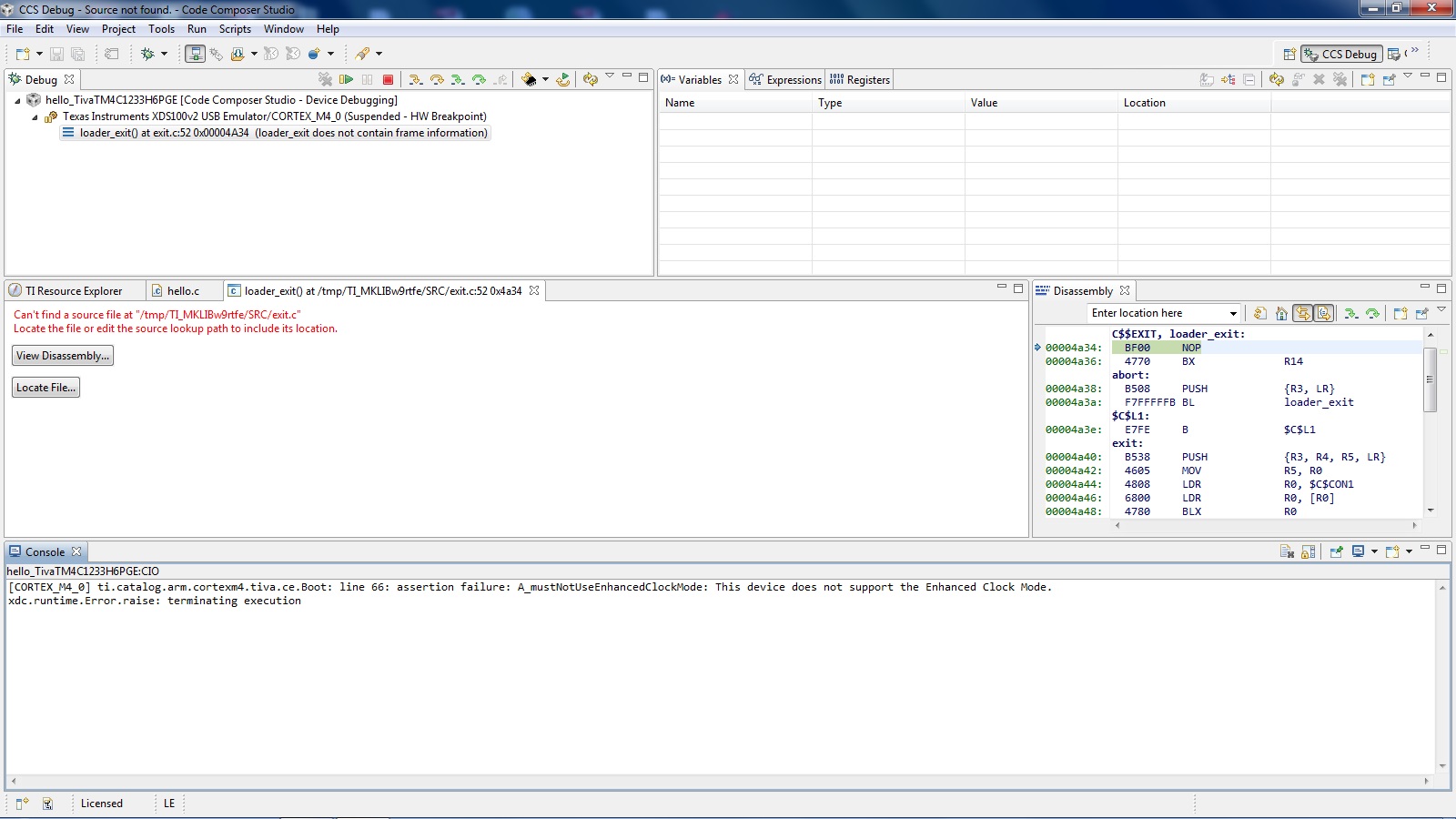
I got an error in CCS v5.4.0, when I go to debug function, the error message is:


Can't find a source file at "/tmp/TI_MKLIBw9rtfe/SRC/exit.c"

Locate the file or edit the source lookup path to include its location.


I don’t know how to solve it, can you give a help. The attached is error photo.

The hardware is TM4C123G Development Board, and connector is XDS100v2 ARM.
 

Thanks and regards,

Lung Tat Ng

  • Hello Lung Tat Ng,

    This means that the code executed and exited the main loop at which it will go into the exit handler.

    This is  not an issue. To confirm that put a while(1) at the end of the main function and it will stop.

    Regards

    Amit

  • Hi Amit,

    This is "Hello world!" example, I saw it has "while(1)" in the end of the main.

    The main program is below:

    //*****************************************************************************

    //

    // Print "Hello World!" to the display.

    //

    //*****************************************************************************

    int

    main

    (

    void)

    {


    tContext sContext;


    tRectangle sRect;


    //


    // Enable lazy stacking for interrupt handlers.  This allows floating-point


    // instructions to be used within interrupt handlers, but at the expense of


    // extra stack usage.


    //

        ROM_FPULazyStackingEnable();


    //


    // Set the clocking to run directly from the crystal.


    //

        ROM_SysCtlClockSet(SYSCTL_SYSDIV_4 | SYSCTL_USE_PLL | SYSCTL_XTAL_16MHZ |

                           SYSCTL_OSC_MAIN);


    //


    // Initialize the UART.


    //

        ConfigureUART();


    UARTprintf("Hello, world!\n");


    //


    // Initialize the display driver.


    //


    CFAL96x64x16Init();


    //


    // Initialize the graphics context.


    //


    GrContextInit(&sContext, &g_sCFAL96x64x16);


    //


    // Fill the top 24 rows of the screen with blue to create the banner.


    //

        sRect.

    i16XMin = 0;

        sRect.

    i16YMin = 0;

        sRect.

    i16XMax = GrContextDpyWidthGet(&sContext) - 1;

        sRect.

    i16YMax = 23;

        GrContextForegroundSet(&sContext, ClrDarkBlue);


    GrRectFill(&sContext, &sRect);


    //


    // Put a white box around the banner.


    //

        GrContextForegroundSet(&sContext, ClrWhite);


    GrRectDraw(&sContext, &sRect);


    //


    // Put the application name in the middle of the banner.


    //


    GrContextFontSet(&sContext, g_psFontCm12);

        GrStringDrawCentered(&sContext,

    "hello", -1,

                             GrContextDpyWidthGet(&sContext) / 2, 10, 0);


    //


    // Say hello using the Computer Modern 40 point font.


    //


    GrContextFontSet(&sContext, g_psFontCm12/*g_psFontFixed6x8*/);

        GrStringDrawCentered(&sContext,

    "Hello World!", -1,

                             GrContextDpyWidthGet(&sContext) / 2,

                             ((GrContextDpyHeightGet(&sContext) - 24) / 2) + 24,

                             0);


    //


    // Flush any cached drawing operations.


    //

        GrFlush(&sContext);


    //


    // We are finished. Hang around doing nothing.


    //


    while(1)

        {

        }

    }

  • Hello Lung Tat Ng,

    What you would need to do is to debug the code by using Step Over in CCS (F6 Key), to find out which function causes the exit.

    Regards

    Amit

  • Hi Amit,

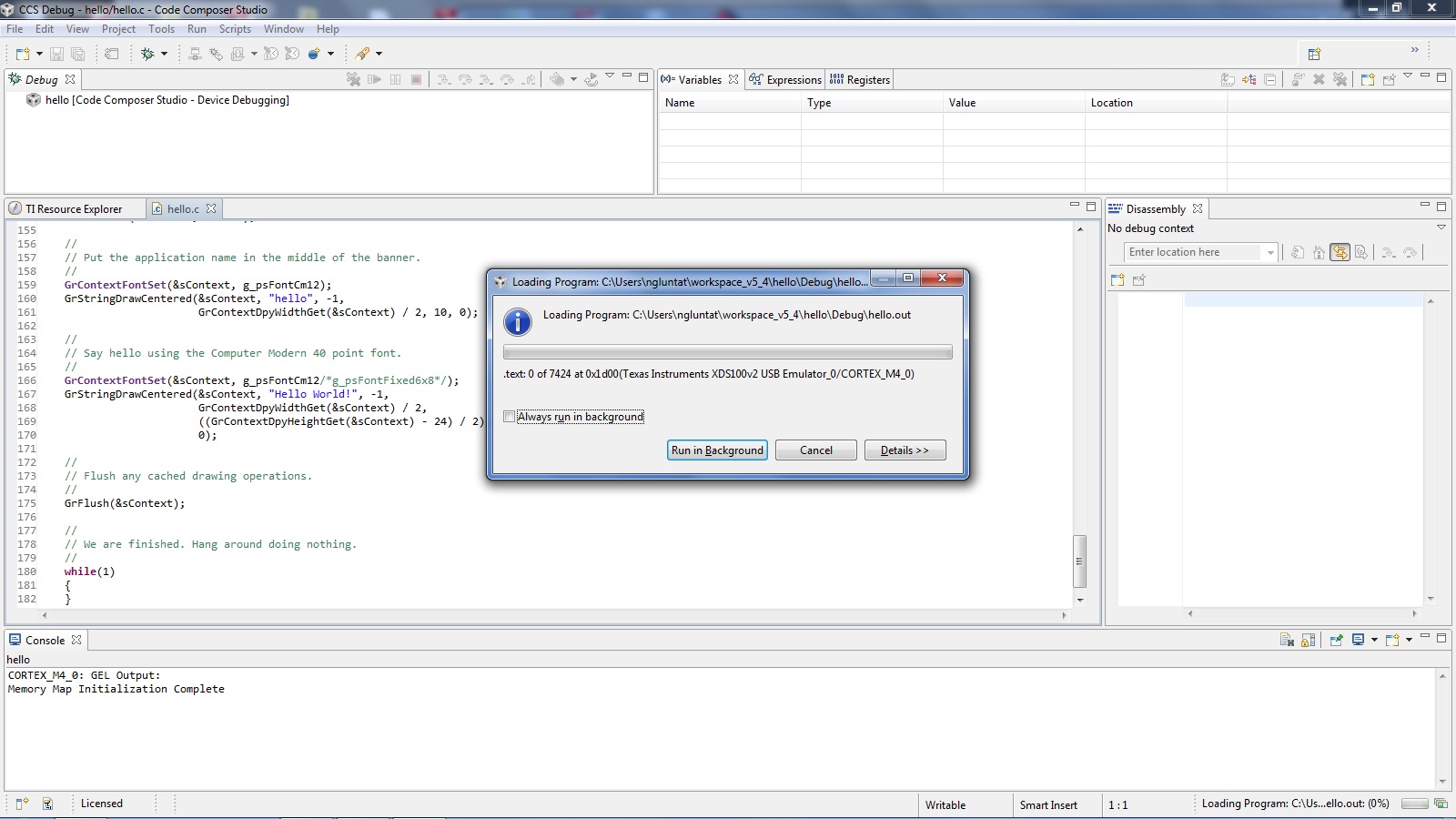
    The problem is happened in "Loading Program", no chance to start Debug.

  • Hello Lung tat ng,

    You would need to unlock the device using LMFlashprogrammer or UNIFLASH application with the Stellaris ICDI and then try again.

    If the same issue still comes, can you zip the project and send it across. I am using CCS version 5.5 and 6.0 and don't have an issue with the basic hello test program.

    Regards

    Amit

  • Hi Amit,

    all things I'm using(hw & sw) is come from TI product,

    I just try it's example because I'm first contact Tiva C series.

    By the way, how can I edit the file location, the CCS shows "Locate the file or edit the source lookup path to include its location", have you know where is the setting in CCS?


    Thanks and regards,

    Lung Tat Ng

  • Hello Lung Tat Ng,

    I am now unclear about the issue altogether

    1. Does the TIVA Kit work with the example blinky test?

    2. Can you change the test code to hello and get the UART?

    If the file is missing, then you can add it using the button on the console. If the file is a TIVAWare file then you can add it from the TIVA Installation. If it is a ccs file like exit.c then you would need it to locate it in the CCS installation/

    Regards

    Amit

  • Hi Amit,

    1. The kit is OK, linking PC with xds100v2 also OK.

    2. Hello program is kit's example.

    I'm trying to know how of the CCS.

    Thanks and regards,

    Lung Tat Ng

  • Hello Lung Tat Ng,

    I would ask you to refer to the videos on the following link. That would help with both TIVA programming and CCS.

    http://processors.wiki.ti.com/index.php/Getting_Started_with_the_TIVA%E2%84%A2_C_Series_TM4C123G_LaunchPad

    Regards

    Amit

  • Hi lug tat ng,
    I have the same problem with you and i found out the solution. You should add file Startup to you project. Hope it help you.
    Regards
    Tuan Minh