Hello All,
I am VERY new to Code Composer Studio and the TM4C123G microcontroller.
I have been playing around with some of the code and have managed to get a very basic program operational.
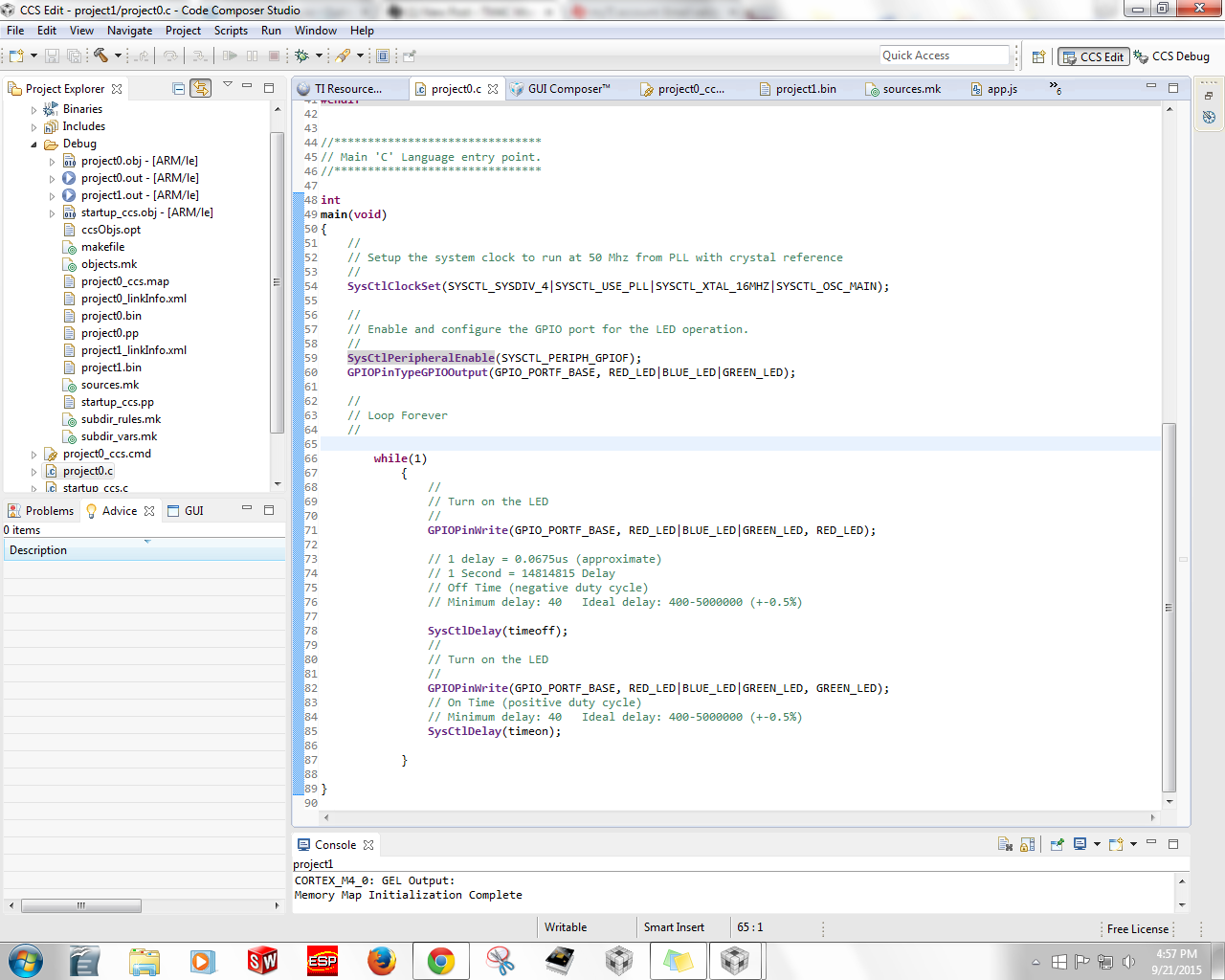
My current code instructs the TM4C123G to turn on the red LED for a certain amount of time and then switch to the green LED.
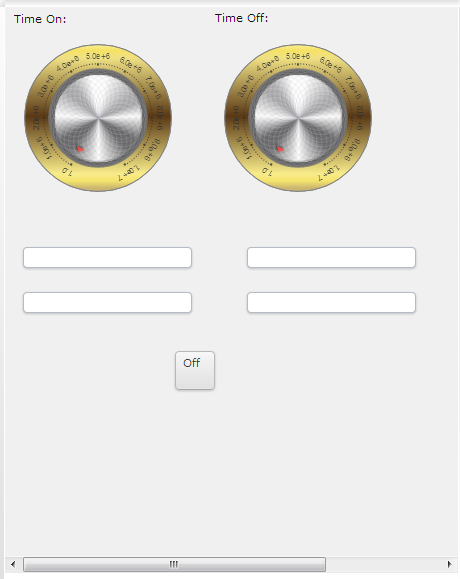
The GUI to accompany this code contains dials and text boxes that are bound to certain values that set the delay time for the lights. (It is similar to the CCS example "Blinky"
My next task is to create a button that turns the light off altogether. Essentially a power button for the GUI.
I have done TONS of research yielding little results.
One example I found said to bind an onClick Event to a function written in the app.js.
I coded it exactly like the example I found and got nothing.
The button was completely unresponsive
I am fluent in C and I was wondering if there is a way to link a button's function in the main C code.
Do I have to code function buttons in the app.js?
If not, what is the syntax for a button functionality in the main C code?
Any help is much appreciated
Thanks so much
Java Code:
require(["dojo/ready"], function(ready){
     ready(function(){
         // logic that requires that Dojo is fully initialized should go here

     });
});

function divide14814815( valueFromTarget) {
	 // return valueFromTarget/2;
	return valueFromTarget;
}

function times14814815( valueToTarget) {
	 // return valueToTarget*2;
	return valueToTarget;
}

function changetosecs( valueFromTarget) {
	 // return valueFromTarget/2;
	return valueFromTarget;
}

function changetodelay( valueToTarget) {
	 // return valueToTarget*2;
	return valueToTarget;
}

function onOff() {
	timeoff = 20000000;

}
Main Code: