This thread has been locked.

If you have a related question, please click the "Ask a related question" button in the top right corner. The newly created question will be automatically linked to this question.

TMS570 is locked

Other Parts Discussed in Thread: TMS570LS3137
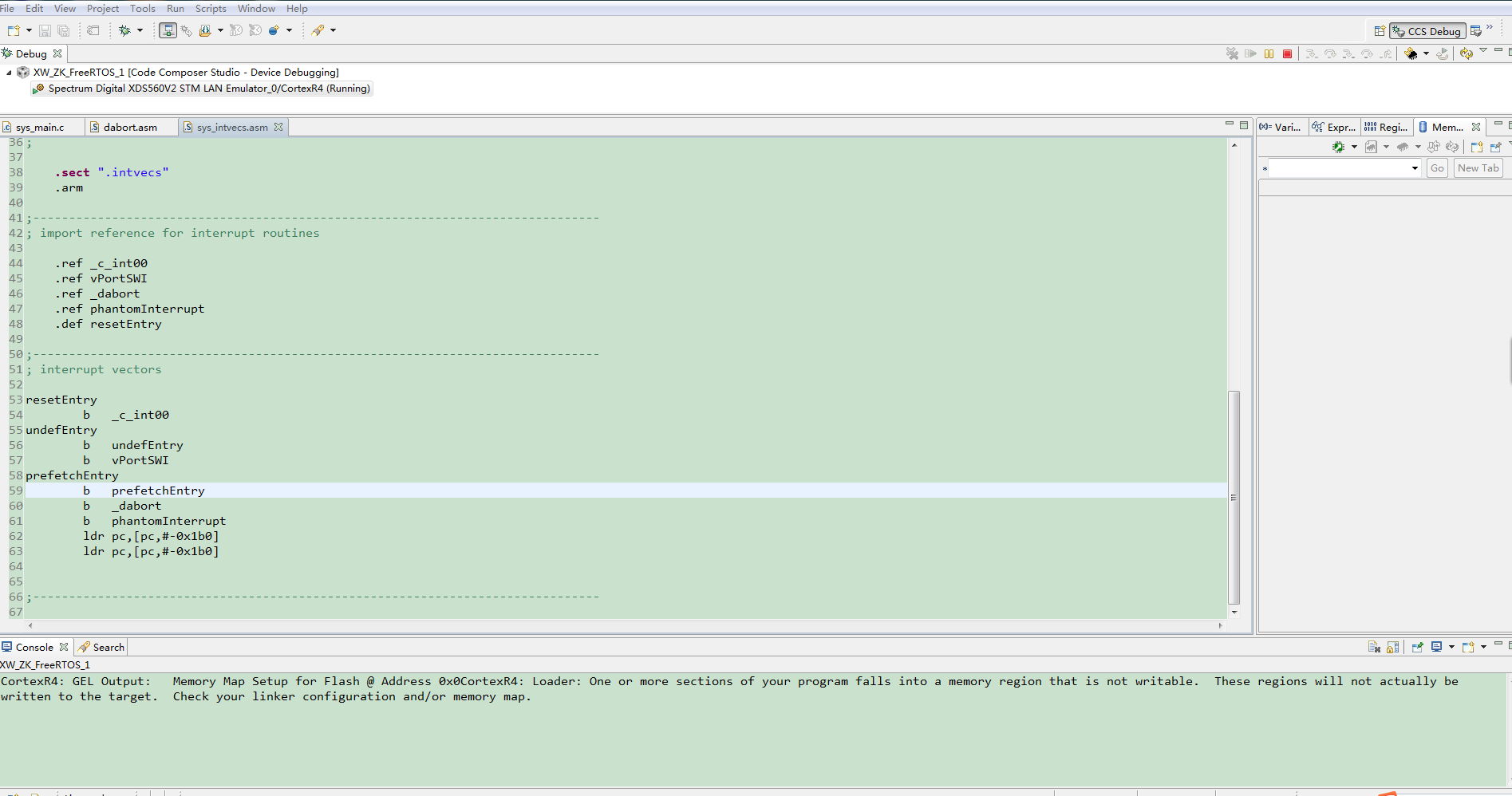
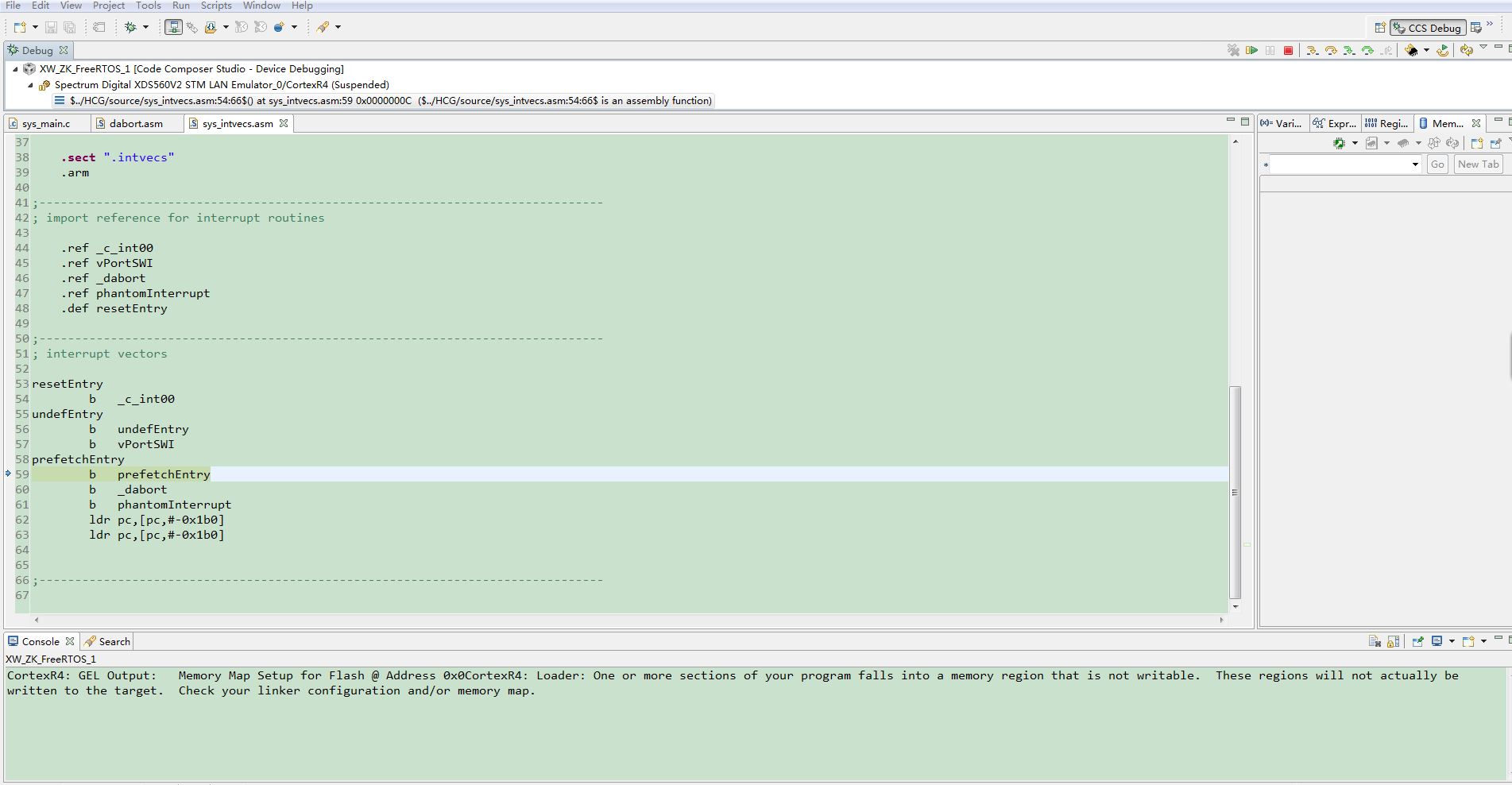
because i wr  one line code of  _mpuEnable_(); without    _mpuDisnable_() and  _mpuInit_();

cause my chip of Tms570ls3137 is locked.

Now ,i cant load any code into this chp .

i wander to know how to unlock the chip .

ISE :ccs 5.5   

Emulator:XDS560V2 STM

Thanks!

  • Hello,

      I think you are getting a permission fault due to MPU violation. The abort is preventing the debugger from connecting to the CPU. Try the below steps.

    1] Start CCS
    2] Open Target Configurations Window.
    3] Right click on your target configuration for your device.
    4] Click on Launch Selected Configuration.
    5] A new window (Debug) should be open.
    6] Right click on the entry in this window and select Show all Core.
    7] Right click on "Icepick" and select "Connect"
    8] Icepick should be connected now.

    9) In CCS Go to Run->Reset->System Reset to reset the device

    10] right click on "DAP" and select "Connect"
    11] DAP should be connected now.


    12] Right Click on Cortex_R4 and select "Connect"

    13) if you are unable to connect to the CPU, it will give you error and ask you to retry.

    14) Hold the nRST input and release it at the same time you hit the retry button. What this is trying to do is to allow the debugger to connect to the CPU before the CPU executes the _mpuEnable_ function. 

    You might need to try step 12-14 tens of times and if you are lucky you will connect the CPU. After you connect to the CPU, go to Tools->On-Chip Flash and at the very bottom of the On-Chip Flash window click the Erase Flash. After the flash is erase, reload your new program. Make sure you initialize the MPU first before you enable the MPU.

  • Thankm you so mouch ,I'll try it.