This thread has been locked.

If you have a related question, please click the "Ask a related question" button in the top right corner. The newly created question will be automatically linked to this question.

EK-TM4C1294XL-Connected-LaunchPad - EXOSITE example - device not activated

Other Parts Discussed in Thread: EK-TM4C1294XL

Hi everyone, I'm trying to make work the exosite example: the one about the junction temperature graph, the tic-tac-toe... etc but I'm having porblems with the activation of my device. As the subjecto of the question says I'm using a EK-TM4C1294XL launchpad: but the dashboard lokks like this:

As you see the launchpad it is not activated.

So I have tried debugging the network status using a terminal program (putty in this case) and it seems like it doesn't obtain the ip adress, just like this:
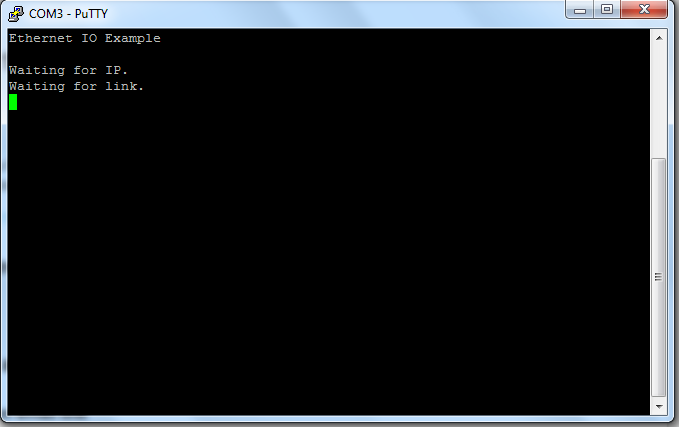
I have read that the terminal must to shows connection data like: launchpad's MAC, IP, CIK code, etc.

I tried to connect the ethernet cable directly to the modem (not to the router as I connected the first time) but it didn't work too.

I hope someome can give some advice, thanks in advance:

Martin Castro

  • Hi Martin,

        Did you follow the guide for the example program? See, the youtube video guide below if you have not.

        Connected LaunchPad out-of-box demo

    - kel   

  • Hi kel,
    yes of course I have followed all the steps, in fact i have tried to delete the device and reconfigure it again! but it didn't work, as I said I have read in the exosite help page that the porblem is connected to the network as if the CIK ca n't be verified with the board, I really don't know. The problem still goes on...

    Thanks!
  • Hello Martin,

    From the console output, it looks like the IP address is not acquired. Are you connecting to a DHCP server, that can provide IP address? Make sure the Ethernet cable being used is working and check for any loose connection.

    Thanks,
    Sai
  • The ethernet wire works fine and yes my internet service uses a DHCP server. Is there any matter with it? if yes how can I solve it?

    Thanks, Martin

  • Hello Martin,

    Can you connect you PC the same way you are connecting the board and still get a dynamic IP address? If yes, then I am not sure what would cause the board to not get an IP address. Are you using the unchanged "enet_io" applicaiton from TivaWare?

    Thanks,
    Sai
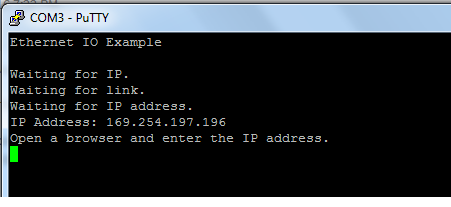
  • Hi fellows, look I've been trying to make it works until the putty shows me this data:

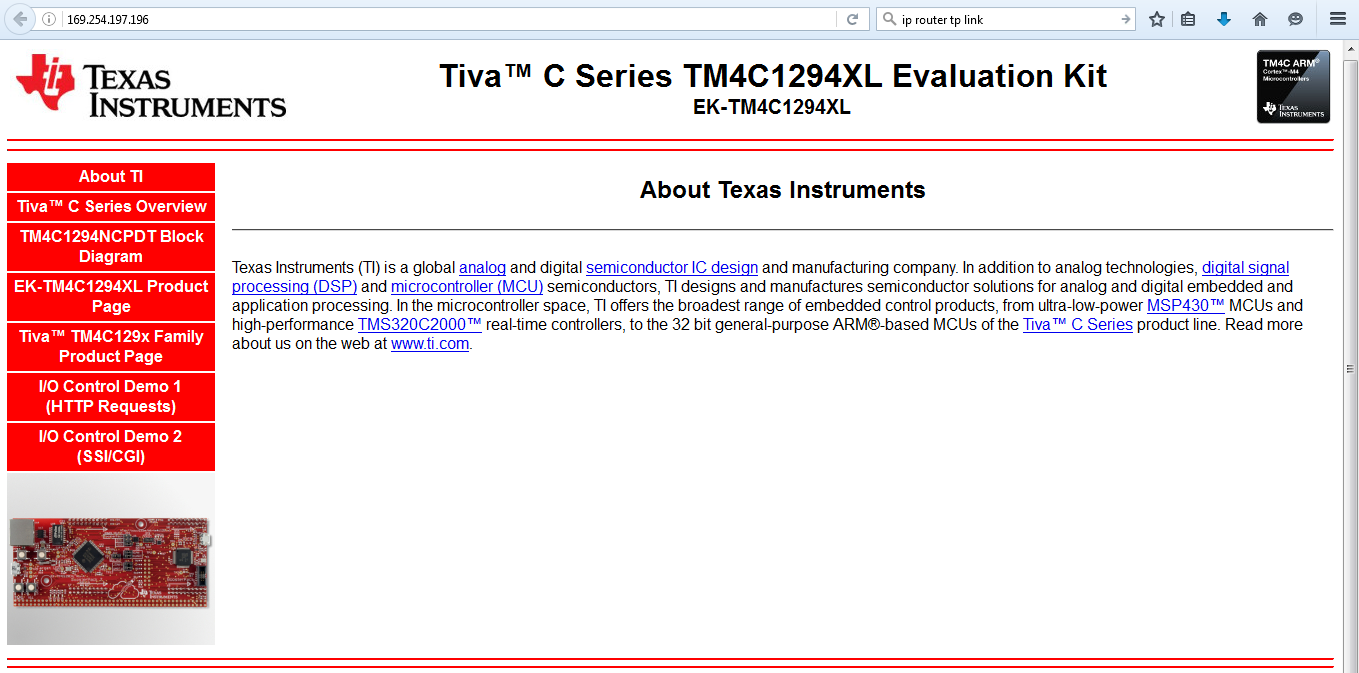
    So I realize the board was running the enet_io example, the one that embbed the following webiste:

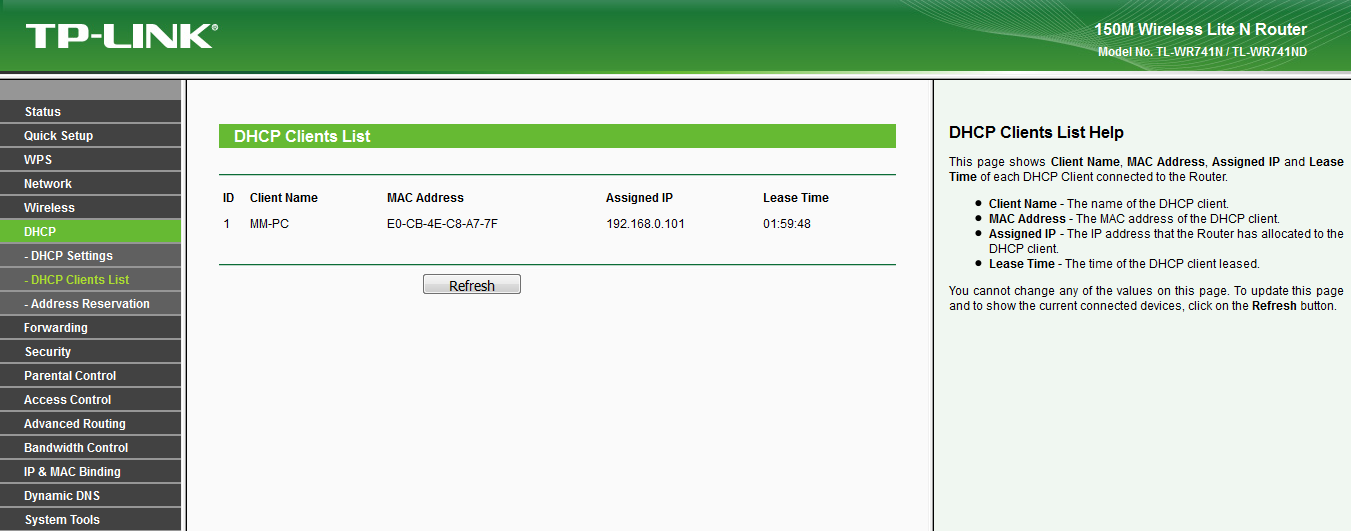
    Probably this program is loaded since the last time I open the CCS studio. I wanted to know if this is related to the exosite app I'm trying to run. Finally i have looking up my router settings and I realised that in the DHCP clients it doesn't detect the ti launchpad's MAC adress as you see in the following picture:

    As you see the only MAC adress registred is the desktop pc's one. Could this be the reason why the exosite app doesn't work?

    Thanks at all! regards

    Martin!

  • Hi Martin,

    169.254.197.196 looks like launch pad self assigned IP address and not from your routers DHCP pool. A range of client addresses your DHCP sever can assign to devices in your local network like range 192.168.10. 1 - 192.168.10.20 mask 255.255.255.0. That gives your router modem etc.. 19 IP addresses for DHCP auto assignment.