This thread has been locked.

If you have a related question, please click the "Ask a related question" button in the top right corner. The newly created question will be automatically linked to this question.

EK-TM4C1294XL: GUI Composer V2 connecting to device

Part Number: EK-TM4C1294XL
Other Parts Discussed in Thread: TM4C1294NCPDT

Hi There

I need some assistance with using GUI Composer V2 online version and EK-TM4C1294XL. I am having trouble connecting the Device to the app. The error that is popping up is "Error configuring Debug Server: error=Operation was aborted". When I build and run the app without connecting and then configure the serial port it says waiting for data.

  • Pranav,

    I am trying to reproduce this but not having any luck. For me it is downloading successfully to the same board. Is CCS also connected to the board?

    Regards,
    John
  • Yes if I have CCS running with an active debug session and I have the option in GUI Composer set to auto program then I get the same error message as you:

    Error configuring Debug Server: error=Operation was aborted

    If I terminate the debug session in CCS then it is ok.

    John
  • Thanks for your reply John.

    I have just realize I have fixed 1 problem and created another.

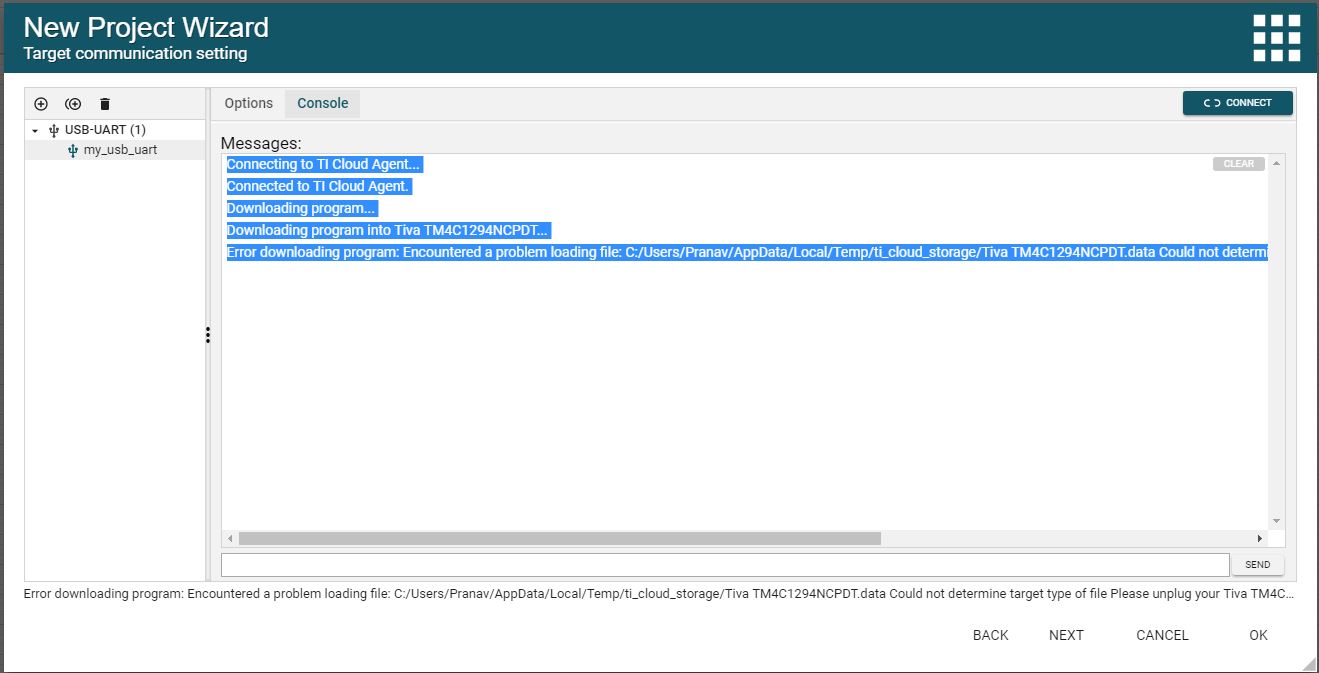
    I am using the monitor protocol and i receive a different error. Error downloading program: Encountered a problem loading file: C:/Users/Pranav/AppData/Local/Temp/ti_cloud_storage/Tiva TM4C1294NCPDT.data Could not determine target type of file

    I have tried disconnecting and reconnecting the device. 

  • Try specifying the .out instead of the .bin for the program.
  • I apologize I'm new to TI.

    and thanks for your assistance. 

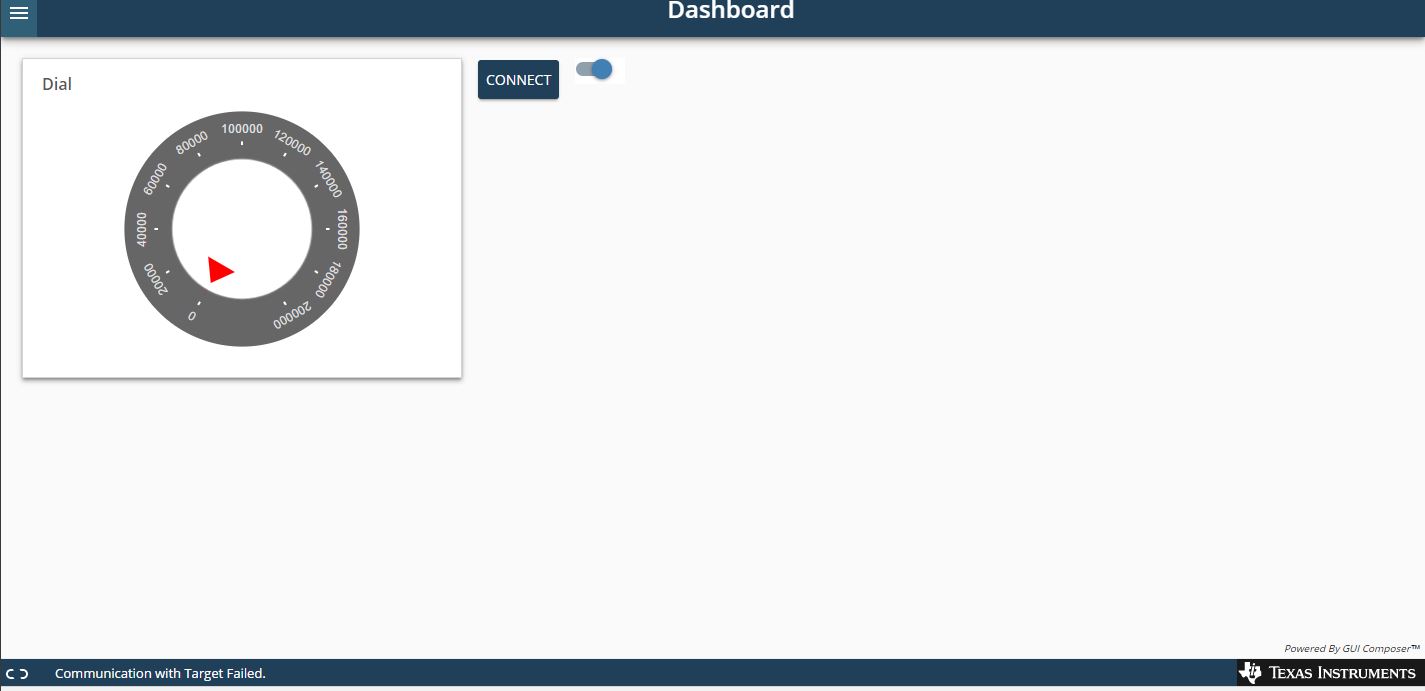
    I am getting this communication with target failed after it connects programs the device and flash successful.

    All i did was edit the blinky example by adding a variable delay and replacing the 200000 in the delay loop with delay. 

    The dial should control delay to vary the led flashing period.

  • Here is a video that one of my co-workers just created that shows how to get started with your first project in GUI Composer.


    www.youtube.com/watch


    I think when you went through the wizard you selected USB-uart as your communication. Try selecting XDS instead. To use USB-uart you need to be sending data over uart in your code. Also in order for GUI Composer to be able to access a variable it needs to be a global variable (so the it has a fixed address). The video above shows adding a global variable and then attaching it to an LED status control. You could control the delay loop as well via a control like you have but it would need to be a global variable that contains the value.

    Regards,
    John