Tool/software: TI-RTOS
Dear all,
I want to connect to IOT Cloud and create the web server.
But i have the problem, you can see the capture below,
Connecting to the cloud is fine, but i can not see my web in the explorer, how to fix?
thanks
BR,
Louis
This thread has been locked.
If you have a related question, please click the "Ask a related question" button in the top right corner. The newly created question will be automatically linked to this question.
Tool/software: TI-RTOS
Dear all,
I want to connect to IOT Cloud and create the web server.
But i have the problem, you can see the capture below,
Connecting to the cloud is fine, but i can not see my web in the explorer, how to fix?
thanks
BR,
Louis
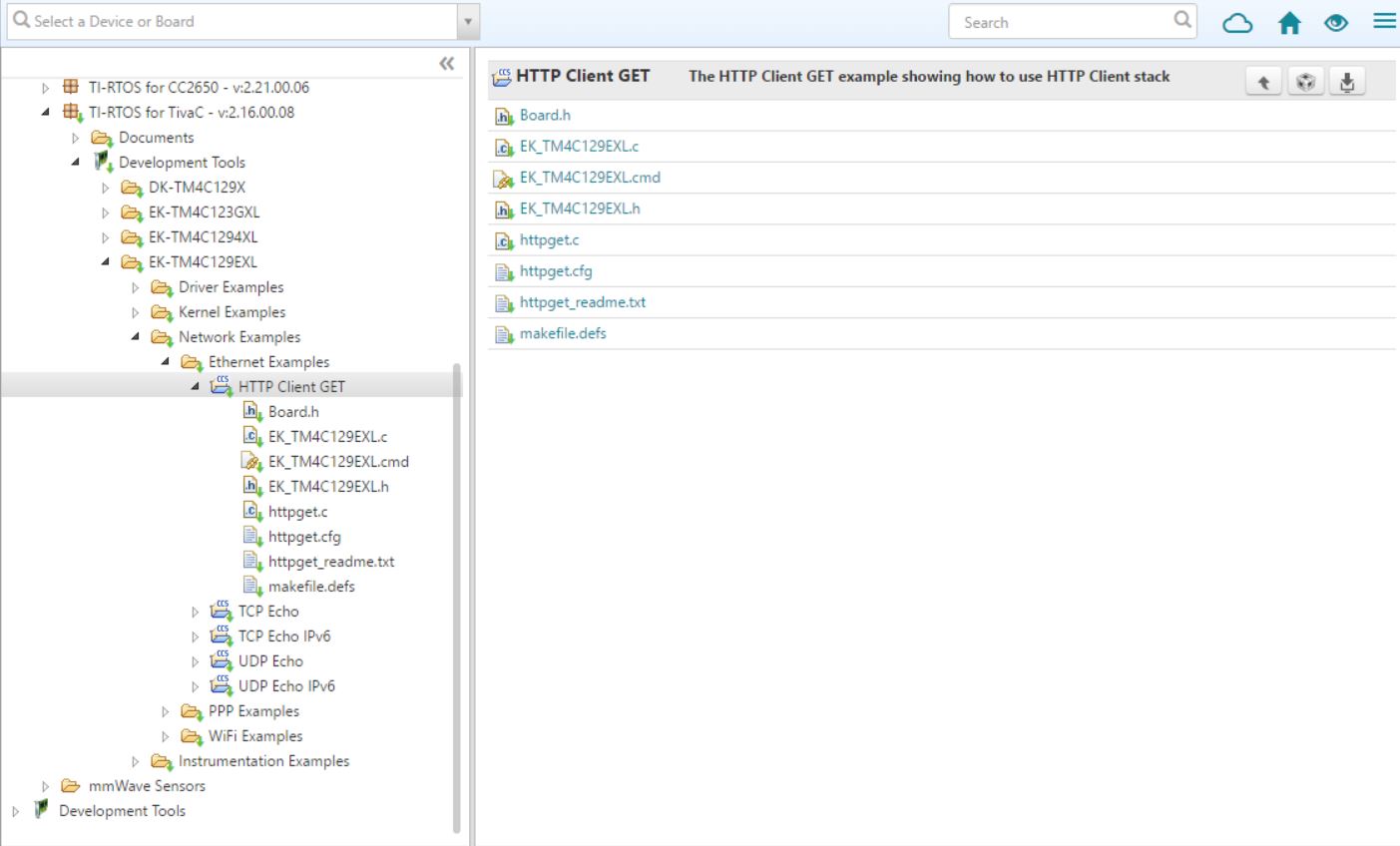
Dear Charles,
The example is client, i want build web server by the TM4C1294,
thanks
BR,
Louis
Dear Charles,
I have used the same method to build my web server.
When the system doesn't connect to the cloud server, i can use chrome to connect to my web server.
When the system connects to the cloud server, i can not use chrome to connect to my web server and the chrome also show ERR_EMPTY_RESPONSE.
Thanks.
BR,
Louis
Hello Louis,
I'd like to get a few pieces of information from you to determine what the problem is.
Regards,
Dalton
Dear Dalton,
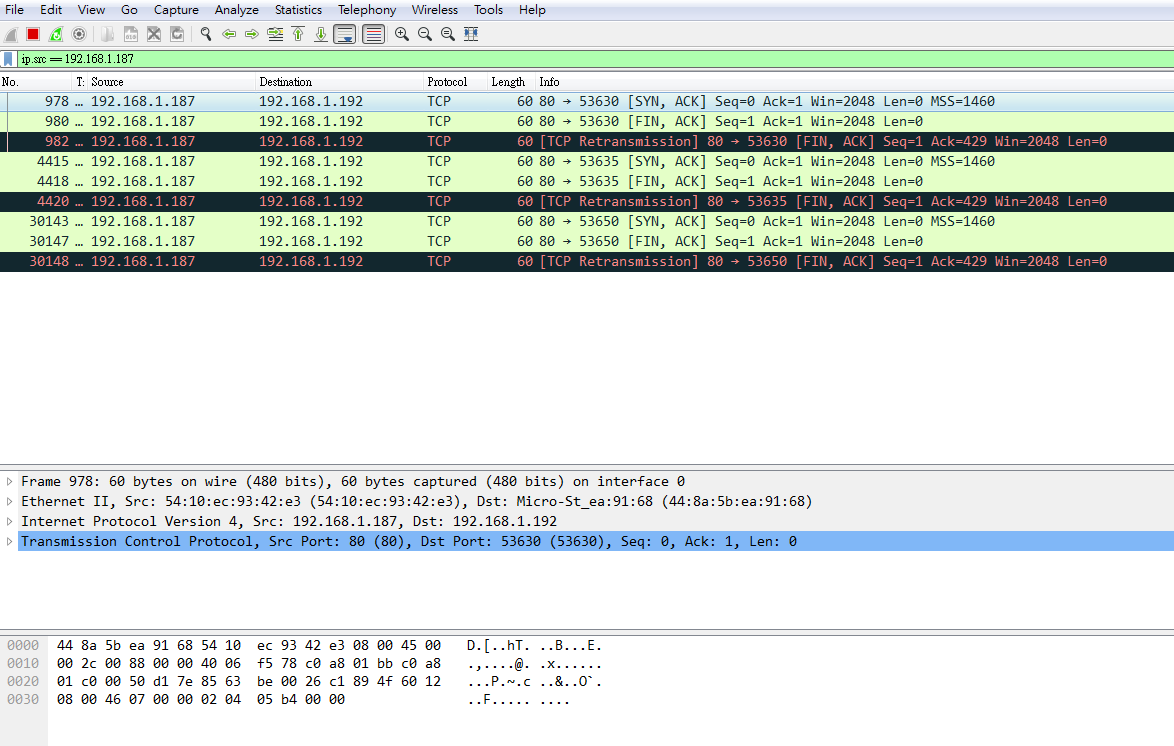
1. The Wireshark capture:
The device IP: 192.168.1.187, The PC IP: 192.168.1.192
2. The .cfg file:tcpEcho.cfg
BR,
Louis
Dear Dalton,
I try memRawPageCount back to 8 and ndkThreadStackSize back to 2048, the system works fine too.
It looks like only modifying the highTaskStackSize, the system can run both.
But why? lowTaskStackSize? normTaskStackSize? highTaskStackSize?
Does there have some information to talking about this issue?
Thanks
BR,
Louis
Hello Louis,
That seems strange. We will need to gain some more understanding about what was happening during the failure you had. Can you please attach the Wireshark capture corresponding to the screen shot you posted, above?
Regards,
Dalton
Dear Dalton,
The Wireshark capture:
The filter: ip.src == 192.168.1.244 or eth.src==54:10:EC:93:58:D0,
The Device IP is 192.168.1.244, and the PC IP is 192.168.1.192
thanks
BR,
Louis
Hey Louis,
Thanks for attaching that. We can see that the TCP connection is completing, but is then immediately being closed. We are looking into how that might relate to the changes you made.
Regards,
Dalton
Hey Louis,
Can you record the tcp stats before and after the connection attempt (for the failing case). To do this you will need to debug your program through CCS and halt the program right before you make a connection attempt and view the watch window and enter the global variable "tcps". This will show you the tcp stats. Then do this again after the connection failed. Please take screenshots of the full tcps struct before and after and upload them here.
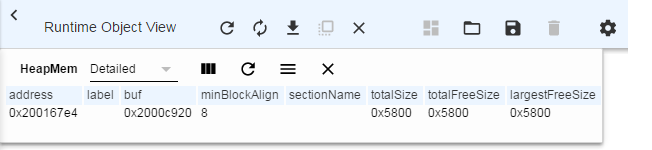
Additionally can you check the heap mem view in ROV before and after the connection. Please upload screenshots of this ROV view too.
Regards,
Dalton
Hey Louis,
You previously said that reducing the stack size had fixed your issue. This would also cause your heap size to increase. What this is telling me is that your application was running out of heap memory causing packets to be dropped. The TCP handshake will take up the bulk of the memory use, so it makes sense that your application was only failing on connection attempts.
Regards,
Dalton