This thread has been locked.

If you have a related question, please click the "Ask a related question" button in the top right corner. The newly created question will be automatically linked to this question.

TMS570LC4357: not able to set GPIO

Part Number: TMS570LC4357
Other Parts Discussed in Thread: HALCOGEN

Dear All,

I am working on TMS32057lc43x launchpad.

I am able to

generate gio code in halcogen

include code in ccs(ccsV8.0) 

But I am not able to toggle the GIO7  Port B,

this is my code:

int main(void)
{
/* USER CODE BEGIN (3) */
    gioInit();

    gioSetDirection(gioPORTB,0x000000FF);

    gioPORTB->DOUT |= 0x00000007;  /* Bit 6 */

    gioToggleBit(gioPORTB,0x000000FF);
}
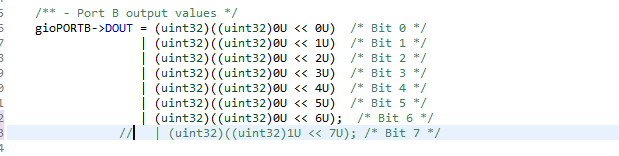
during of exection of gioInit() function  DClr is enabling(below is image), am suspecting due to of this I am not able to set the particular GPIO. 
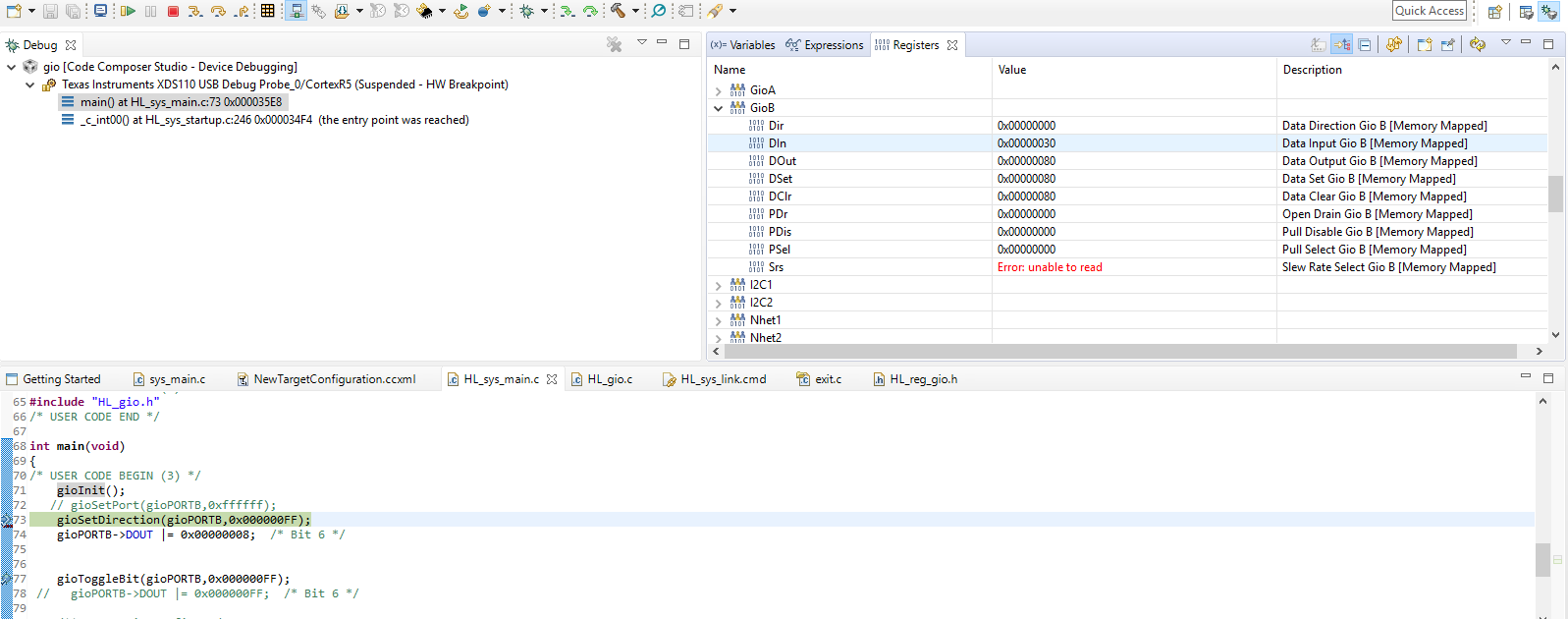
Step2:

commented GPIO direction in gioInit(),image is below
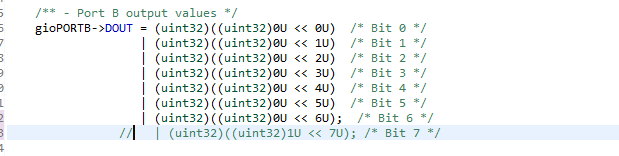
and changed program to below

int main(void)
{
/* USER CODE BEGIN (3) */
    gioInit();

    gioSetDirection(gioPORTB,0x000000FF);

    gioToggleBit(gioPORTB,0x000000FF);
}

in this situation not able to set and direction of gpio, image is below
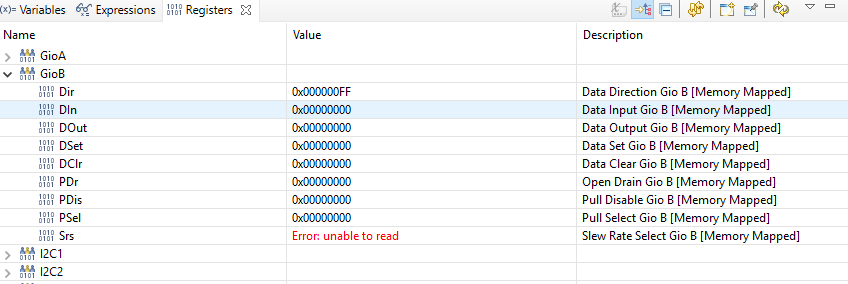
  

 also attaching halcogen image.

please give me direction to how to toggle the GIOB_7. thanks advance

  • Hi,
    Please try the following :
    1. Check PINMUX tab in HALCoGen, if GIOB is enabled
    2. Try this code :
    int main(void)
    {
    gioInit();
    gioToggleBit(gioPORTB,7U);
    }
    Since the DOUT and DIR values are configured in HALCoGen we do not need to manually set it again in main() as these values will be set in gioInit();

    Regards,
    Akshay
  • Hello,
    Please do as follows:
    In HALCoGen:
    - Enable GIO Driver in Driver Tab. Disable all others;
    - Enable GIOB checkbox in PINMUX Tab;
    - Set data direction for desired pins - for output chech DIR checkbox, for input uncheck DIR checkbox;
    - Set initial value for desired pin if it is configured as output with selecting '0' or '1' in DOUT dropdown field;
    - Generate code.

    In CCS:
    - call gioInit();
    - call some API for driving the desired pin;
    for example:
    If you want to set GIOB7 high: gioSetBit(gioPORTB, 7, 1);
    If you want to set GIOB7 low: gioSetBit(gioPORTB, 7, 0);
    if you want to toggle GIOB7: gioToggleBit(gioPORTB, 7);
    if later in your program you want to set GIOB7 as input and all other pins as output then call: gioSetDirection(gioPORTB, 0x0000007F);

    Best regards,
    Miro

  • Hi Miroslav,

    thanks for reply, now GIO is toggling.

    thanks again.