Part Number: F29H85X-SOM-EVM
Other Parts Discussed in Thread: SYSCONFIG
Tool/software:
Dear Ti support team,
I used the evaluation board F29H85X-SOM-EVM Version A 003 (avaible for EtherCAT). I want to test the EtherCAT communication when the MCU boot from Flash. What I have done:
- Open the example project: 'Echoback Solution Example' in Theia code composer studio.
- generate project file with SSC tool V5.13. The project was built successfully in RAM. EtherCAT communication test with Twincat worked fine ( MCU can get into OP mode) , no issue.
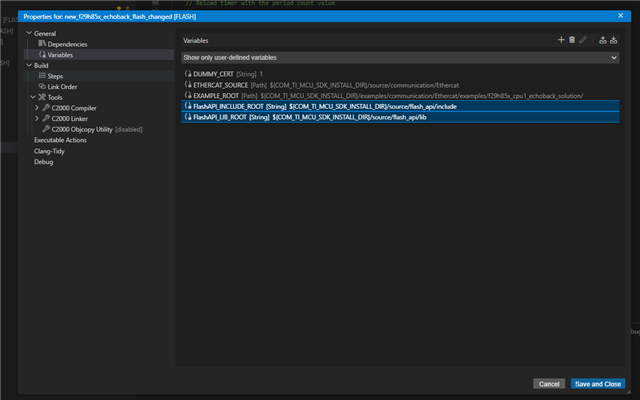
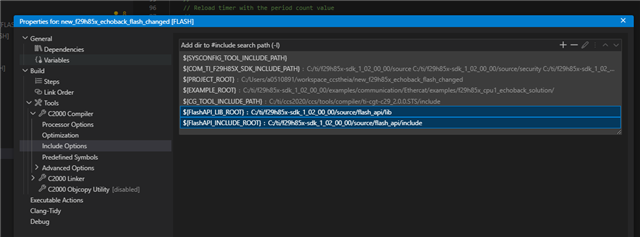
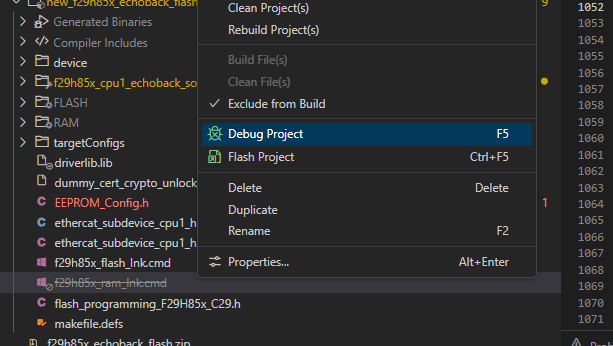
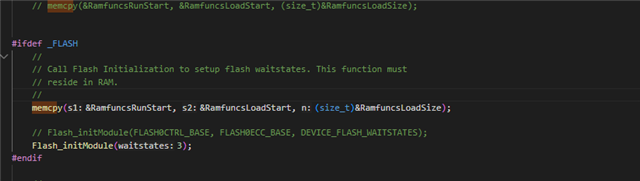
- To make the project boot from Flash, I made change in Theia project as below:
+ change linker command as:
/* Specify the system memory map */
MEMORY
{
SRAM_LDAx : o=0x200E0000, l=0x20000
SRAM_LPAx : o=0x20100000, l=0x10000
SRAM_CPAx : o=0x20110000, l=0x10000
SRAM_CDAx : o=0x20120000, l=0x30000
CERT : o=0x10000000, l=0x001000
FLASH_RP0 : o=0x10001000, l=0x0FF000
FLASH_RP1 : o=0x10100000, l=0x100000
FLASH_RP2 : o=0x10200000, l=0x100000
FLASH_RP3 : o=0x10300000, l=0x100000
}
/* Specify the sections allocation into memory */
SECTIONS
{
codestart : {} > 0x10001000, palign(8)
cert : {} > CERT, palign(8)
.text : {} > FLASH_RP0, palign(8)
.binit : {} > FLASH_RP0, palign(8)
.cinit : {} > FLASH_RP0, palign(8)
.const : {} > FLASH_RP0, palign(8)
.rodata : {} > FLASH_RP0, palign(8)
.init_array : {} > FLASH_RP0, palign(8)
.TI.ramfunc : {} LOAD=FLASH_RP0, RUN=SRAM_LPAx, table(BINIT), palign(8)
.data : {} > SRAM_LDAx
.bss : {} > SRAM_LDAx
.stack : {} > SRAM_LDAx
.sysmem : {} > SRAM_LDAx
.cio : {} > SRAM_LDAx
}
+ change C2000 linker flags:
-Wl,-m"${ProjName}.map" -Wl,--heap_size=0x400 -Wl,--stack_size=0x2000 -Wl,-i"${SYSCONFIG_TOOL_LIBRARY_PATH}" -Wl,-i"${COM_TI_F29H85X_SDK_LIBRARY_PATH}" -Wl,-i"${CG_TOOL_SEARCH_PATH}" -Wl,--reread_libs -Wl,--diag_suppress=10325-D -Wl,--diag_suppress=10063-D -Wl,--diag_wrap=off -Wl,--display_error_number -Wl,--warn_sections -Wl,--xml_link_info="${ProjName}_linkInfo.xml" -Wl,--rom_model
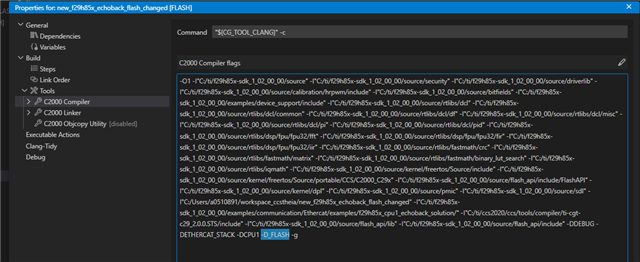
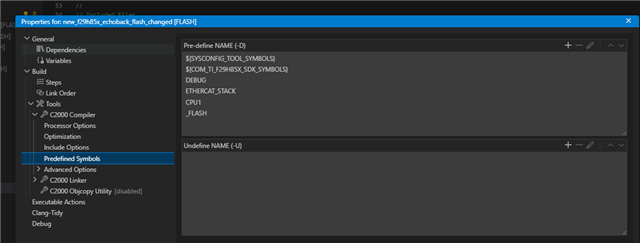
+Change C2000 Compiler flags:
-O1 -I"${SYSCONFIG_TOOL_INCLUDE_PATH}" -I"${COM_TI_F29H85X_SDK_INCLUDE_PATH}" -I"${PROJECT_ROOT}" -I"${CG_TOOL_INCLUDE_PATH}" -D${SYSCONFIG_TOOL_SYMBOLS} -D${COM_TI_F29H85X_SDK_SYMBOLS} -DDEBUG -g -Qunused-arguments
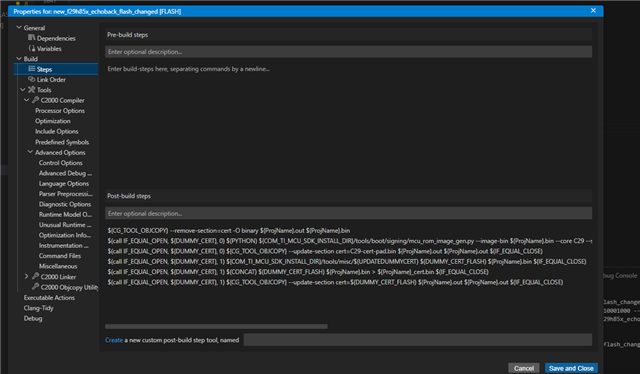
+ Change post-build step:
${CG_TOOL_OBJCOPY} -O binary ${ProjName}.out ${ProjName}.bin
$(PYTHON) ${COM_TI_MCU_SDK_INSTALL_DIR}/tools/boot/signing/mcu_rom_image_gen.py --image-bin ${ProjName}.bin --core C29 --swrv 1 --loadaddr 0x200E1000 --sign-key ${COM_TI_MCU_SDK_INSTALL_DIR}/tools/boot/signing/mcu_gpkey.pem --out-image ${ProjName}_cert.bin --device f29h85x --boot RAM --img_integ no
$(DELETE) C29-cert-pad.bin
$(PYTHON) ${COM_TI_MCU_SDK_INSTALL_DIR}/tools/boot/signing/mcu_rom_image_gen.py --image-bin ${ProjName}.bin --core C29 --swrv 1 --loadaddr 0x200E1000 --sign-key ${COM_TI_MCU_SDK_INSTALL_DIR}/tools/boot/signing/mcu_gpkey.pem --out-image ${ProjName}_cert.bin --device f29h85x --boot RAM --img_integ no
$(DELETE) C29-cert-pad.bin
I rebuild the project and flash the MCU. The boot from flash was success but I cant get the communication with Twincat ( stop at Safe OP) cant get into OP mode like boot from RAM.
Would you please double check if there is some error is my configuration?
Thank you and best regards
Trieu