Part Number: F29H850TU
Core 3 stuck in free-running state when attempting to connect it to load symbols
I am using"Project-less Debug" Workflow on CCS
-
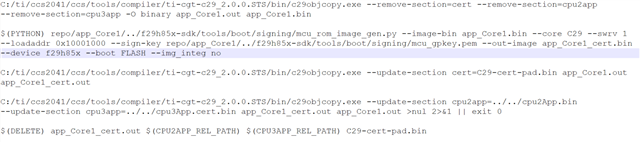
Build the combined project (the one that includes binaries for all cores).
-
In the Project Explorer, right-click your
.ccxmltarget configuration file and select Start Project-less Debug. -
In the Debug window, manually connect to CPU1 first.
-
Load the Program (.out) onto CPU1.
-
Run CPU1 until it hits the
ESTOPor the point in the code where it initializes the other cores. -
Only then connect to CPU3 and select Run > Load > Load Symbols.