A related question is a question created from another question. When the related question is created, it will be automatically linked to the original question.
If you have a related question, please click the "Ask a related question" button in the top right corner. The newly created question will be automatically linked to this question.
F29H850TU: Where the SYSCLK, MCANBDIV and other stuff in syscfg GUI
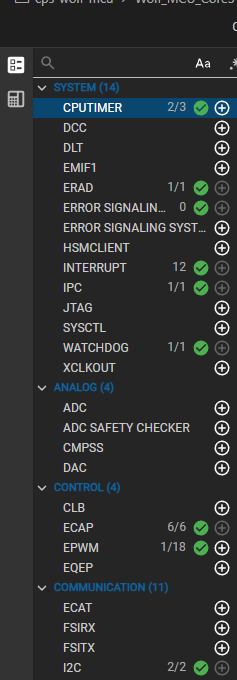
If the Clock Tree tab isn't visible in your current setup, this typically indicates a version mismatch between CCS, SysConfig, and C2000Ware. I'd recommend:
Refresh product discoveryin CCS: Go toWindow > Preferences > Code Composer Studio > Productsand clickRefresh. This ensures CCS recognizes all installed tools and plugins.
Import your existing .syscfg fileinto the updated environment—your configuration will carry forward.
Once updated, open your .syscfg file and you should see the Clock Tree tab where you can select your clock source (SYSCLK, XTAL, INTOSC2) and configure dividers like MCANBDIV.
Let me know if the Clock Tree tab appears after updating, or if you hit any other issues.