This thread has been locked.

If you have a related question, please click the "Ask a related question" button in the top right corner. The newly created question will be automatically linked to this question.

LAUNCHXL-F28379D: LaunchPadDemo Program

Part Number: LAUNCHXL-F28379D
Other Parts Discussed in Thread: CONTROLSUITE, C2000WARE

I am Using LaunchPad- F28379D Development kit.

I am trying to run the LaunchPadDemo program in Code Composer Studio but its not working.

I am trying to clear up the RAM and Flash as well, so that I can the the LaunchPadDemo program from the ControlSuite.
Its not working.

I am getting an error. I can debug the program but cannot run it. Theres no error in the debugging. Only problem with running it on the board.

Please , can anyone help me with this?

I am providing a photo for the error I am getting.

Thanks in Advance

In the above photo , I am using this board.
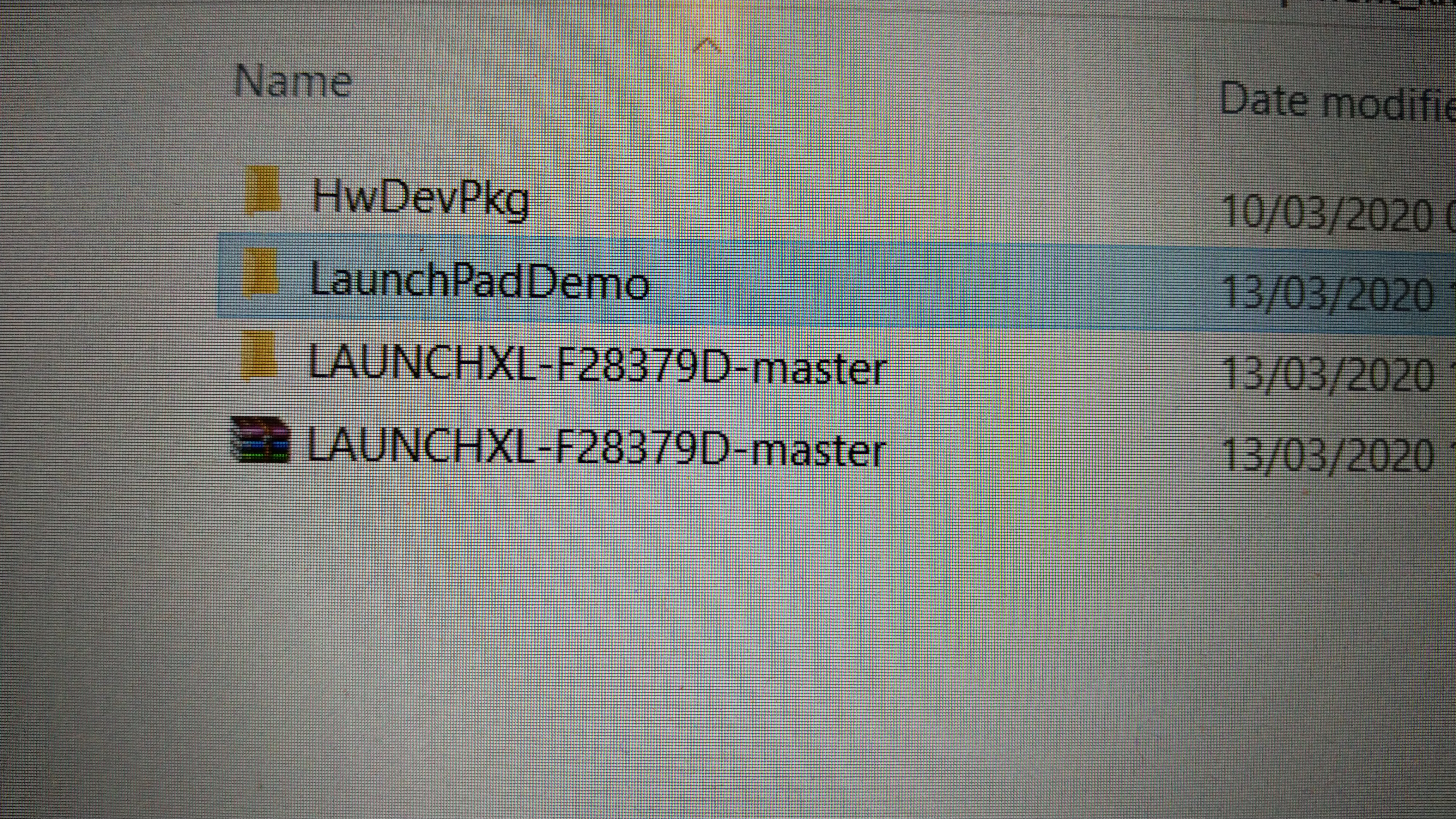
In the above photo, I am trying to run this program in my CCS.

This is the problem I am having.
0x3FE493 (no sysmbols are defined) and   0x3FEC52 (no sysmbols are defined).
In both CPU1 and CPU2 these error are showing when I am trying to run the code.

N.B. I have put all the 3 switches in 1 position for Flash and RAM selection.

  • Fahad,

    Did you load the out file to CPU1 and CPU2 ? (CCS menu  Run -> load , select the demo binary for each core)?

  • Yes, I load the out file to CPU1 and CPU2

  • It does not go to main() function?

  • hi: Jha. 

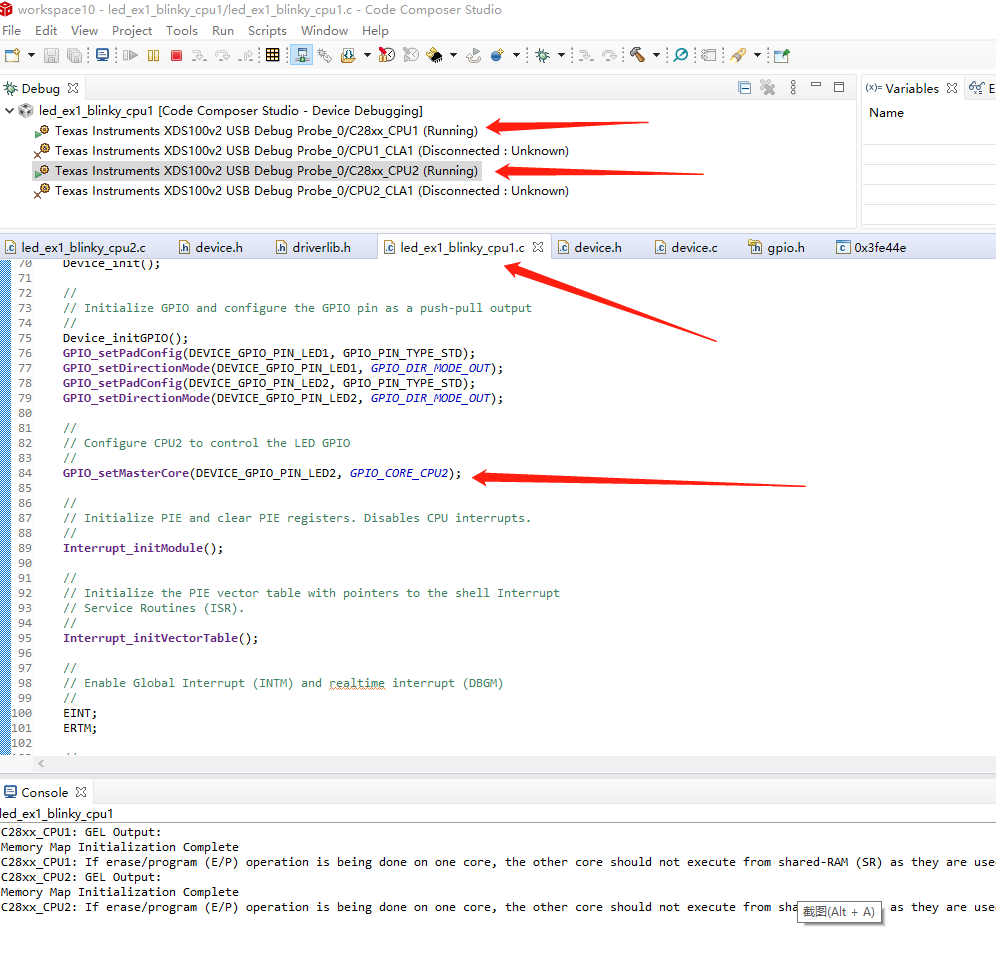
    I have same problem .   program can not run .   but when I use c2000ware 's  F28379D program blinky ,   it is can run . then I chang to duble core cpu02 to download" blinky cup02" , it can not download . and show :

    "If erase/program (E/P) operation is being done on one core, the other core should not execute from shared-RAM (SR) as they are used for the E/P code.  Also, CPU1 will be halted to determine SR ownership for the CPU which will run the Flash Plugin code, after which CPU1 will be set to run its application. User code execution from SR could commence after both flash banks are programmed."

    how can I do ?

    best regard. 

  • Have you downloaded C2000ware SDK and installed? It can be downloaded from here

    Then import the project from C:\ti\C2000Ware_2_01_00_00\driverlib\f2837xd\examples\dual\led.

    Rebuild the project for CPU1 and CPU2, and try these binaries.

  • thank you Jha:

    you have mention C2000ware SDK.  that is just a flope of document .  C2000ware_2_01_00_00 is saftware . so

    1:I redownload it .  before , I download file vession is C2000ware_2_00_00_02 .  

    2: I download ccs10 and run it .   before, i use CCS6.2. 

    3: In complier , I add "porducts" -> "c2000ware" tool .

    4: Import the project from C:\ti\C2000Ware_2_01_00_00\driverlib\f2837xd\examples\dual\led.

    5: Build project CPU1 , chose cpu1 debugs .  it is can run , the led10 blinky.

    6:Build project CPU2 , chose cpu2 debugs. it is can run ,but led9 can not blinky. at this time I hold the cpu1.  

    7: I changed  "led_ex1_blinky_cpu2.c"  DEVICE_GPIO_PIN_LED2"  to "DEVICE_GPIO_PIN_LED1"   ,such as" cpu1.c"  , then download it to run ,  this time led cann't  run . 

    8 : I set breakpoint in cpu2.c ,  program can stop at it's port.  that inpove it is runing . 

    At end , I want to ask : if  cpu1 and cpu2 can not use same gpio or some other problem ?   ( 28379d launchpad xL)

    best regard!

  • Hi,

    If you have downloaded, the firmware for CPU1 and CPU2, then it should behave as follow

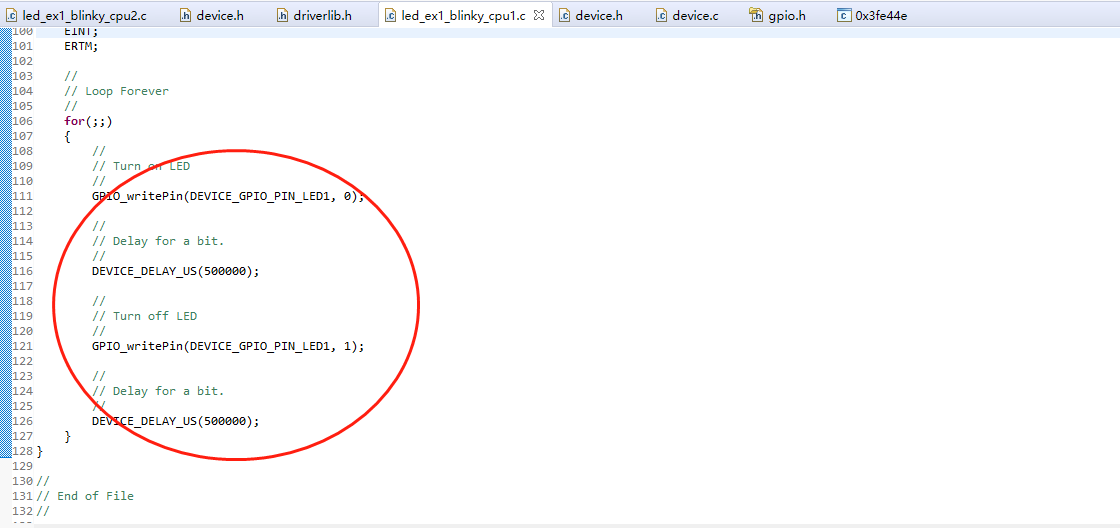
    CPU1 will toggle DEVICE_GPIO_PIN_LED1 --> GPIO31 (D10, BLUE)

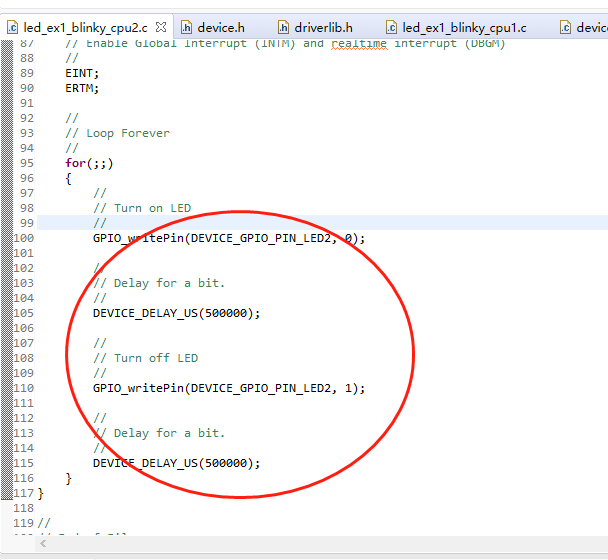
    CPU2 will toggle DEVICE_GPIO_PIN_LED2 --> GPIO34 (D9, RED)

    You have to load CPU1 first, and it sets master core for GPIO

    //
    // Configure CPU2 to control the LED GPIO
    //
    GPIO_setMasterCore(DEVICE_GPIO_PIN_LED2, GPIO_CORE_CPU2);

    If you want CPU2 to toggle DEVICE_GPIO_PIN_LED1, then you need to make corresponding changes in CPU1 main() function to set the master core for GPIO and also in CPU2 code for doing actual toggling of GPIO. Then it should work.

  • hi thanks your replys JHa. 

    But ,  it is still no work. 

    As your said.    the original program of C2000ware done like that . 

    The cpu1 and cpu2 configuration as your said.    this is c2000ware orignal code. 

    I first download cpu1. then download cpu2. after these operation ,  I click "run" at cpu1. and click "run" at cpu2.   at this time the LED1  can run . but LED2 can not run .  can you try it  use your launch pad 28379d?

    thanks & regard!

  • Hi,

    I just tested on my Launchpad.

    When CPU1 is running, D10 LED (Blue) blinks.

    When CPU2 is running, D9 LED (Red) Blinks.

    If it is not working on your setup, I will recommend you to halt CPU2, and then step-through the code.